Custom Page Builder Tutorial
Video Tutorial
(1 min)
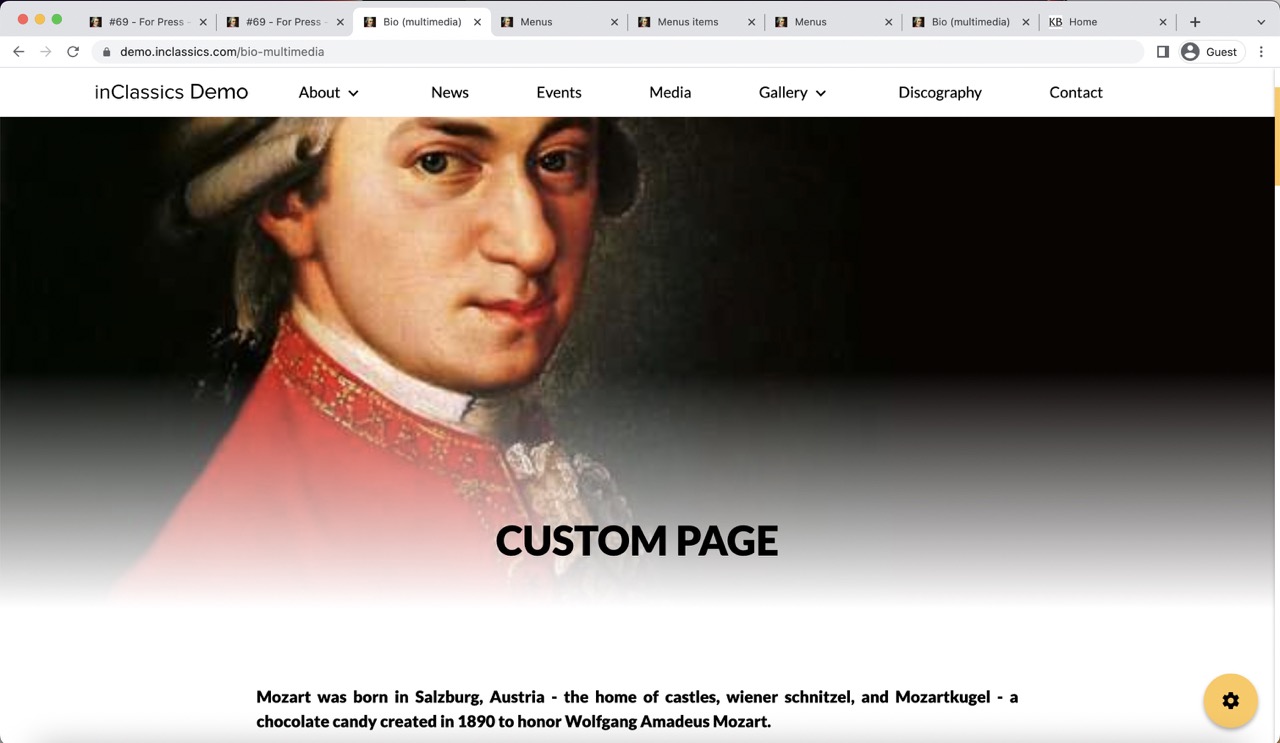
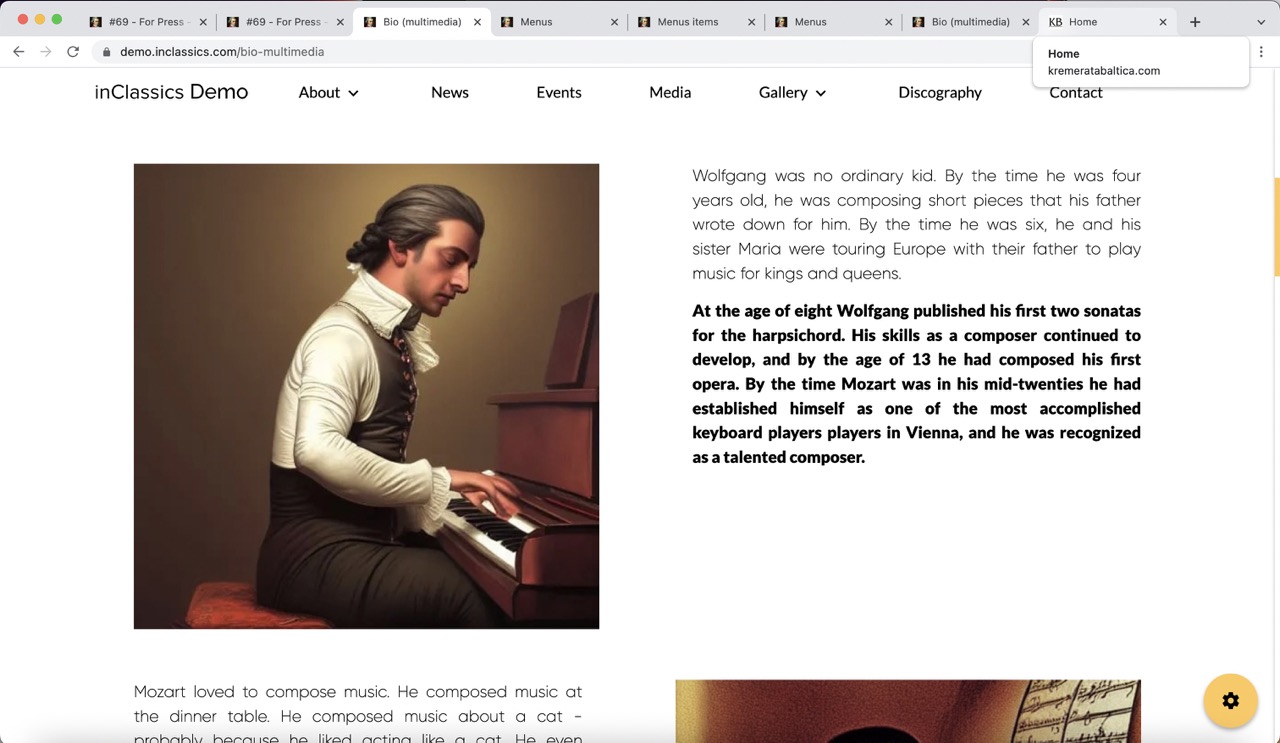
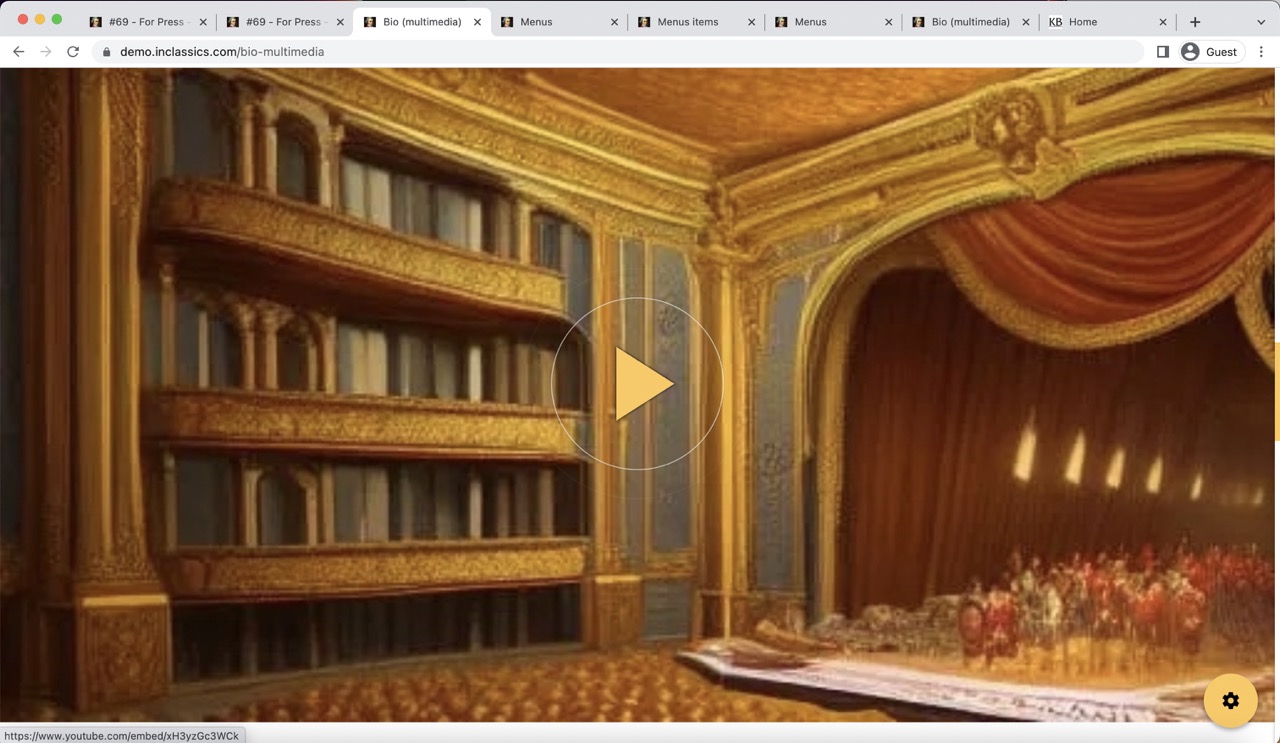
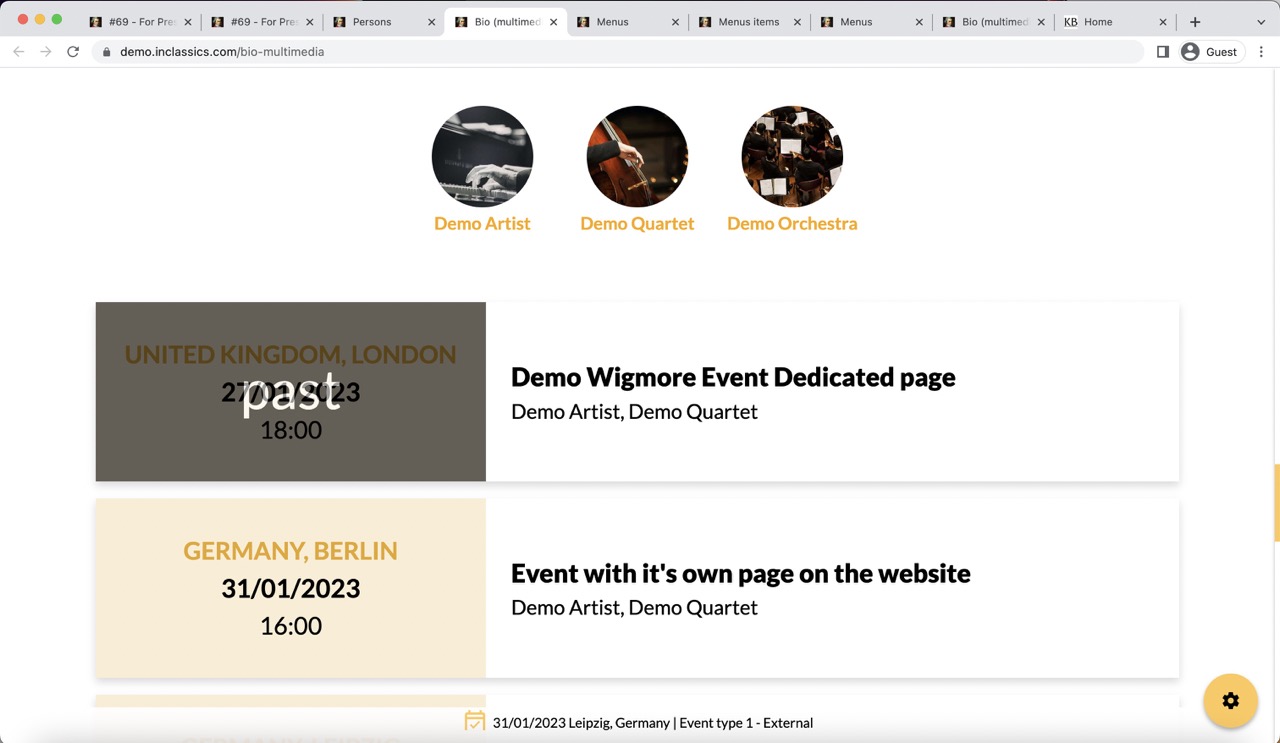
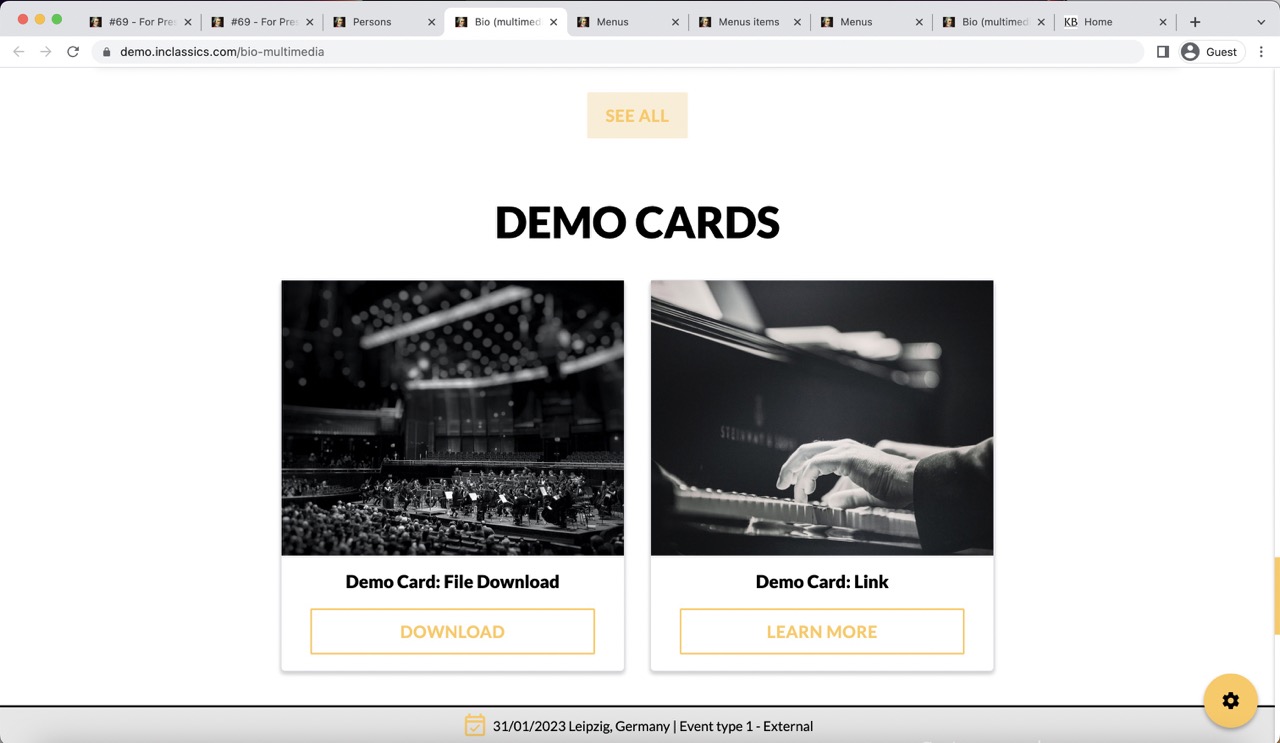
You can create your own custom pages on your website.
You don't need to design these pages. You simply add the content like text, images and videos etc.
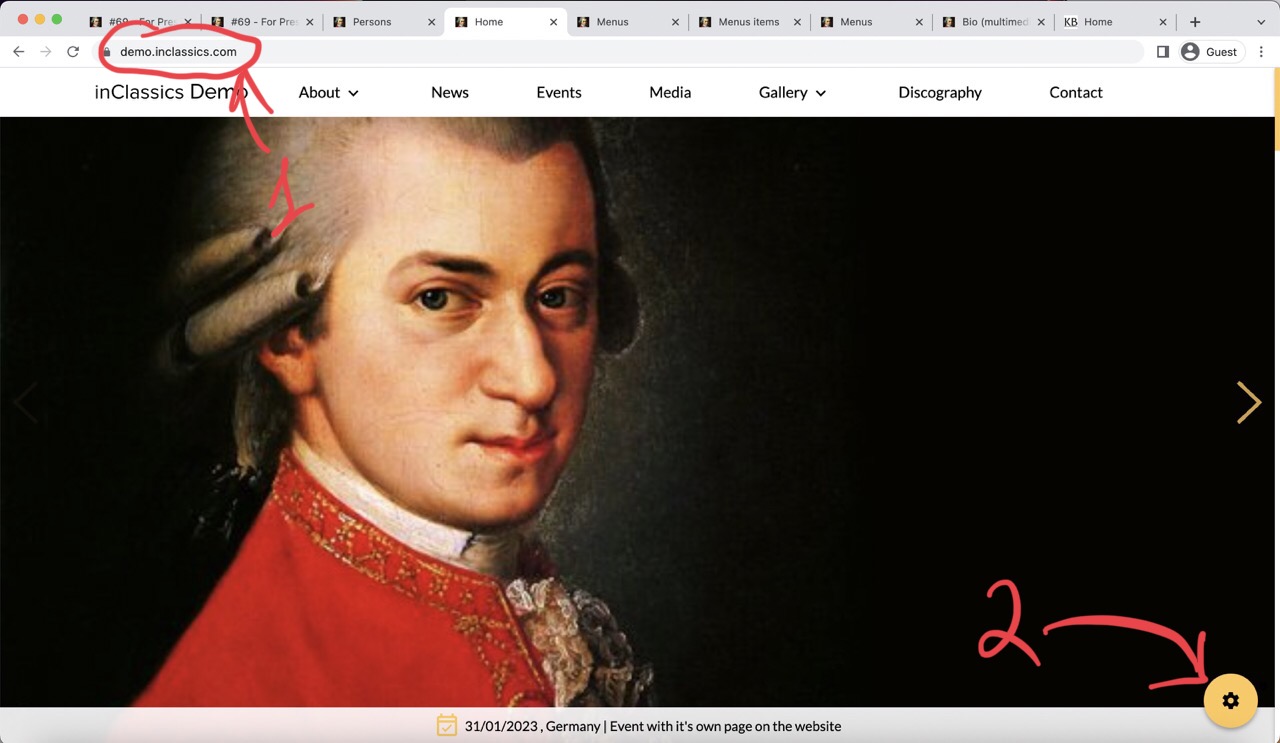
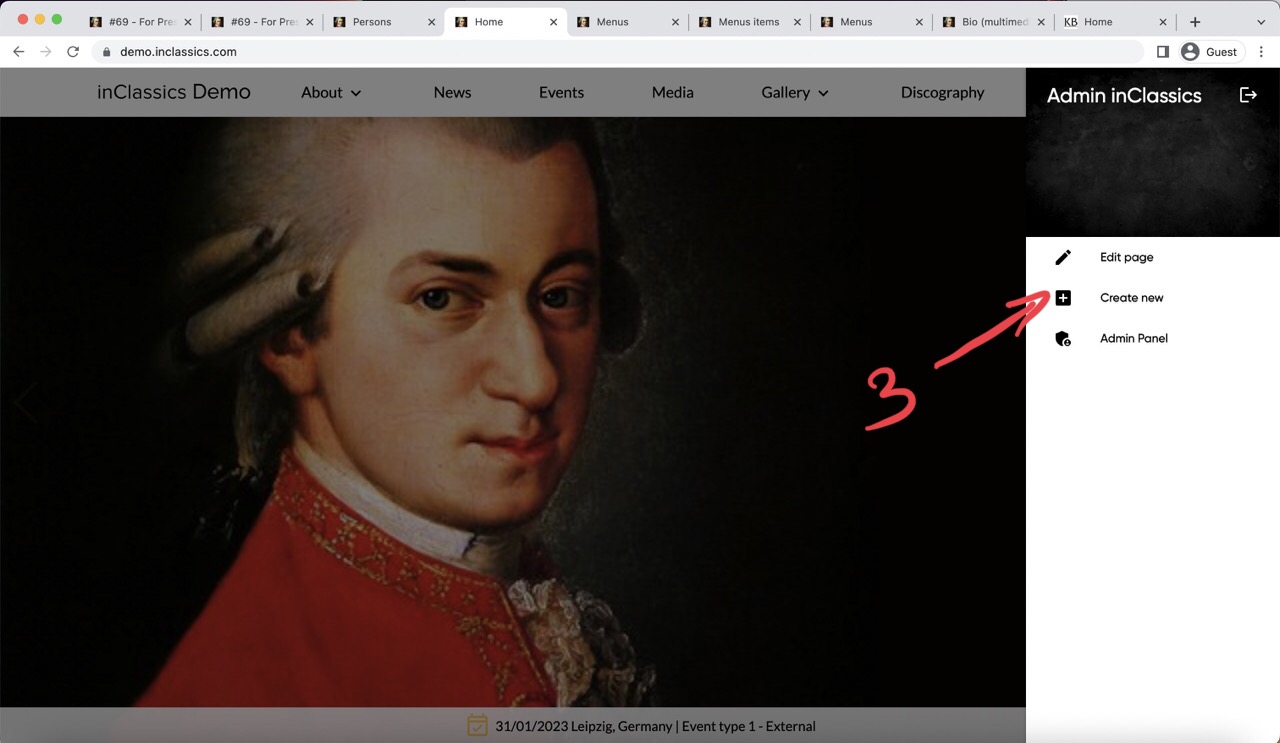
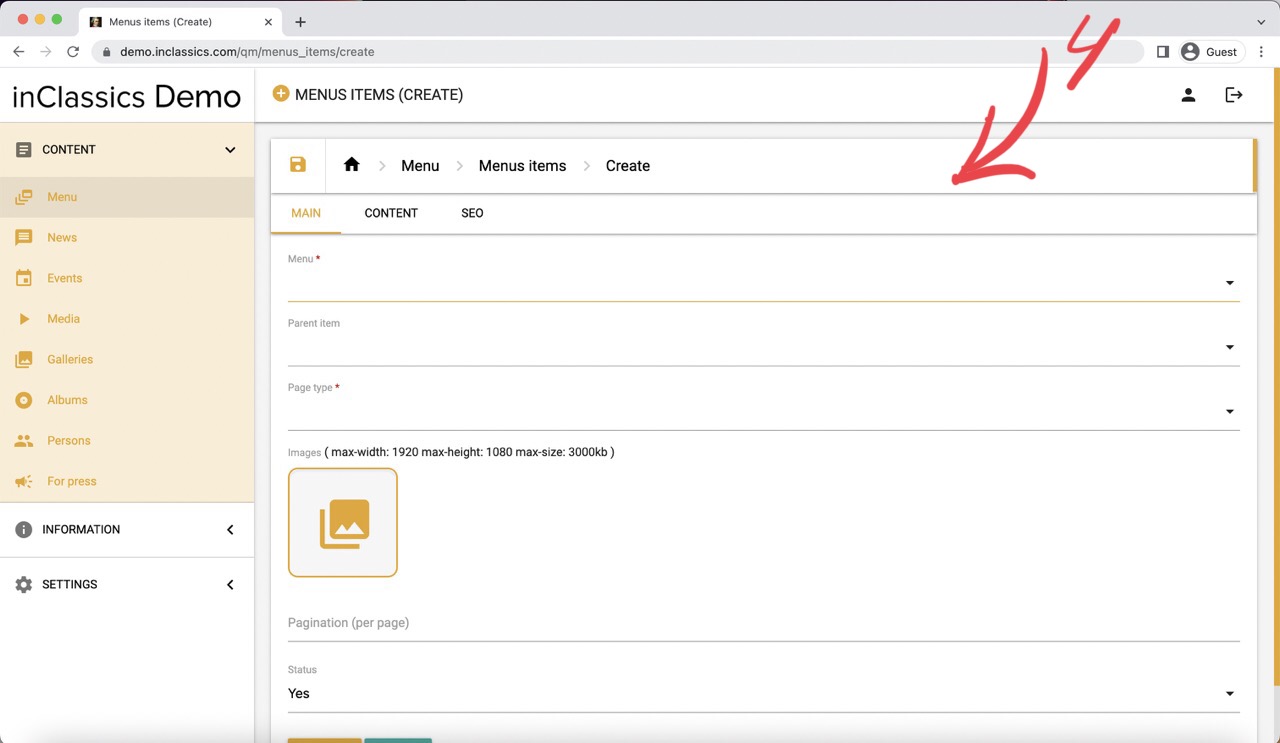
To create a custom page:
- go to your homepage (1)
- click on the settings button (2)
- click create new (3)
This will bring you to the custom page builder (4)
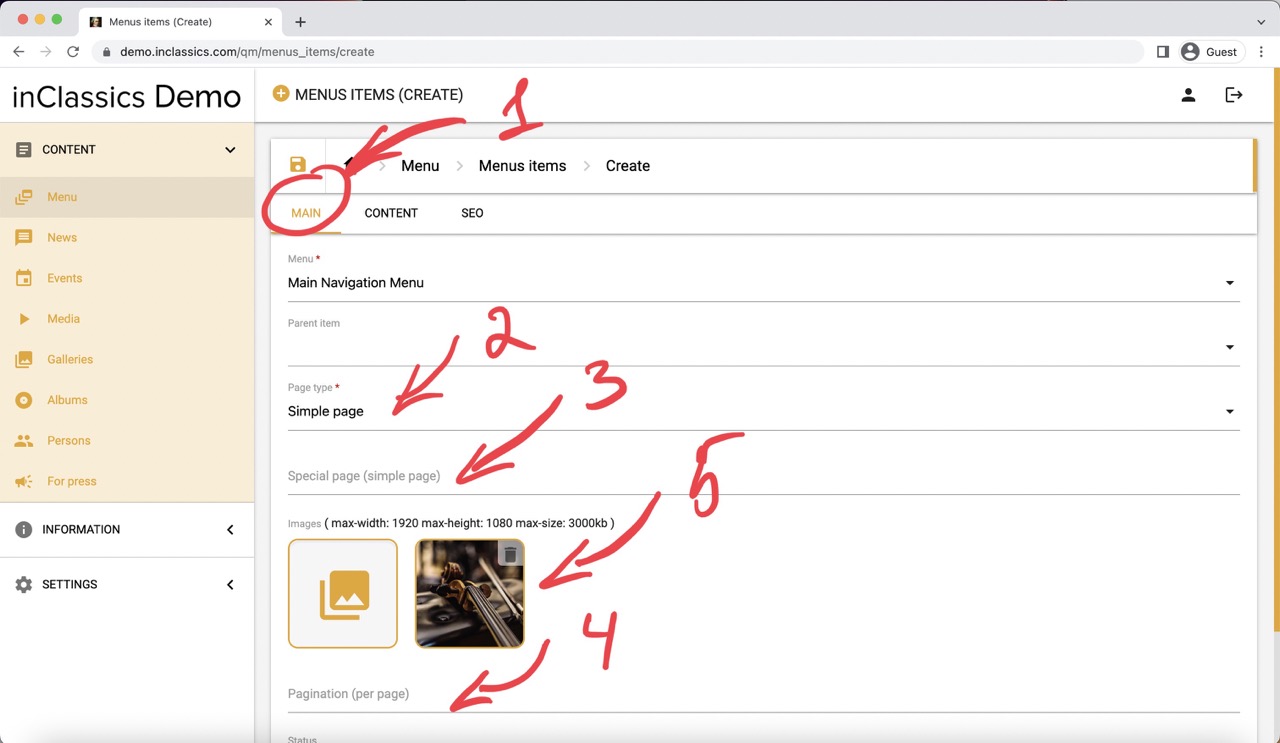
In the menu tab (1):
- choose a page type - simple page (2)
- leave Special page (simple page) field empty (3)
- leave the pagination field empty (4)
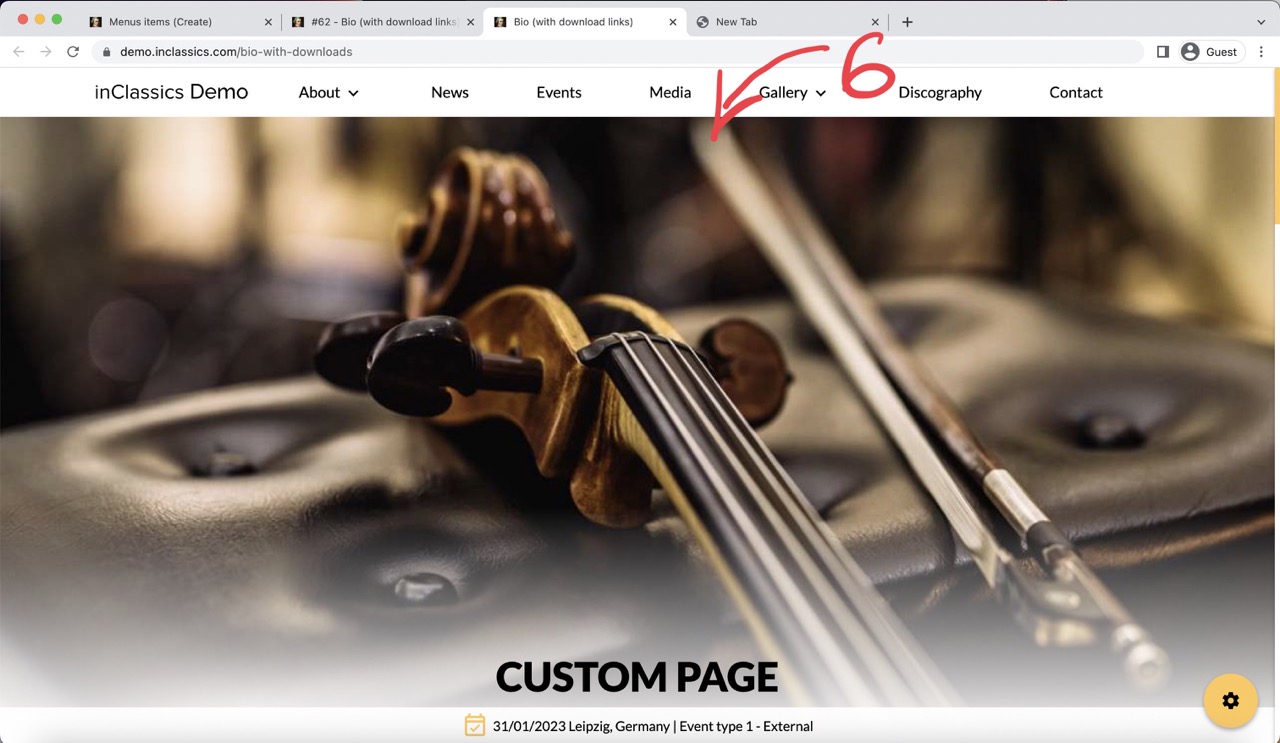
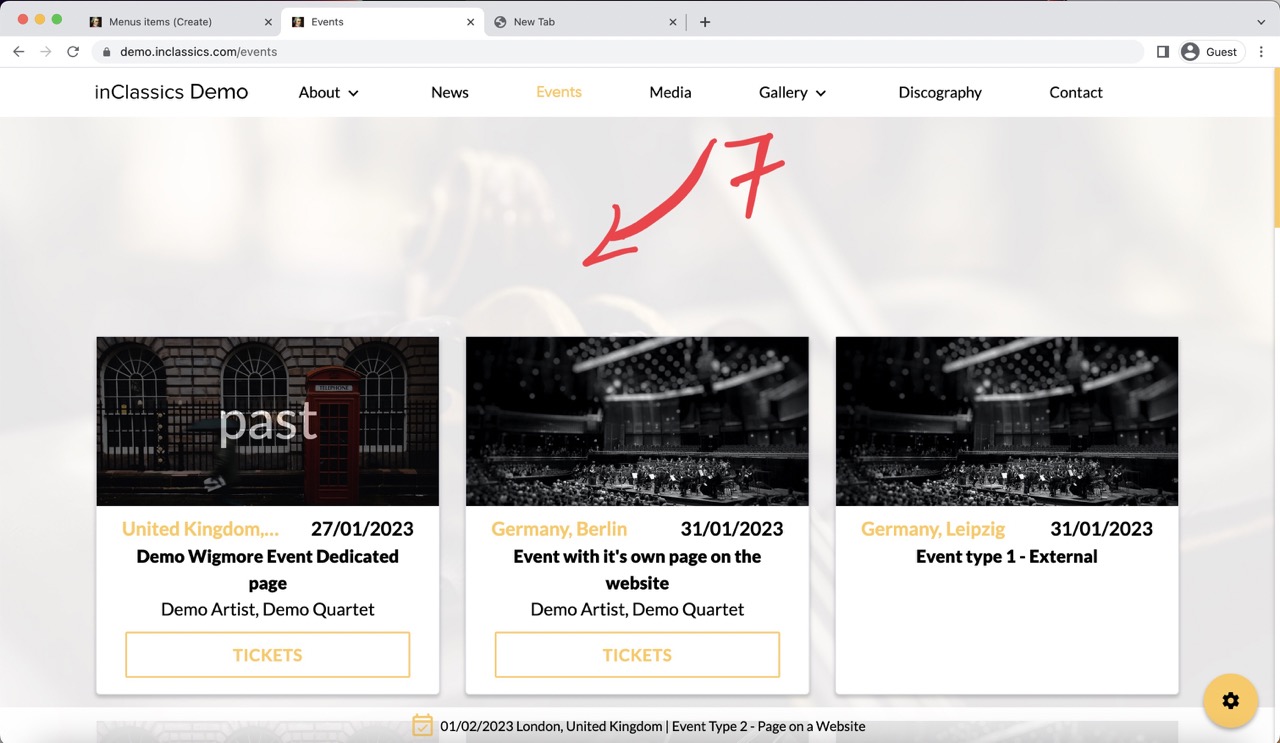
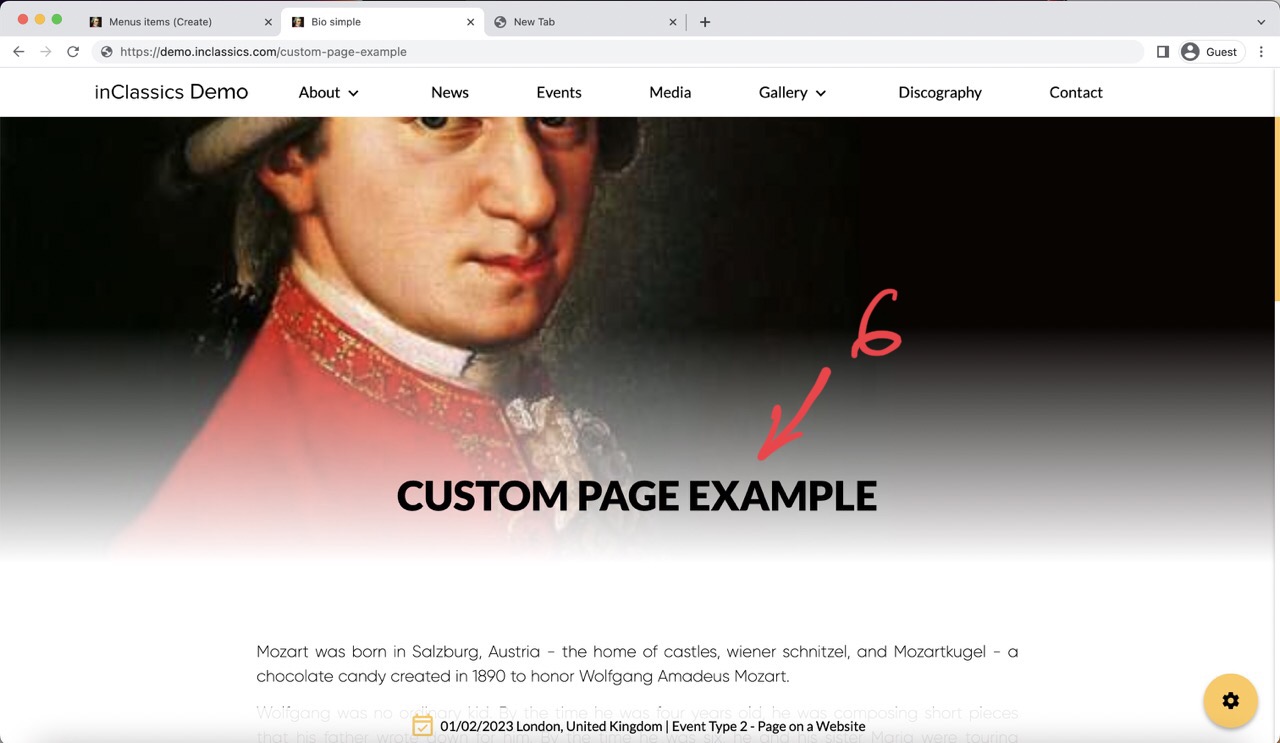
- add one image (5), that depending on your design will be displayed either as a header image (6) or background image (7) on the page
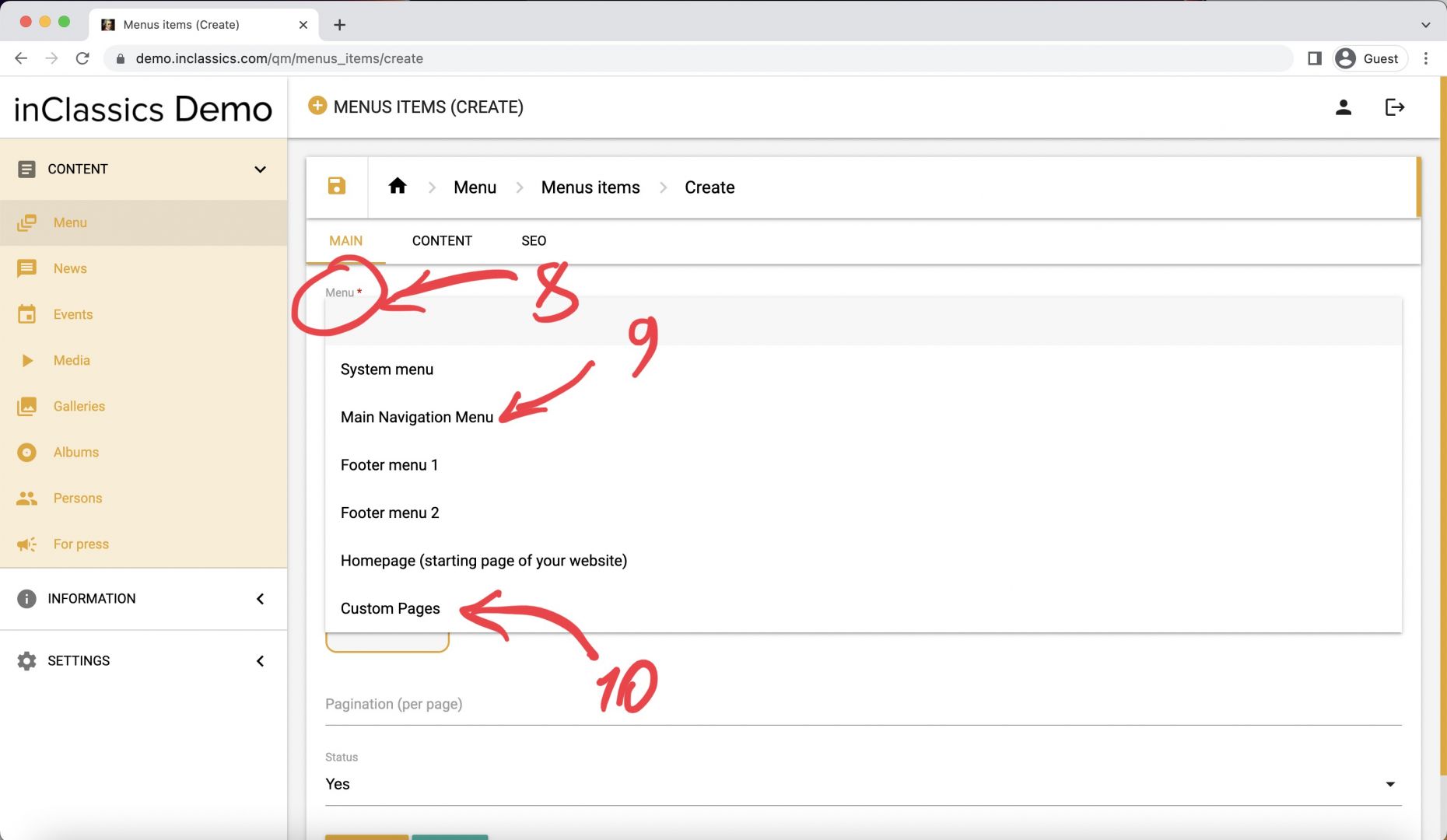
- choose the menu (8) you want to add your page to (choose Main Navigation Menu (9) if you want to see your page in the navigation menu of your website or choose Custom Pages (10) if you don’t). Watch a tutorial if you want to learn more
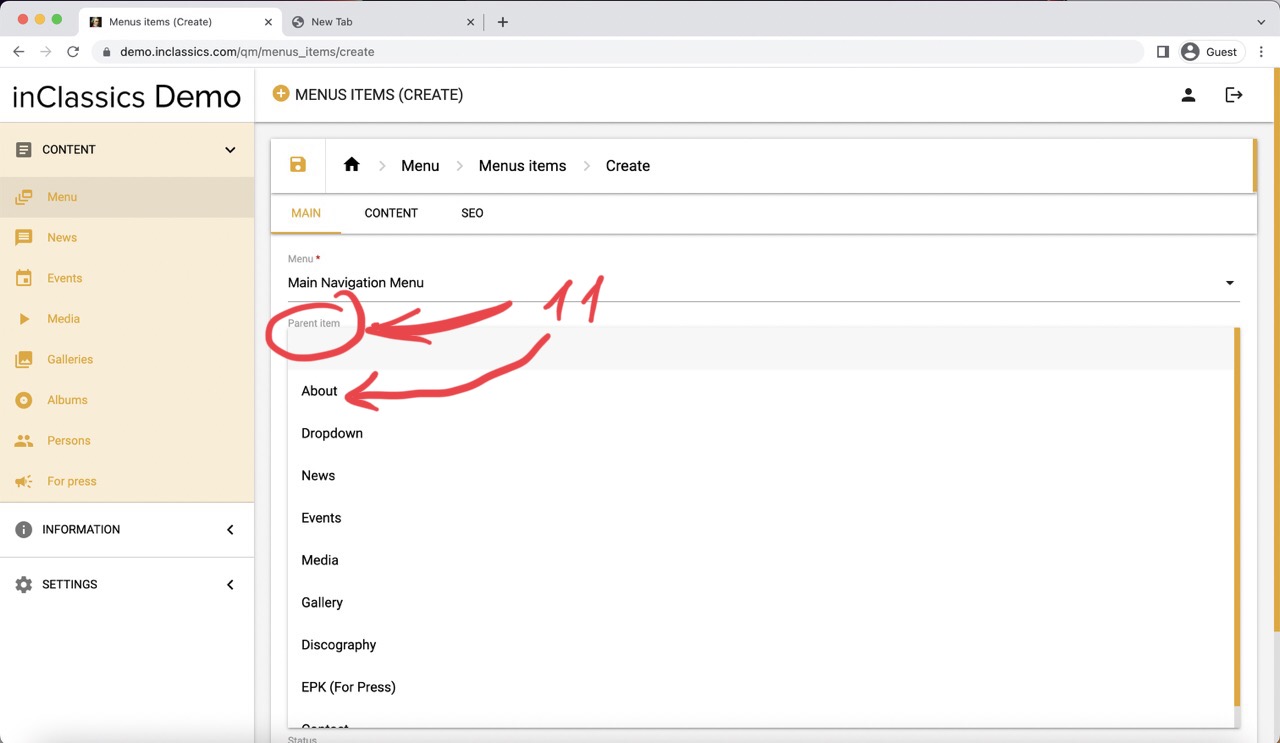
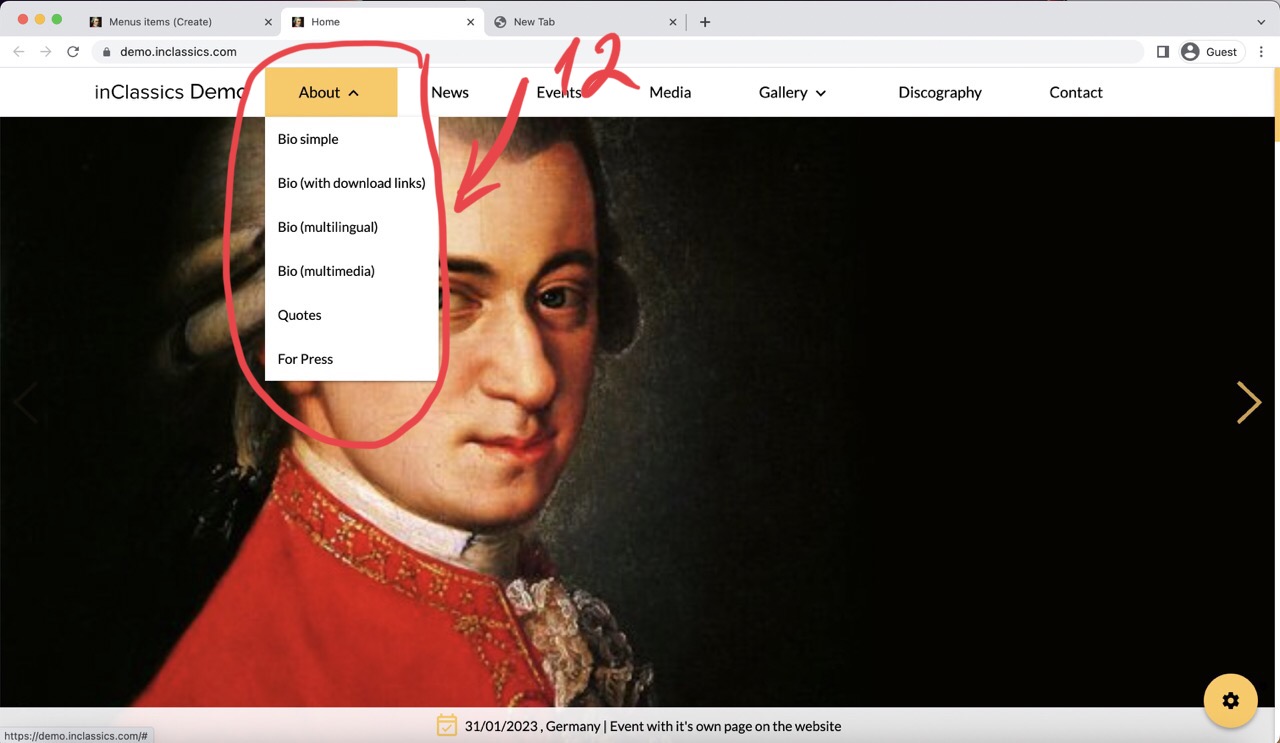
- parent item (11) can be used only for the pages that you add to the Main Navigation Menu to create a dropdown menu (12).
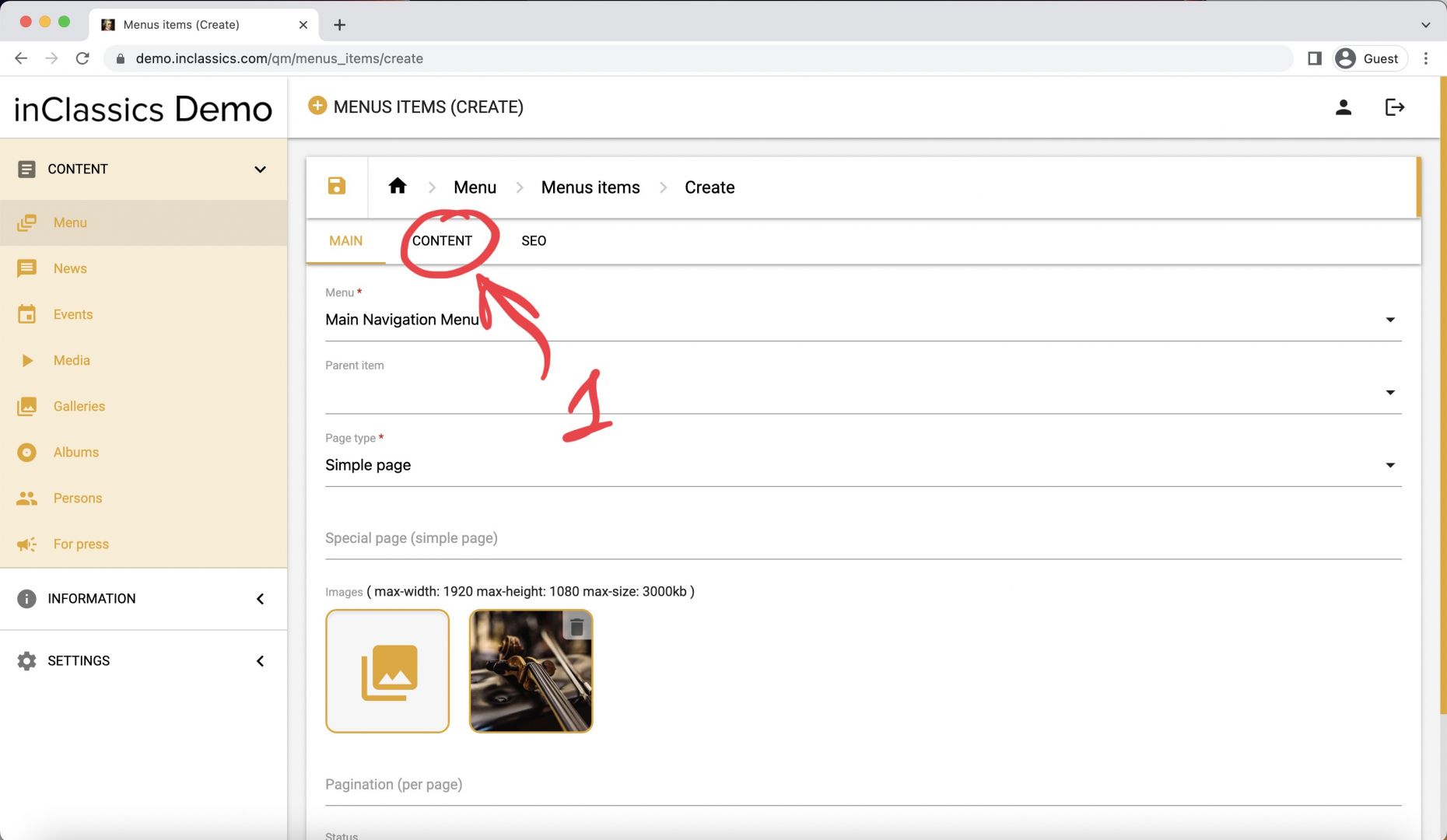
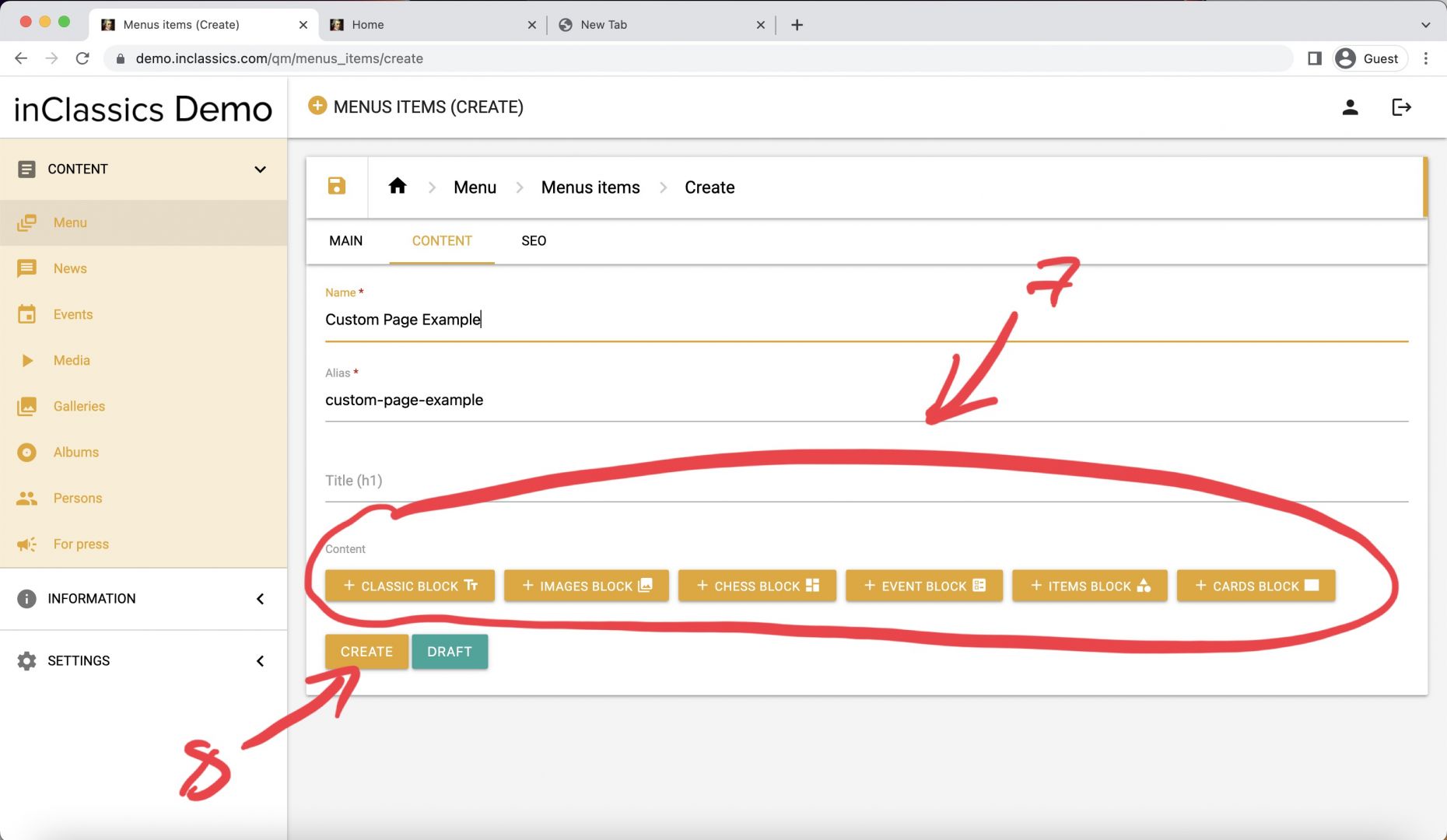
- go to the content tab (1)
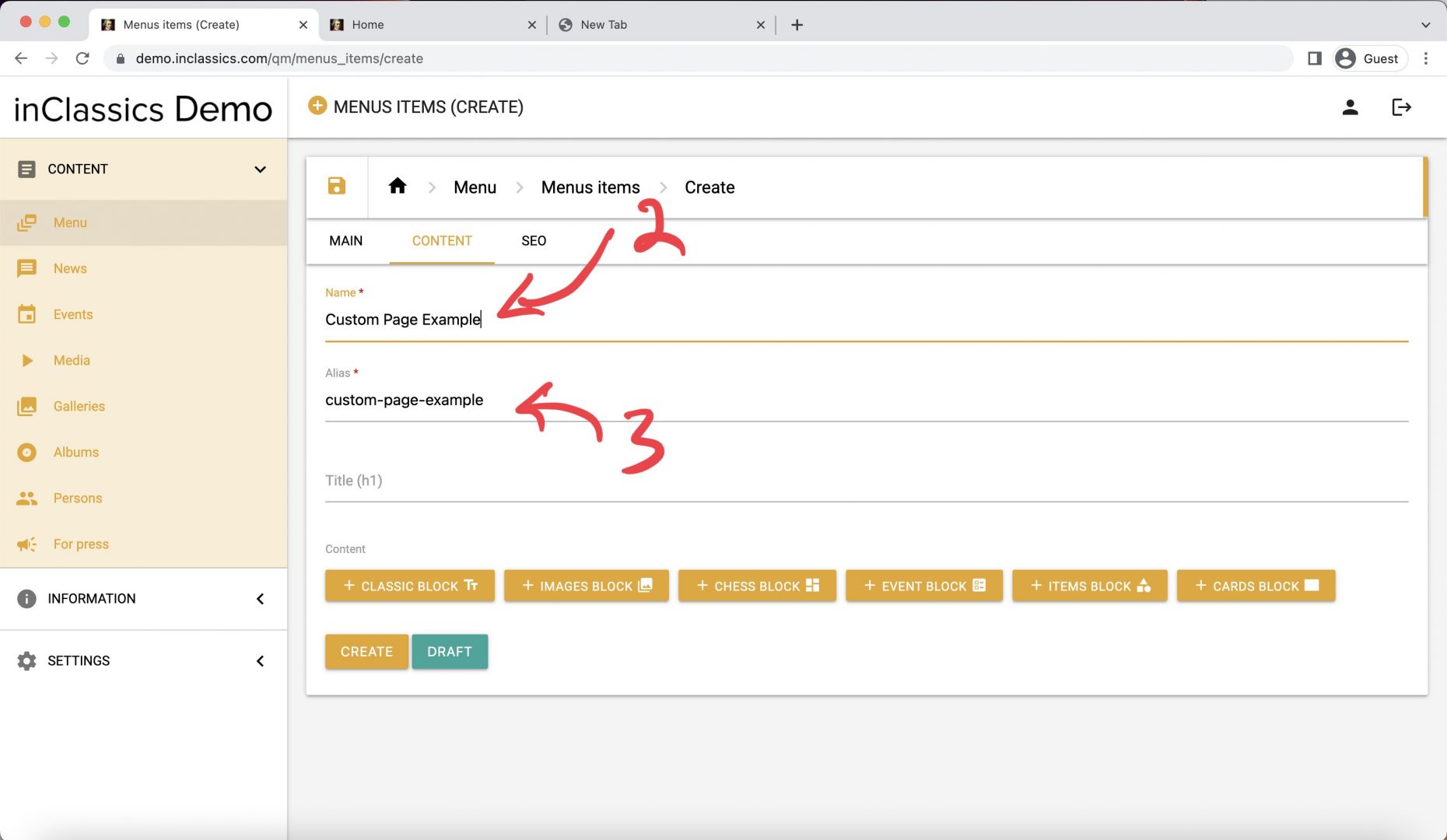
- add the name of your page (2)
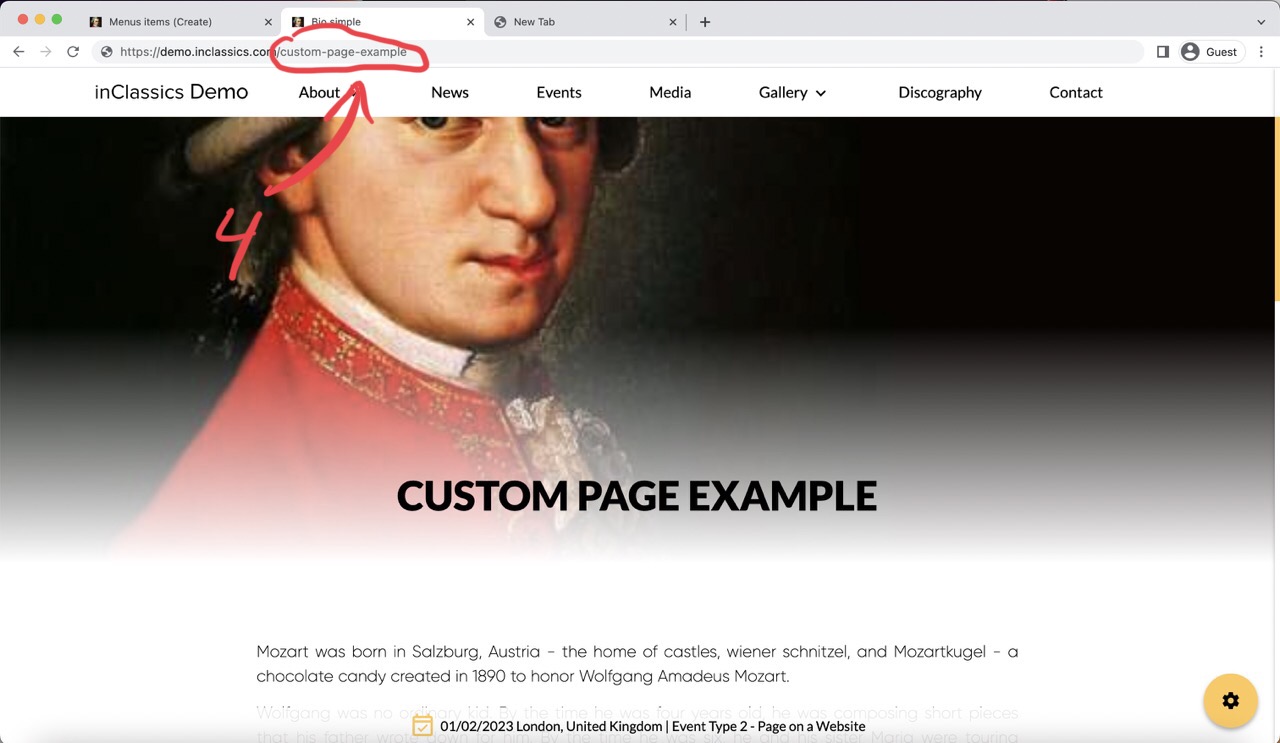
- the alias (3) will be generated automatically, this is the link (4) that will be displayed in the address bar of the browser
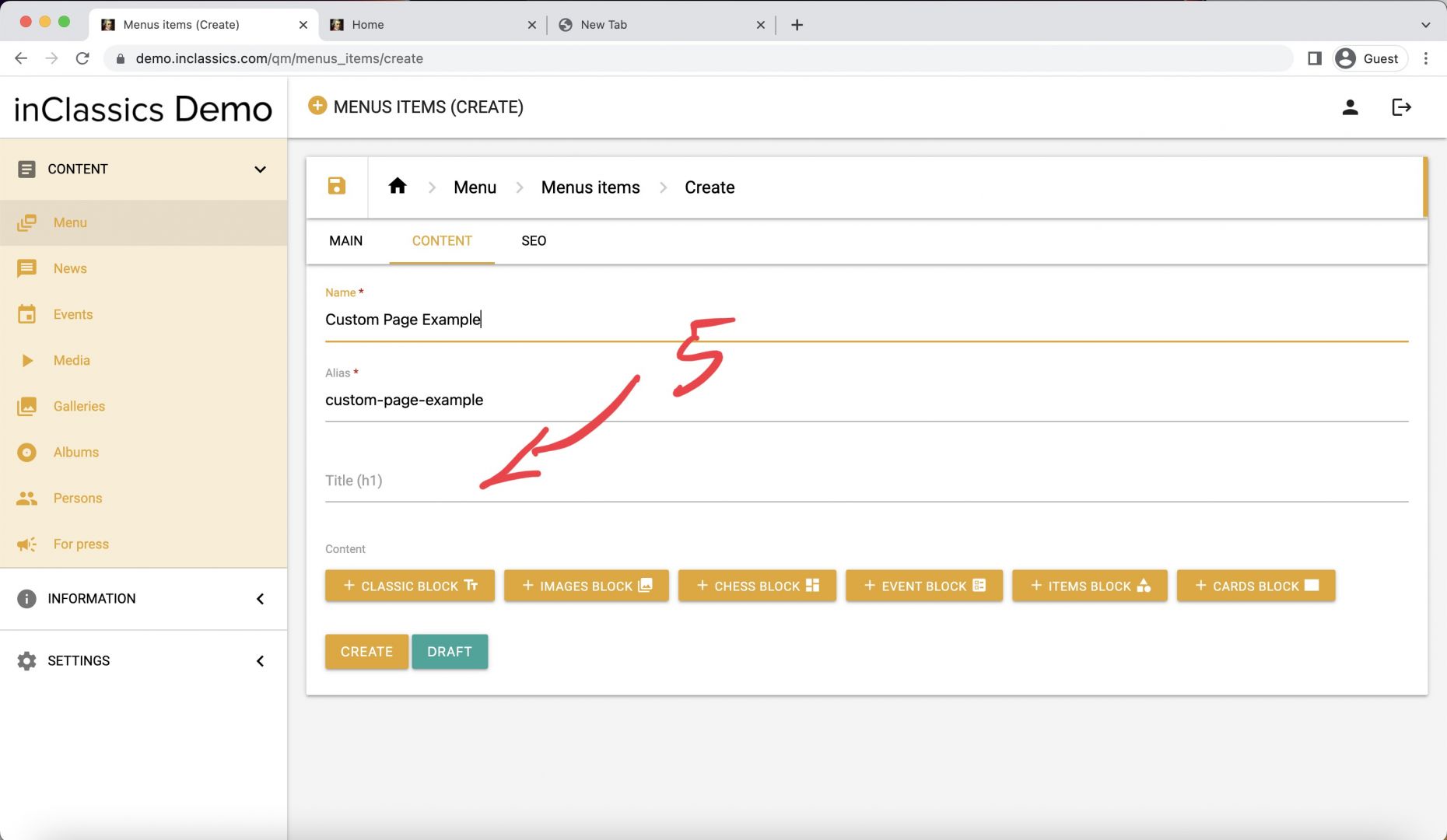
- optionally choose a title of the page (5). If the title field is left empty, the name of the page will be used as the title (6).
- add your content (7)
- click create (8)
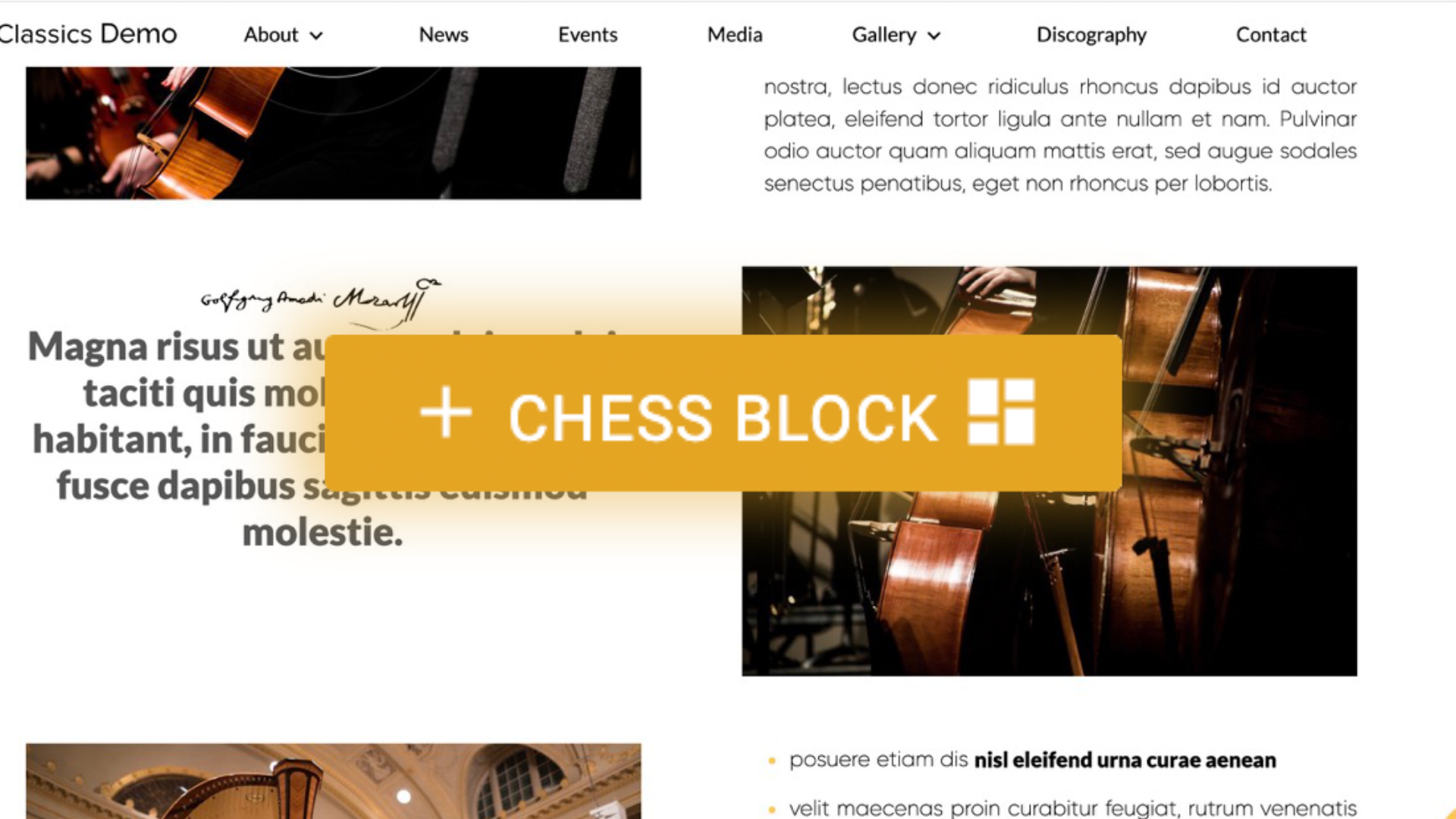
Essentially any website page is a collection of rows of content that flows from top to bottom. You can add and mix different types of content, like text, image, video, cards etc. to create your pages.
Learn below about each type of content that you can add to your website