Custom Page: Items Block
Video Tutorial
(48 sec)
Items Block
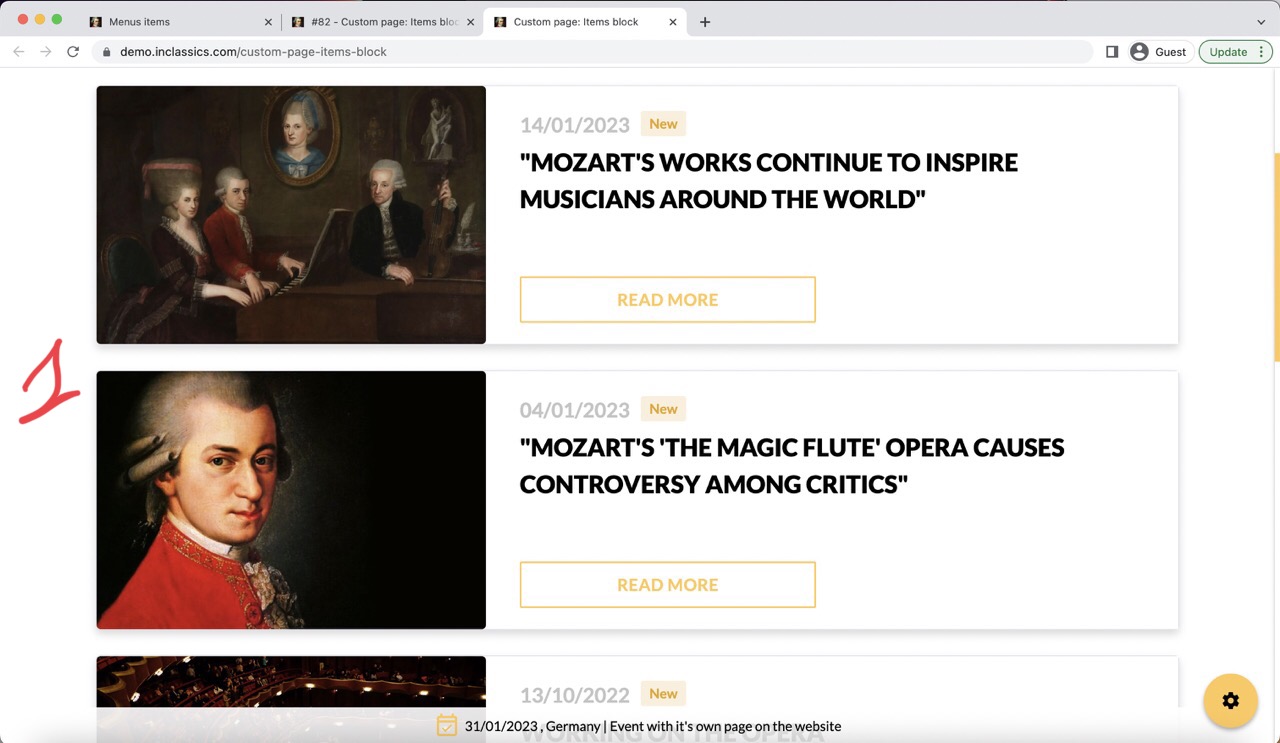
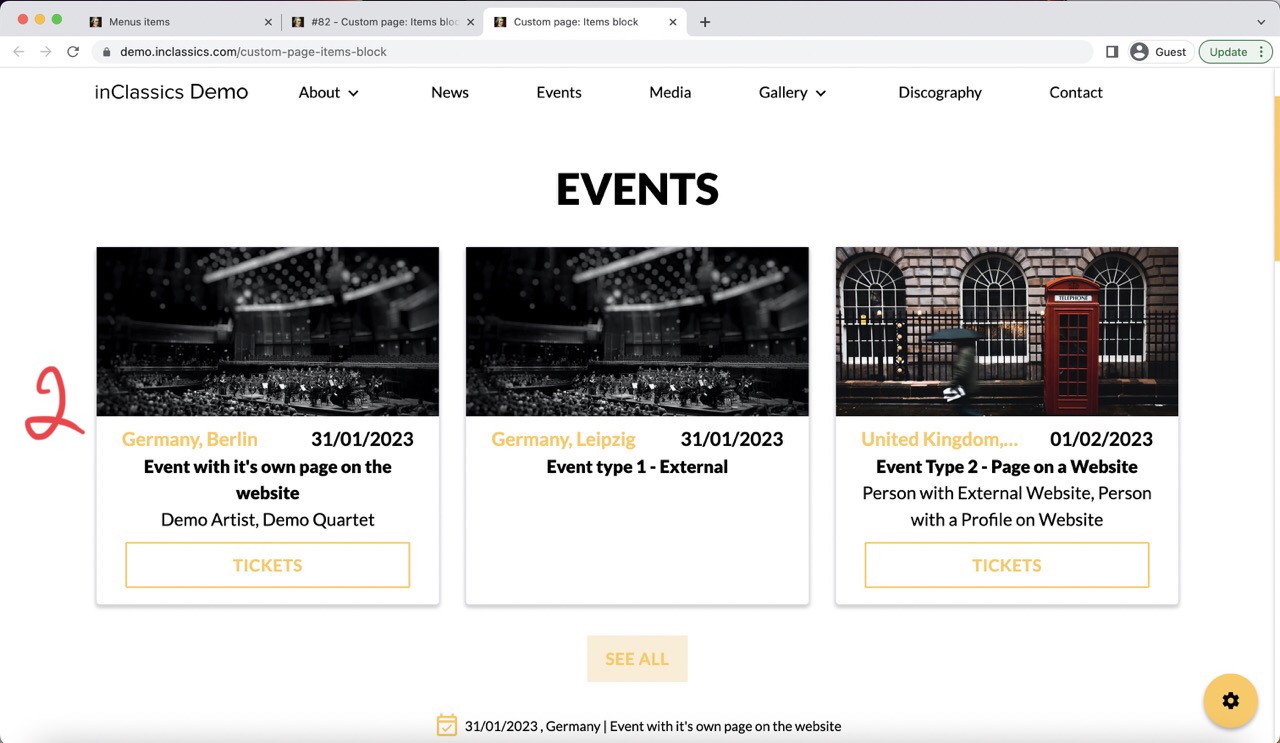
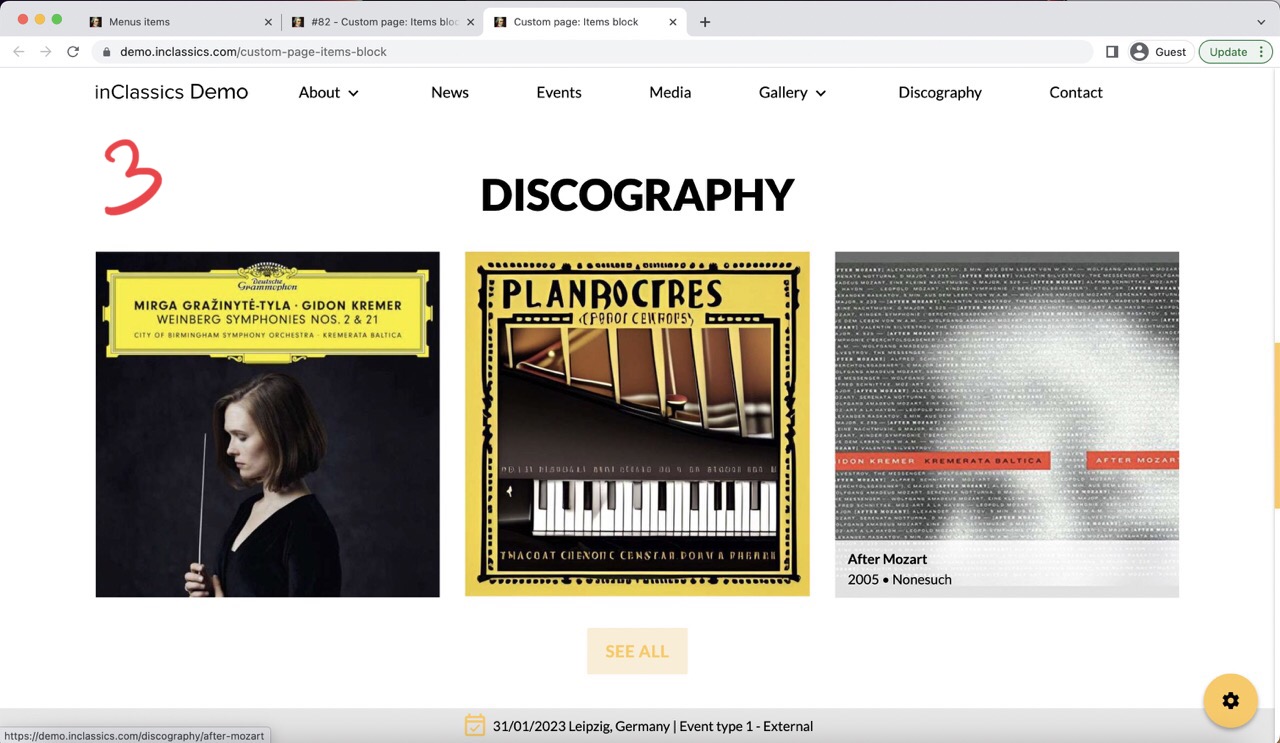
You can add a block that will display your news (1), upcoming events (2) or discography (3)
This block will automatically gather published news, events or discography on any page of your website. If you do any changes to your articles, events or discography, those changes will automatically be updated anywhere where you used the items block.
Add the Items Block
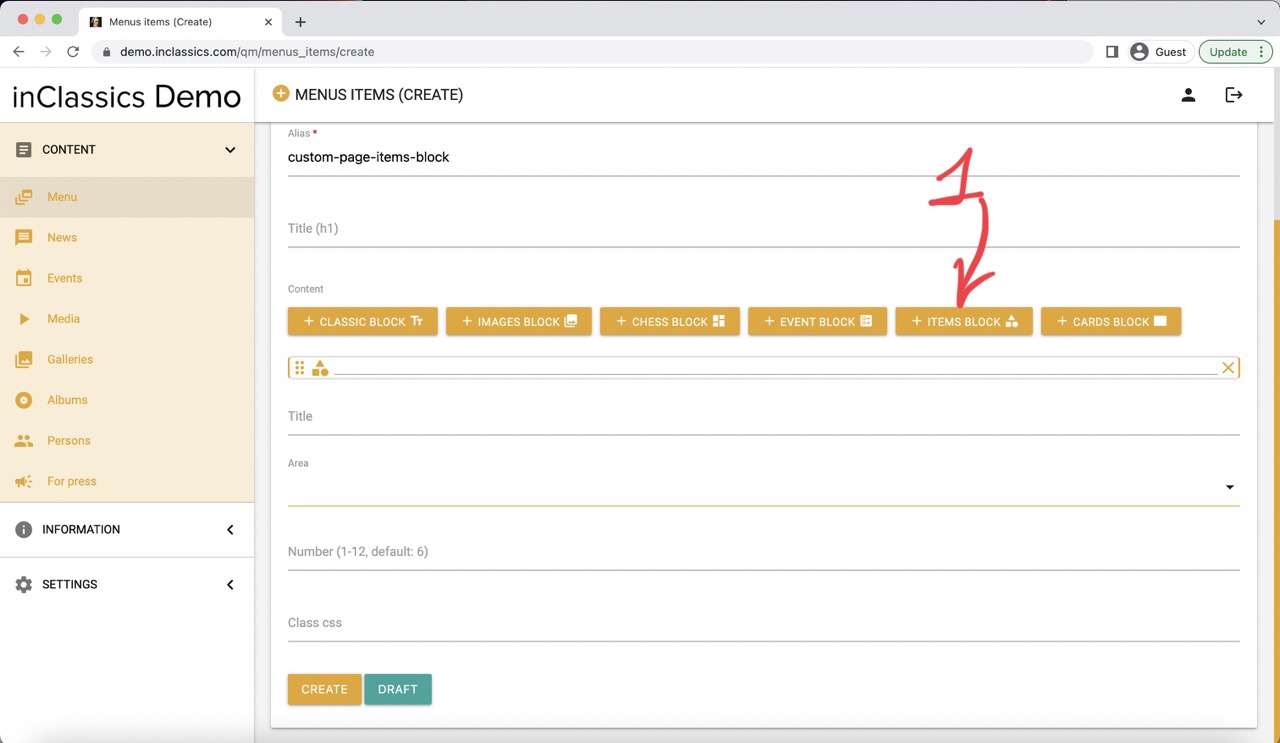
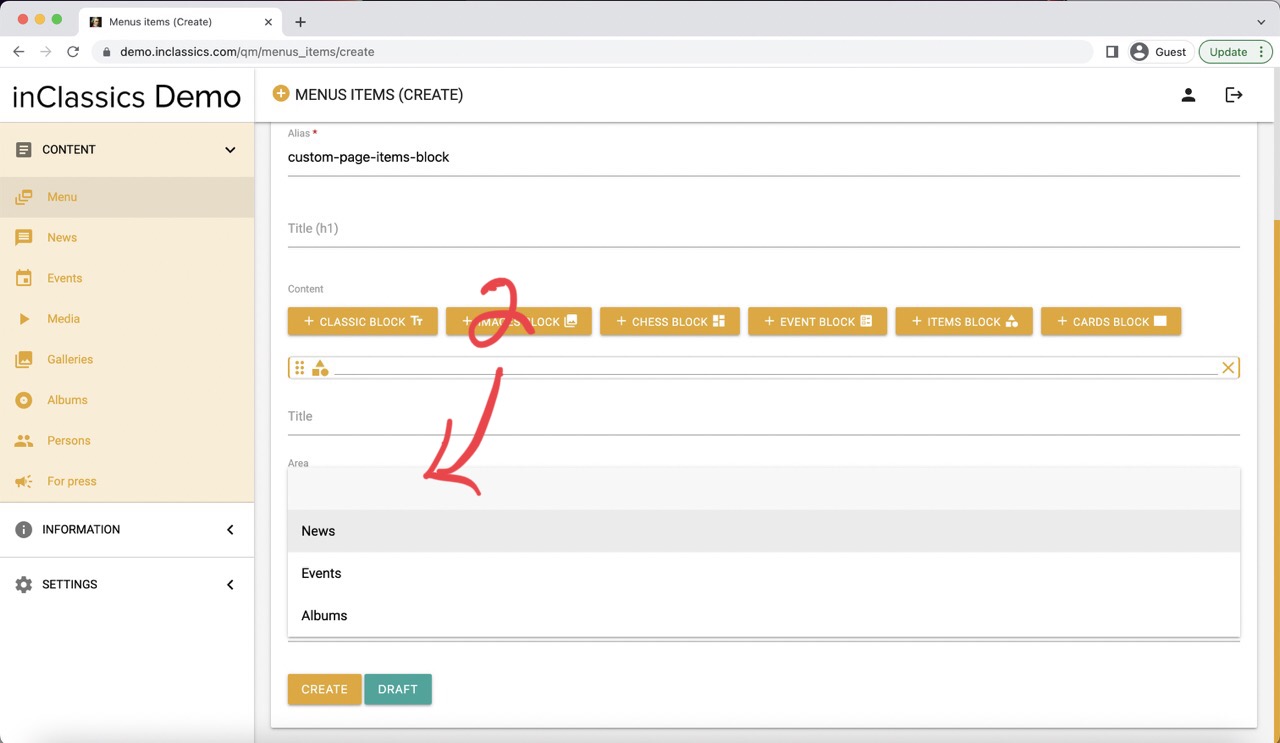
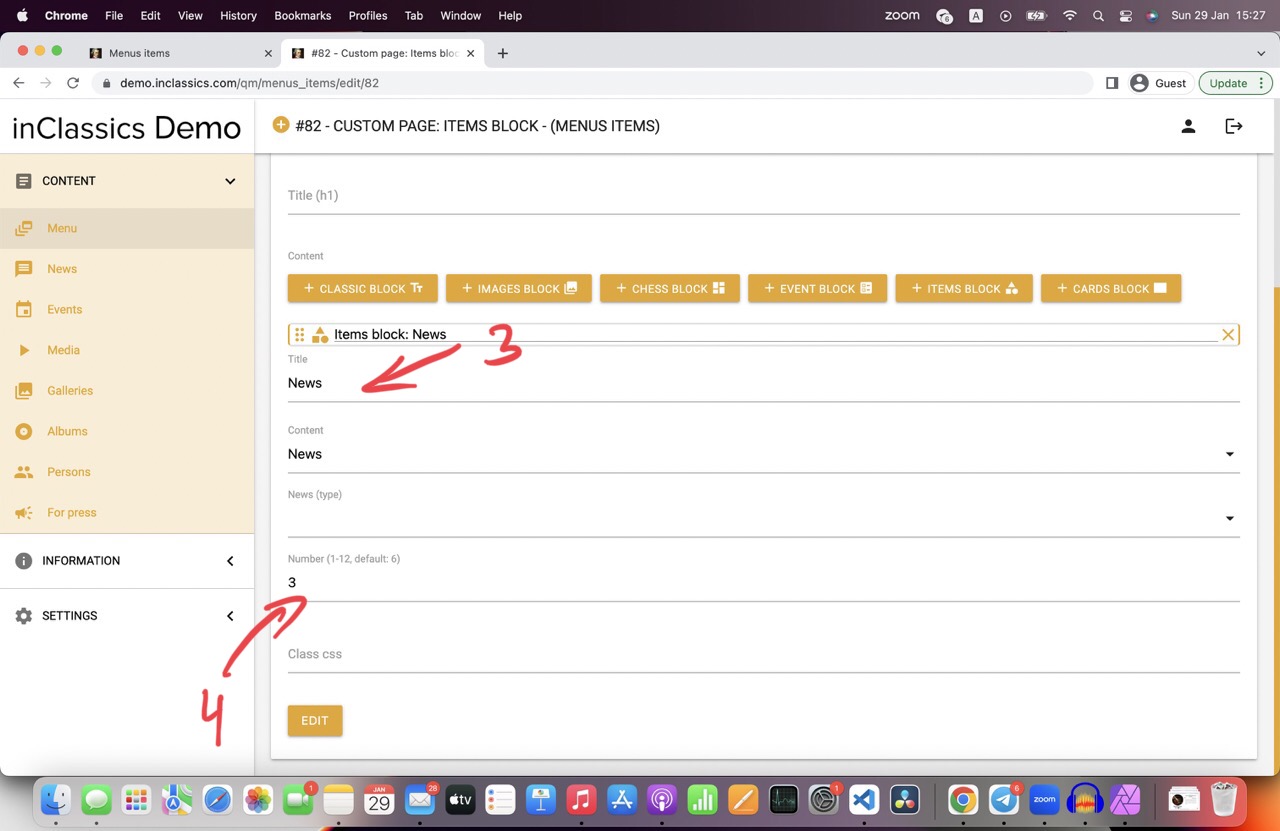
To add an item block:
- click on the items block button (1)
- choose what you want to display in the area field (2)
- add a title (3)
- choose how many items you want to be displayed (4)
News
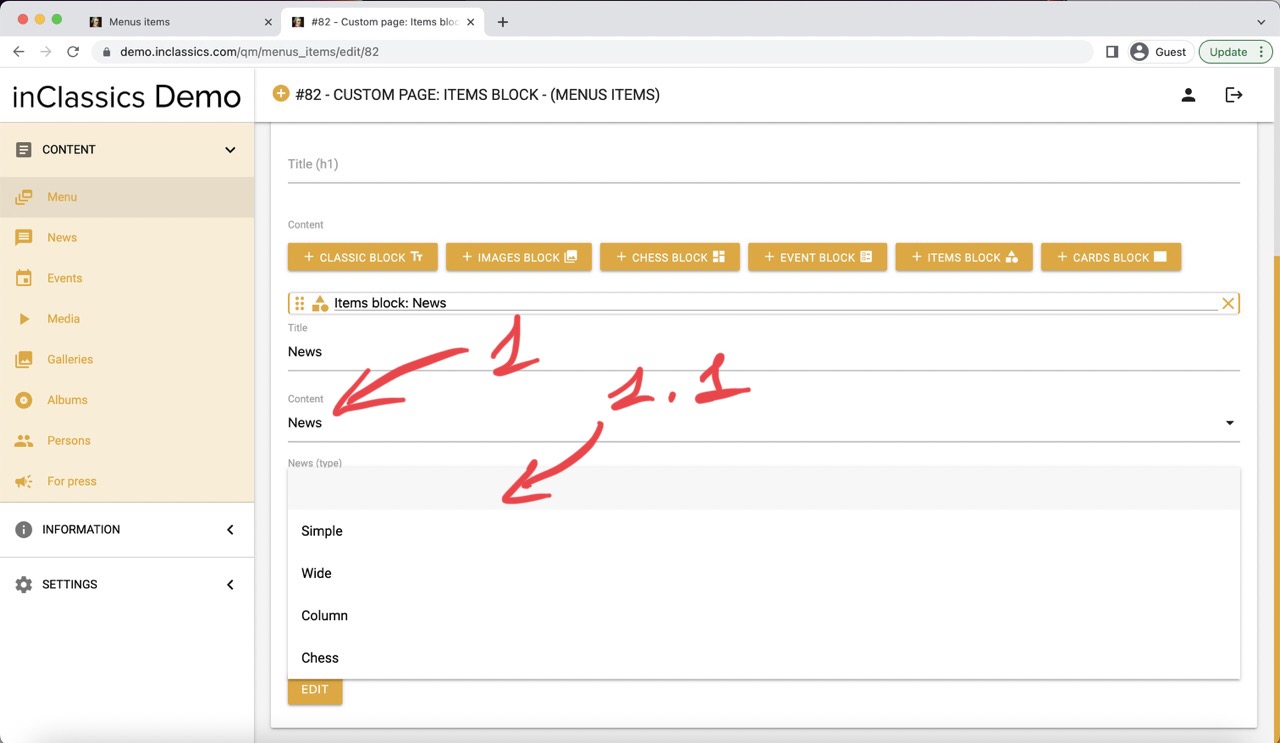
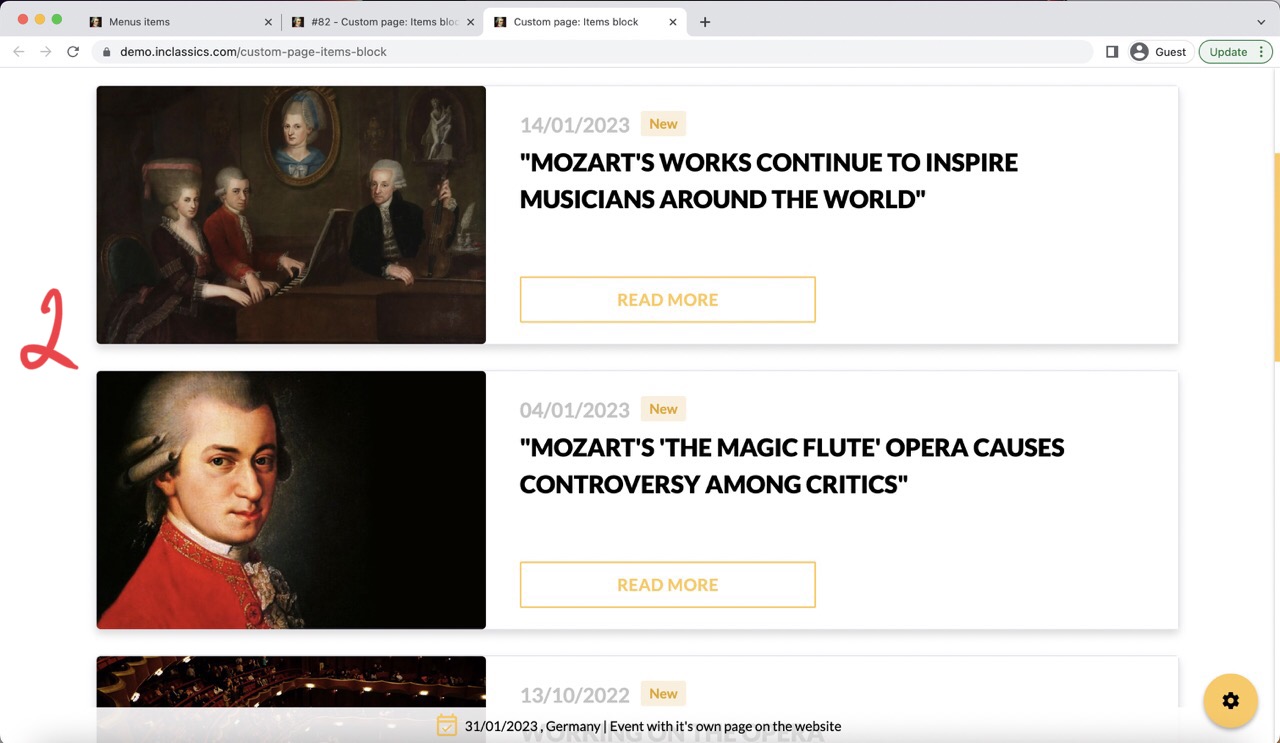
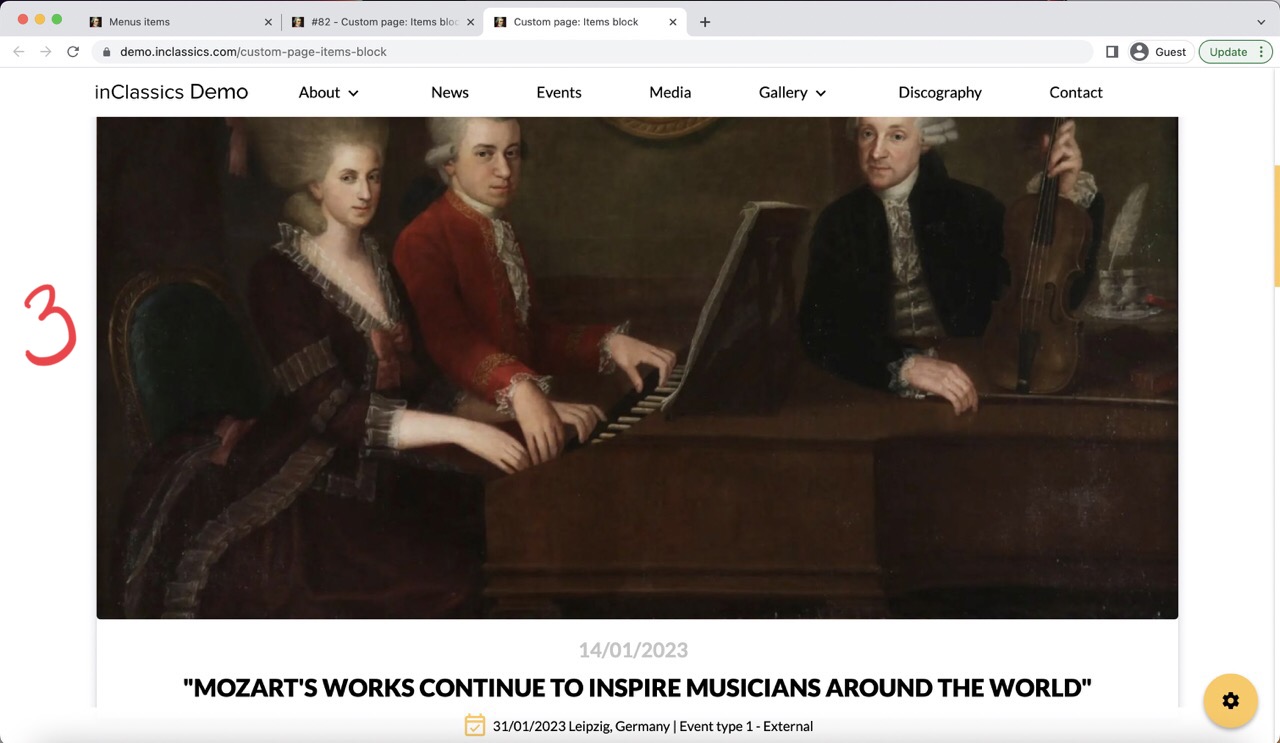
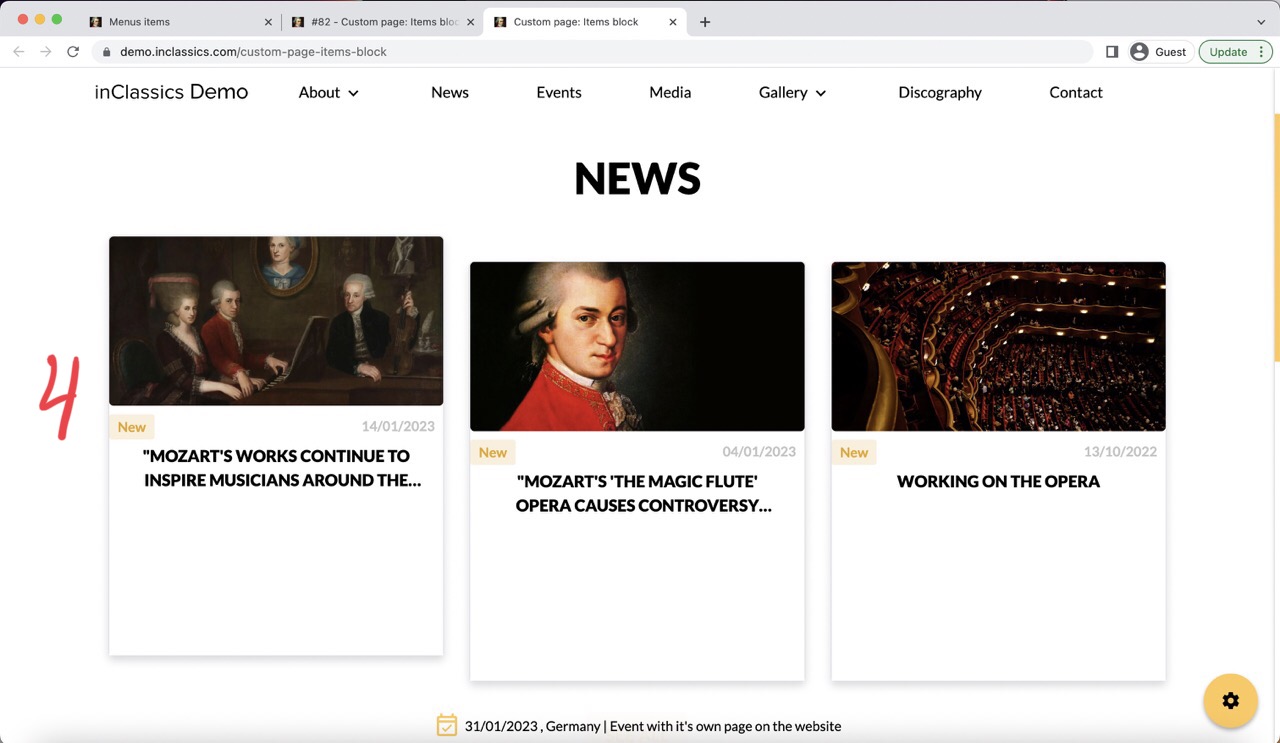
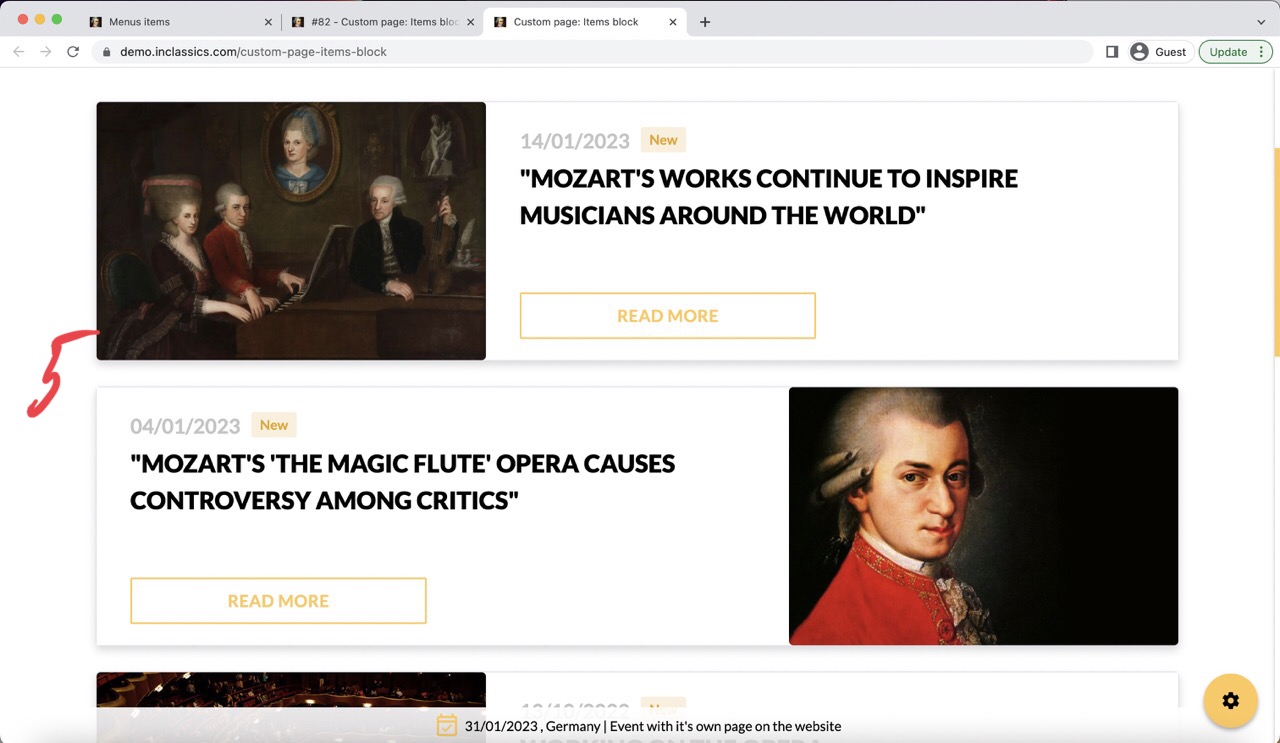
For news, choose news in your area (content) field (1) choose a design of your news cards in the news (type) field (1.1):
- Simple (2)
- Wide (3)
- Column (4)
- Chess (5)
Your latest news will be displayed here.
\When you publish something new, the list will automatically be updated wherever on your website you used the items block with news.
Use the item block with news on your homepage to show a short list of your latest news or on any other pages of your website where you want people to easily find your latest news.
Events
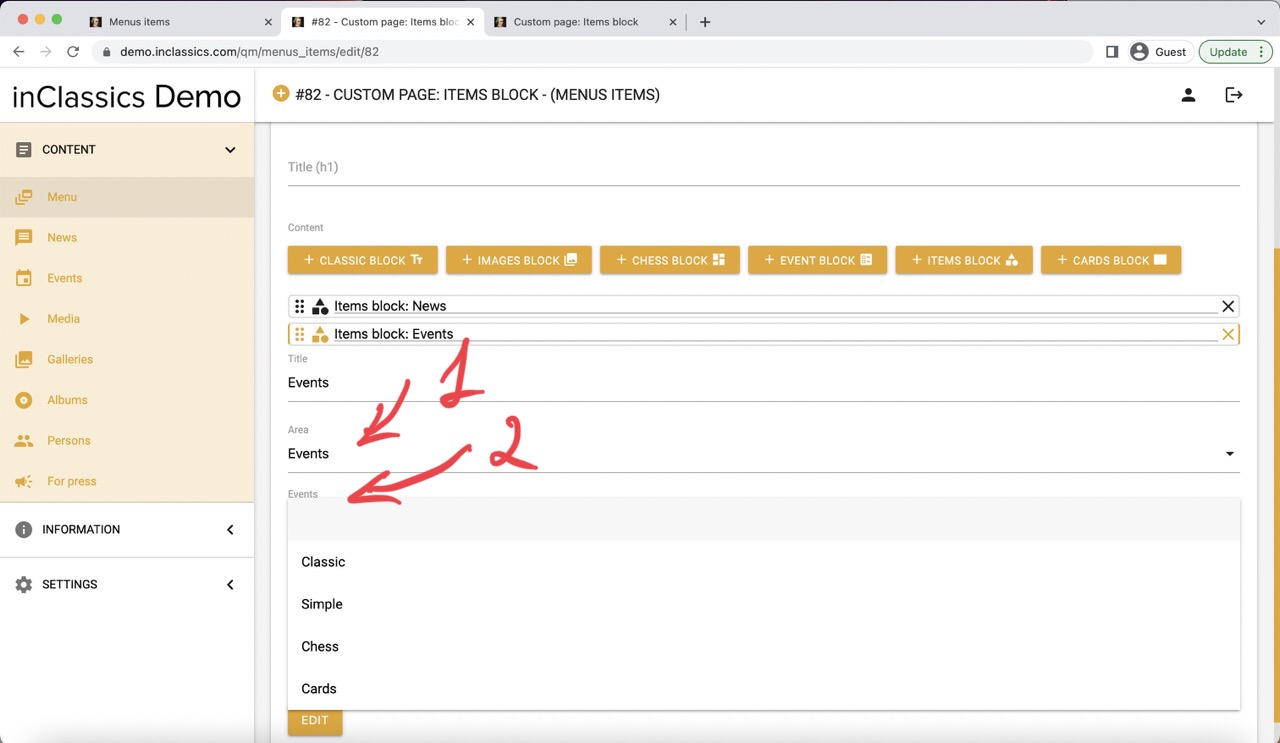
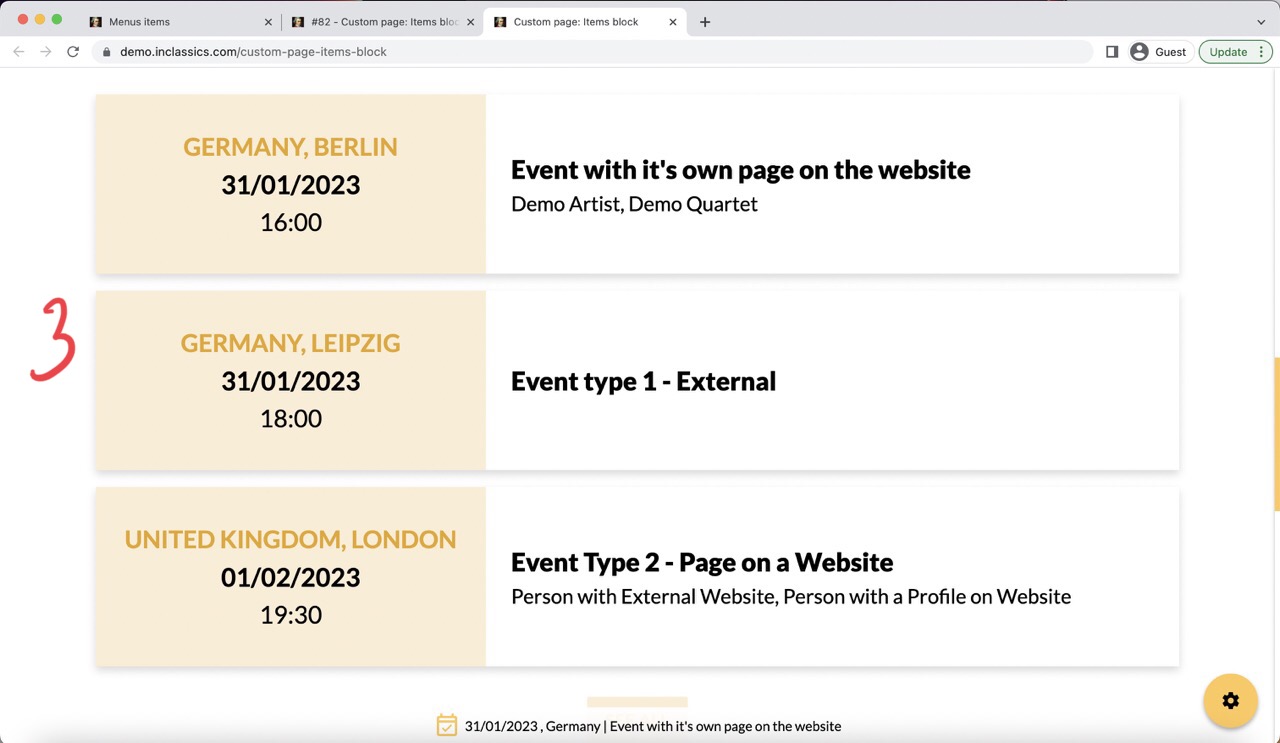
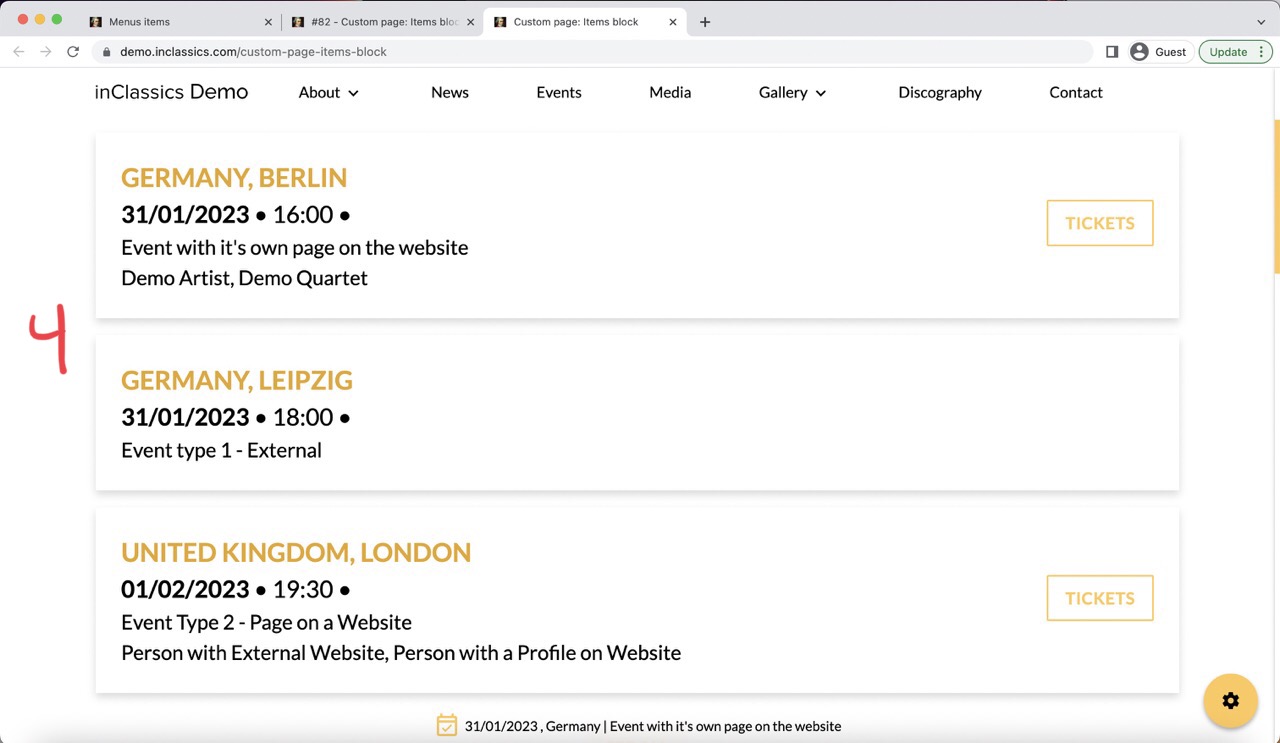
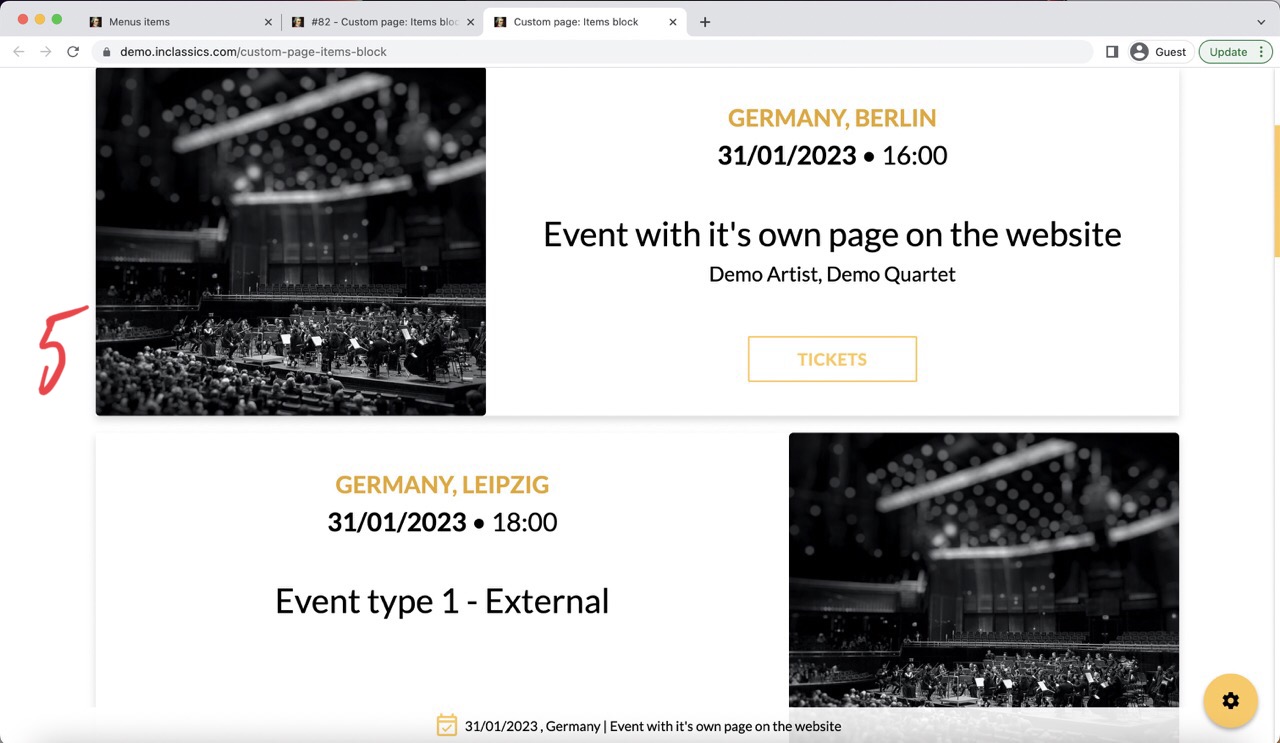
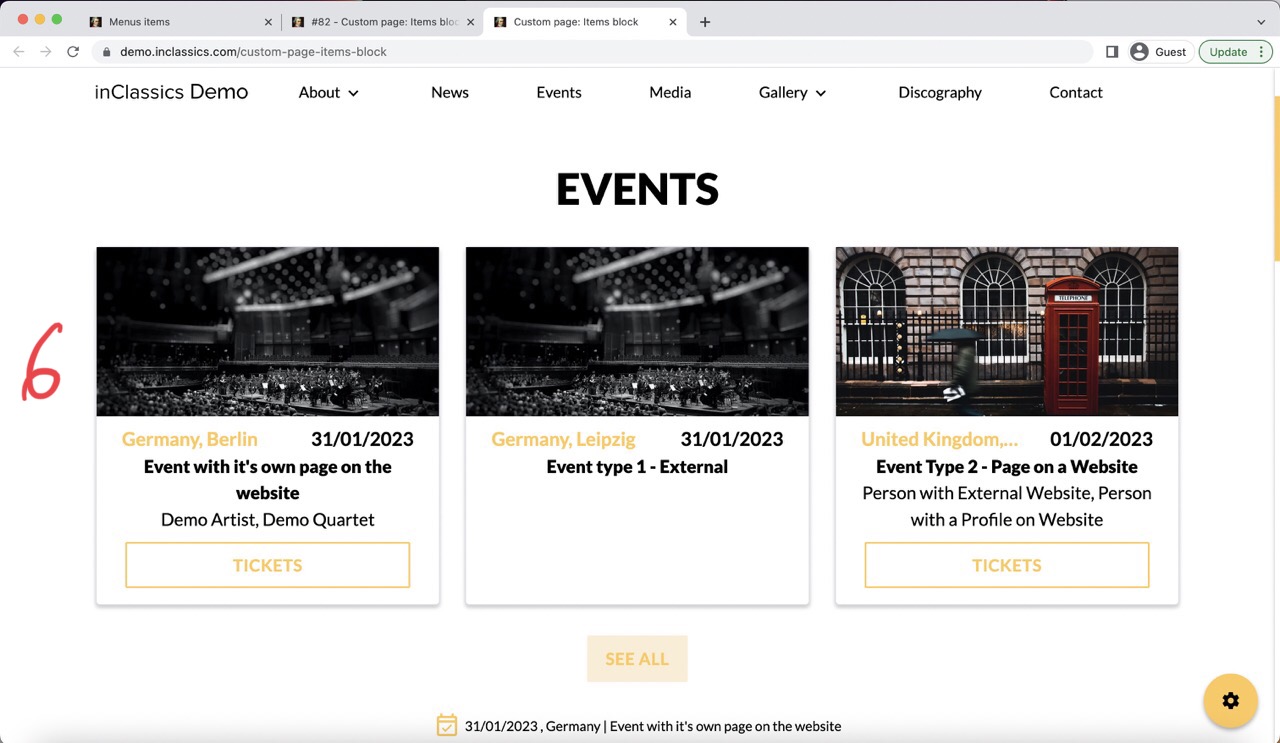
For events, choose events in the area (content) field (1) and choose the style of your events cards in the events field (2):
- classic (3)
- simple (4)
- chess (5)
- cards (6)
A list of your soonest upcoming events will be displayed here. If you don't have the upcoming events published, your most recent past events will be displayed.
This list will be automatically updated when you add new events to your website.
Use item block on your homepage to display the list of events or on other pages of your website where you want to promote your events.
Discography
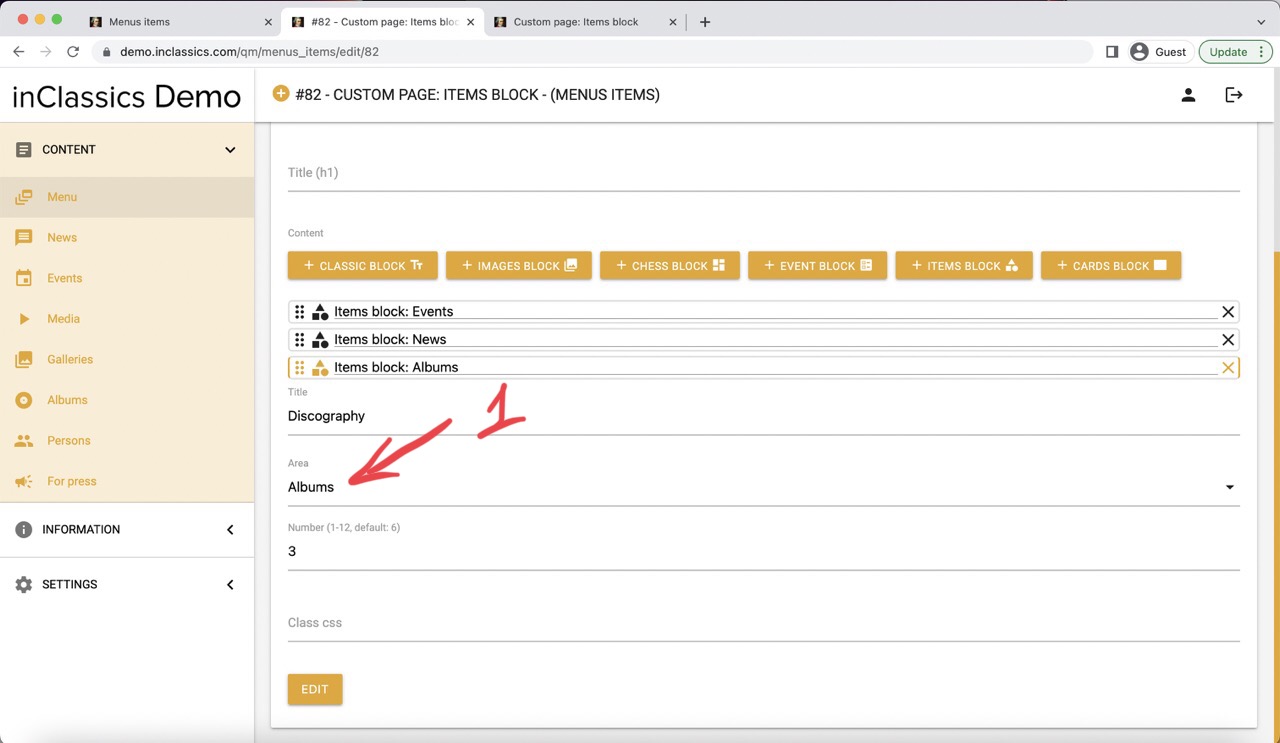
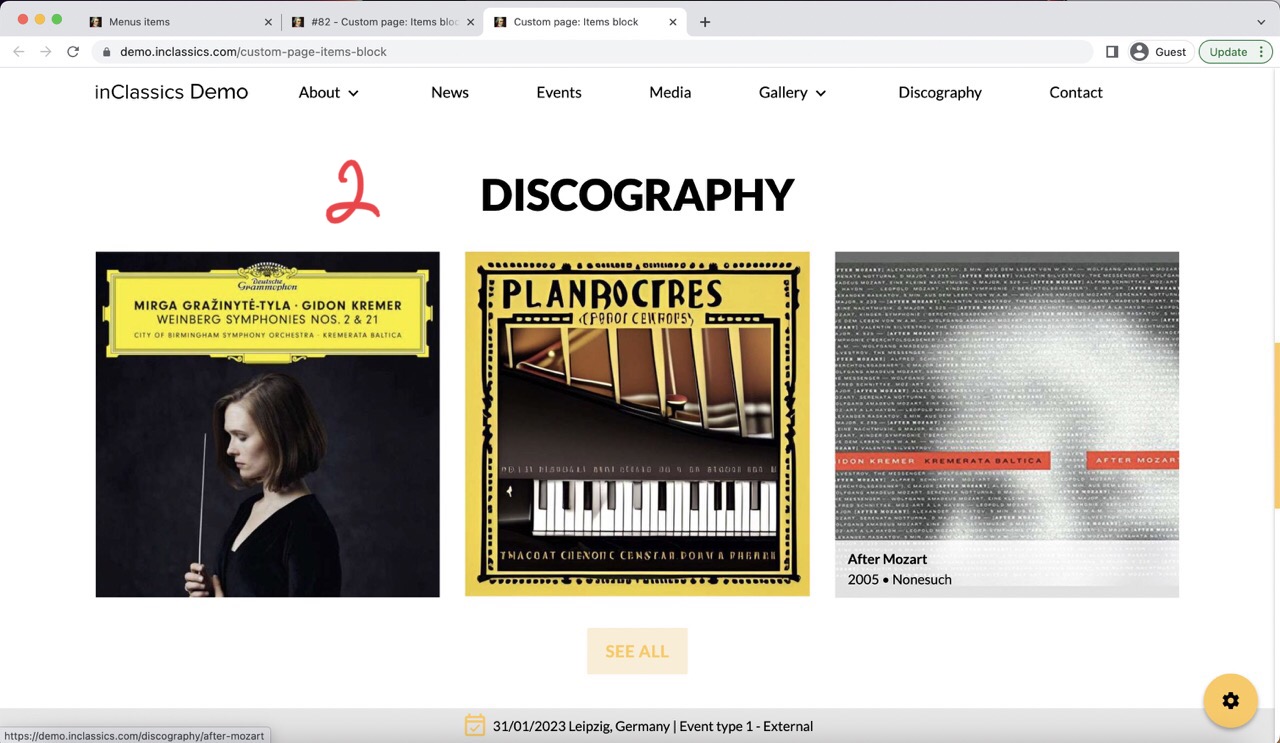
For discography, choose albums in your area (content) field (1)
This will display a list of your most recently published discography items (2).
The list will be automatically updated whenever you publish new recordings on your website.
Use the items block with discography on your homepage to display a short list of your records or anywhere else on your website where you want to promote your records.