Admin Panel Walk-Through
Two ways to manage your website
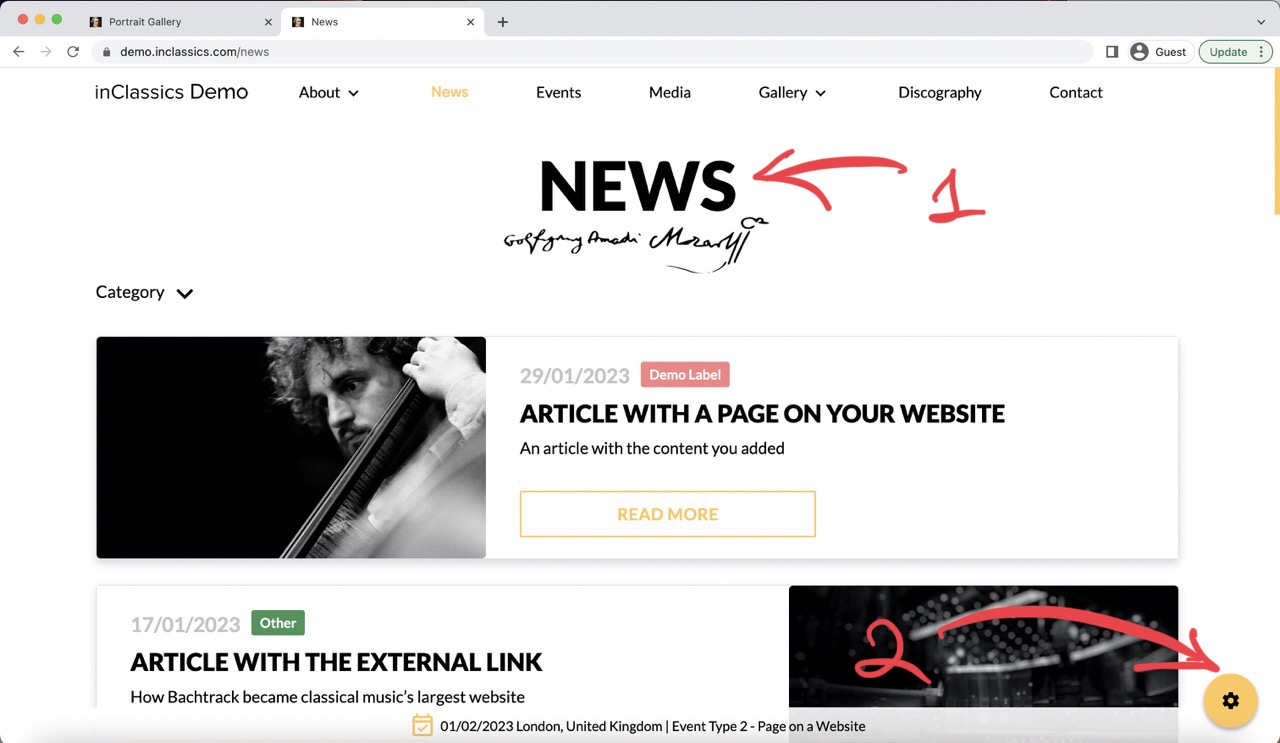
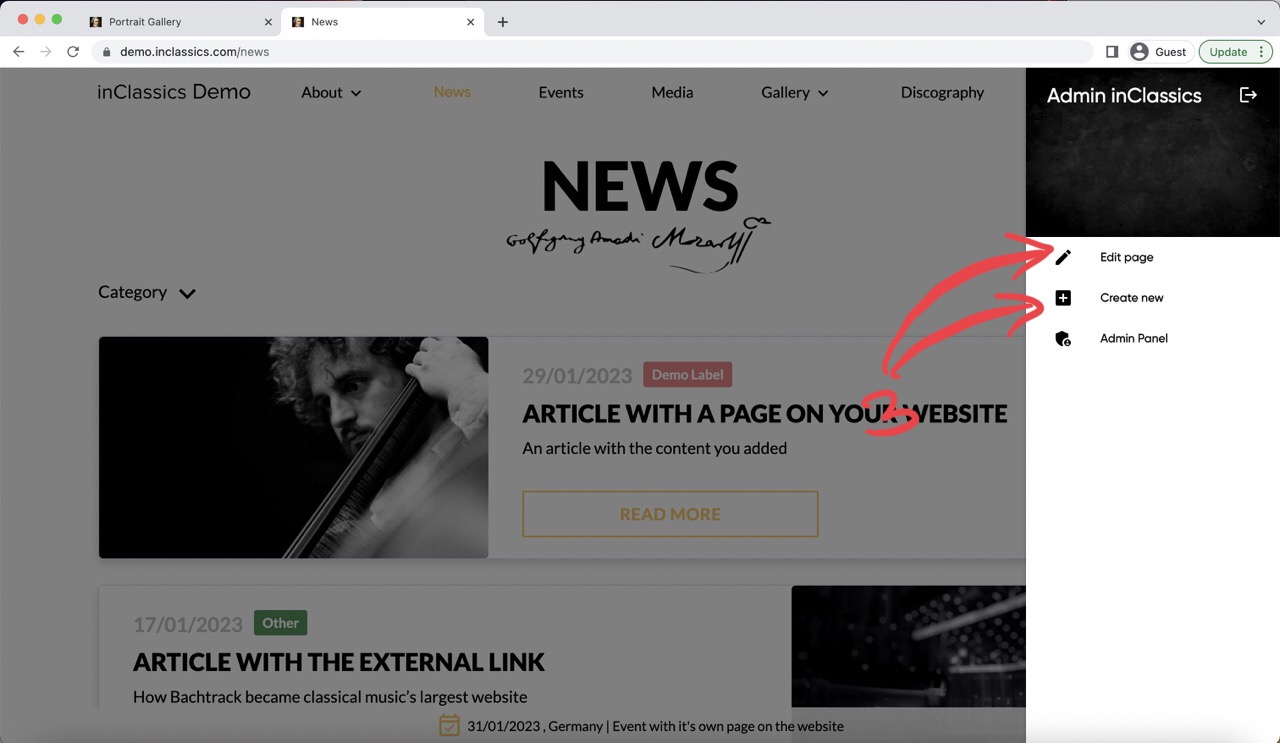

Once you are logged in as the admin, there are two ways to manage your website:
1. Via your website
- go to the page on your website which you want to manage (1)
- click on the settings button (2)
- click edit page or create new (3)
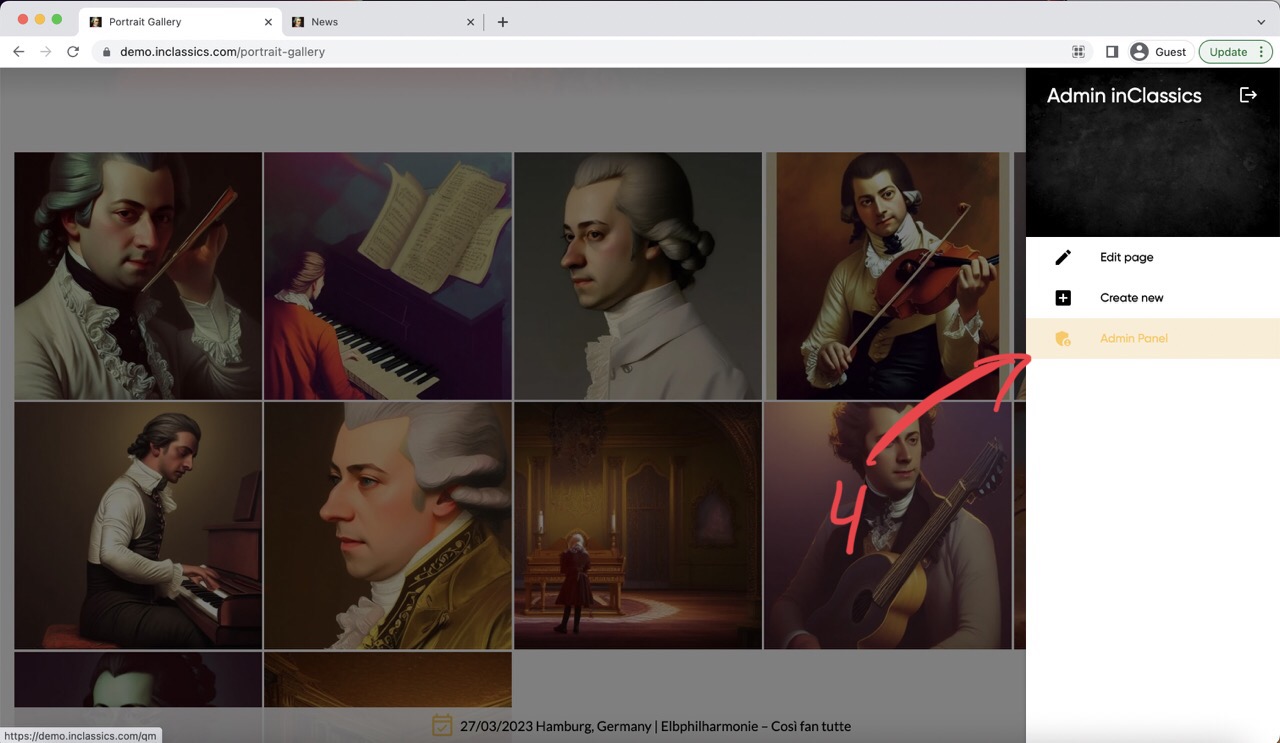
2. Via your admin panel
- go to the admin panel (4)
- go to the content or information tab (5)
- choose a page or content that you want to create or manage (6) on your website.
Two Types of Pages
There are two types of pages on your website:
1. Special pages (home, events, media, discography, contact, galleries, quotes, news (blog), for press) – these pages have specific functionality that is unique to each of these pages. The page itself displays the content that you add into a specific folder in the content and information tabs of your admin panel.
Managing special pages
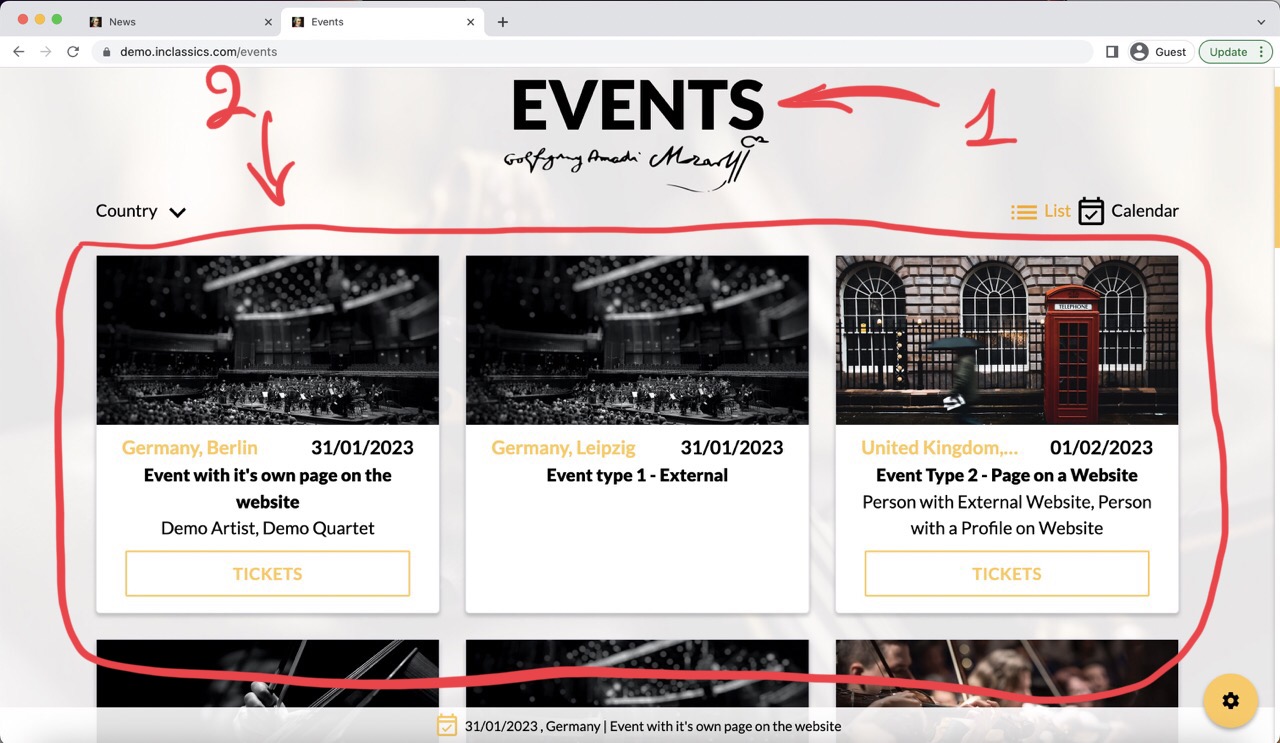
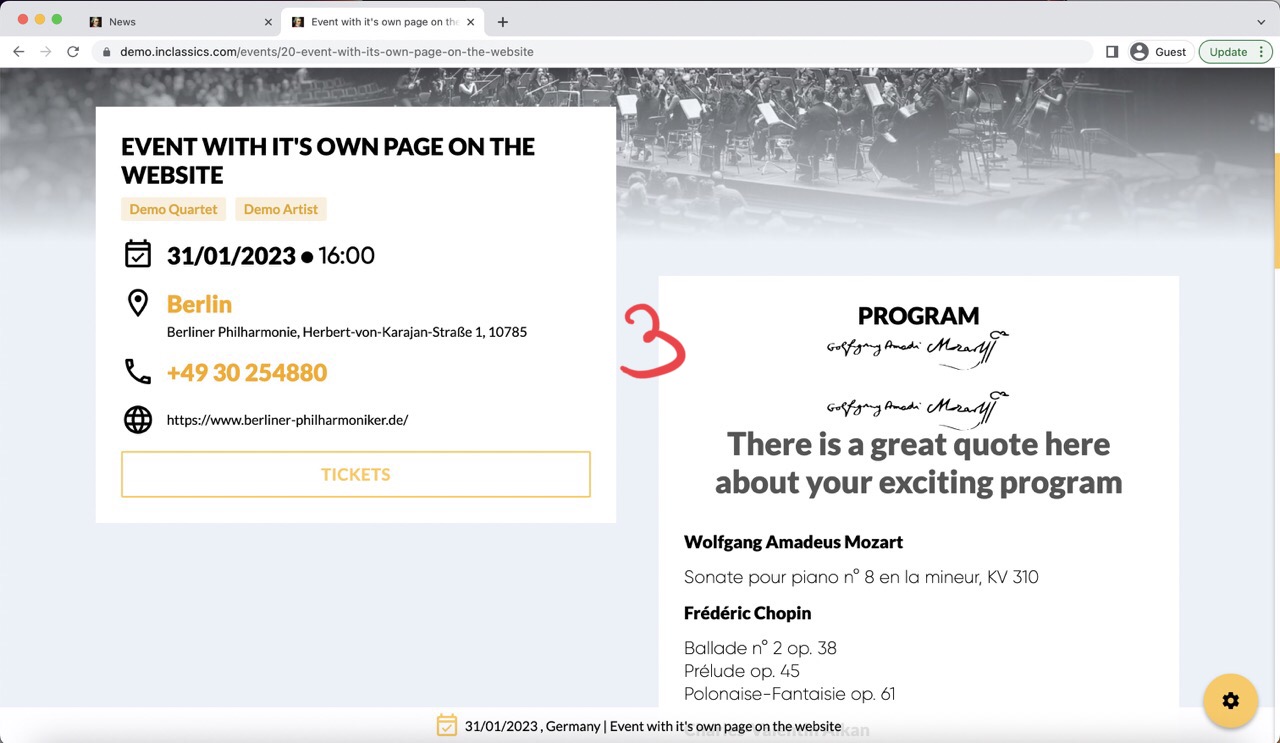
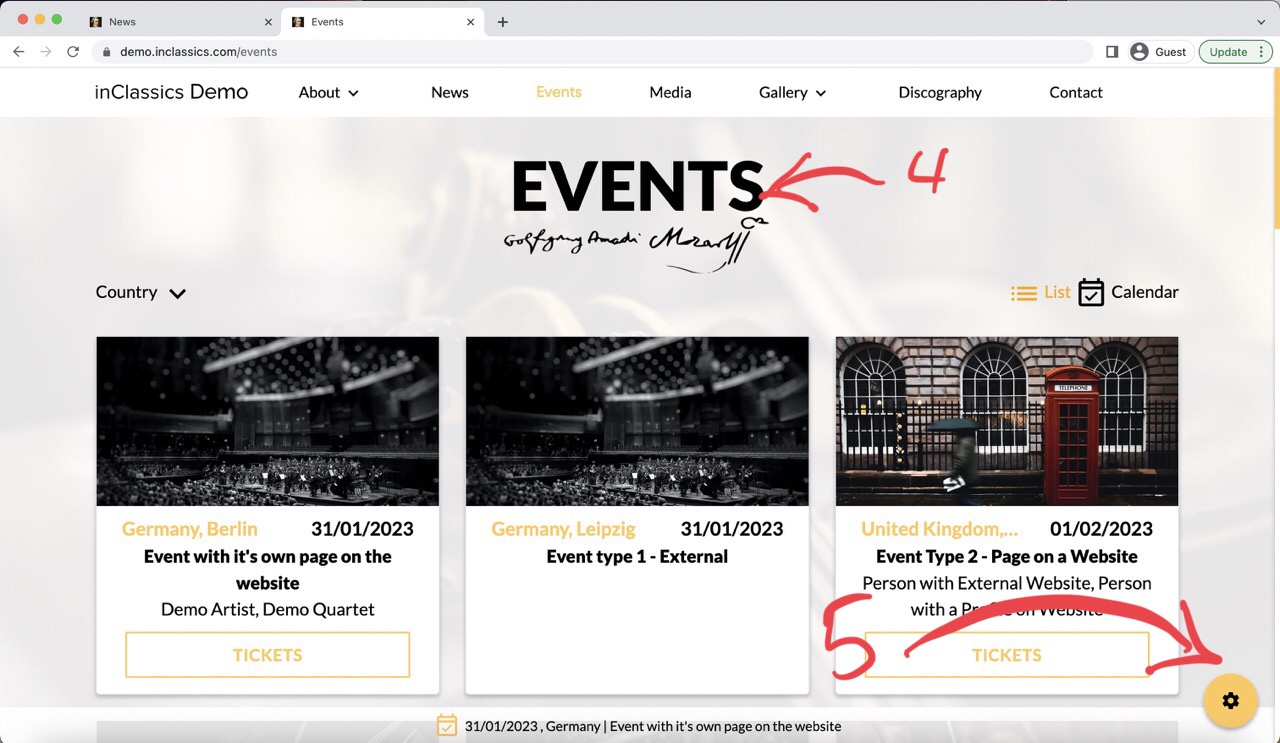
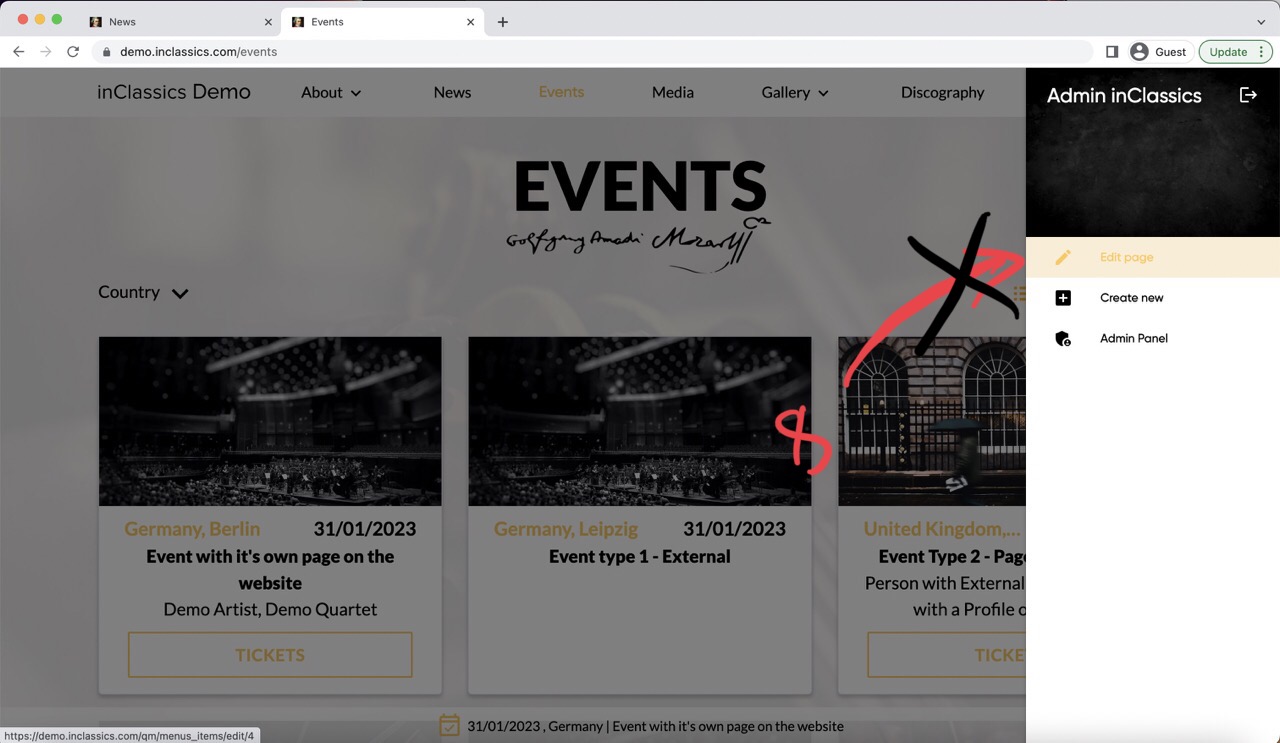
There are special pages on your website, that display the list of links to other pages (e.g. the events page (1) displays a list of link to the upcoming events pages (2). Each upcoming event is a separate page (3) with detailed program, venue, artists etc.)
To add content to these pages:
- go to the page you want to manage (4)
- click on the settings button (5)
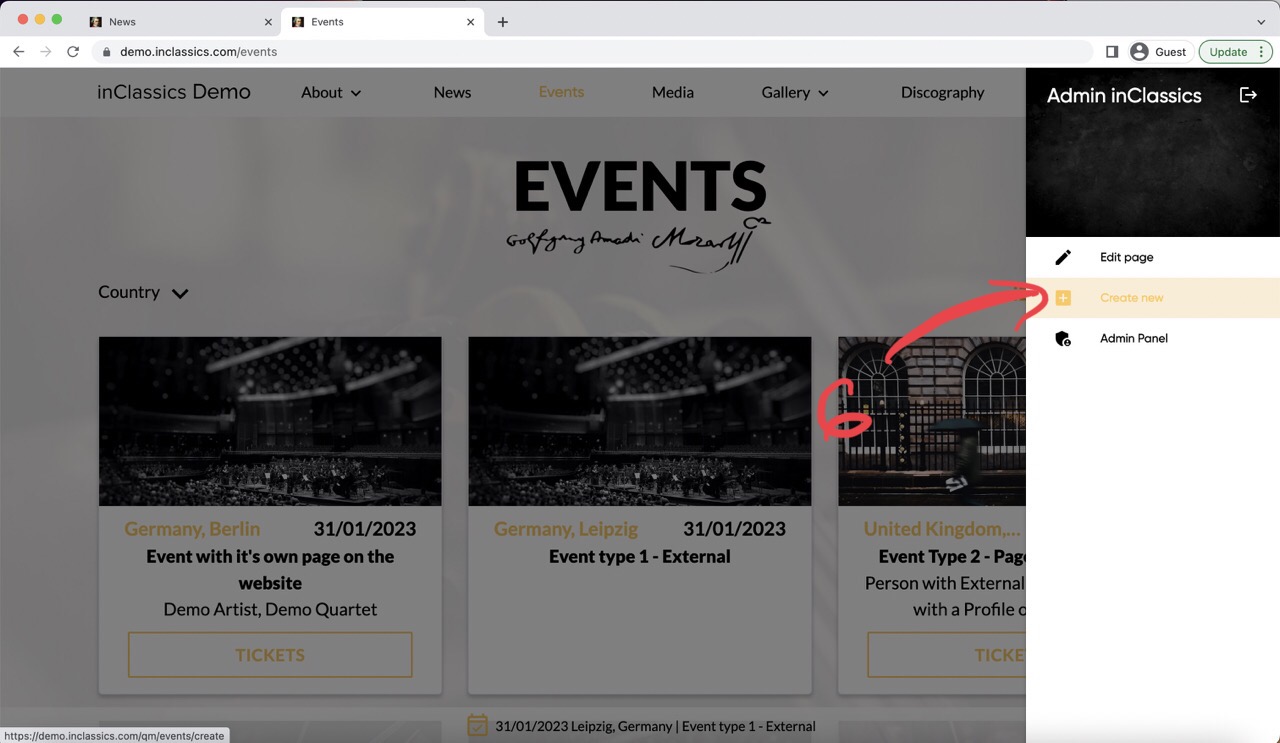
- click create new (6)
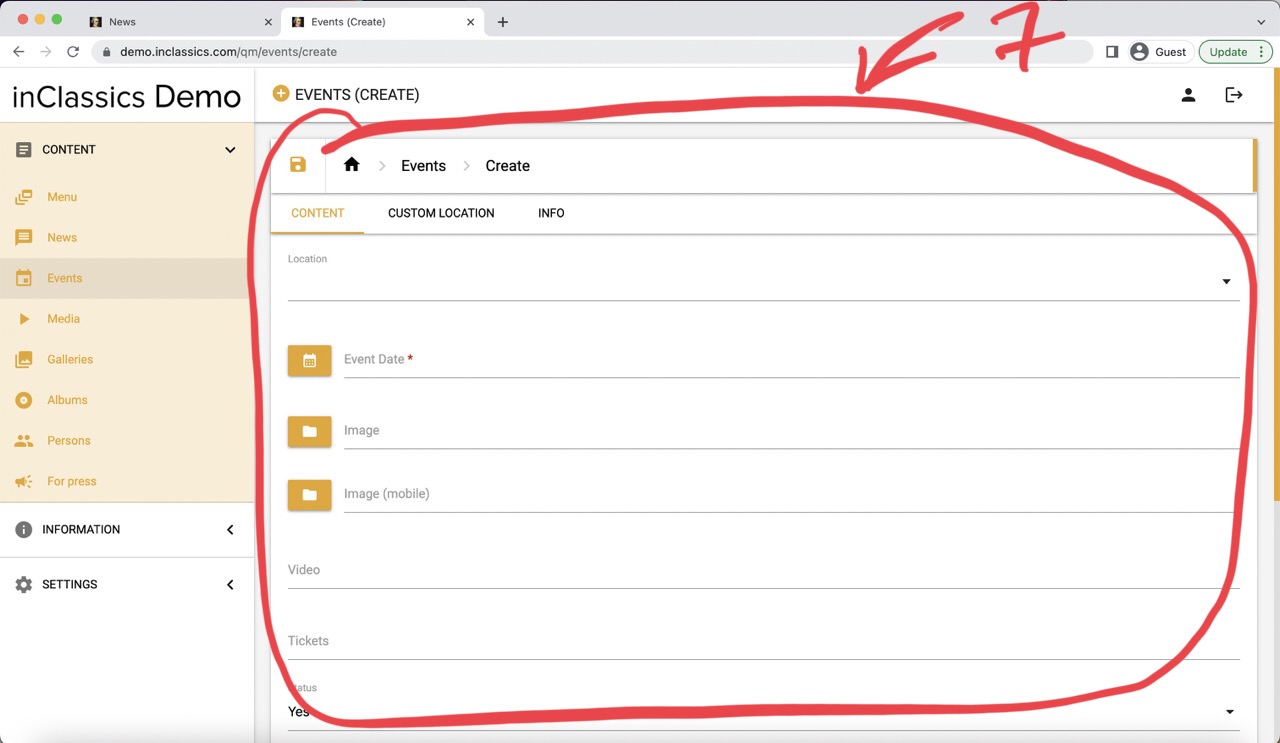
This will open a page where you can add the type of content that is displayed on this page (7).
When working with special pages, you can't add content by clicking edit page (8)
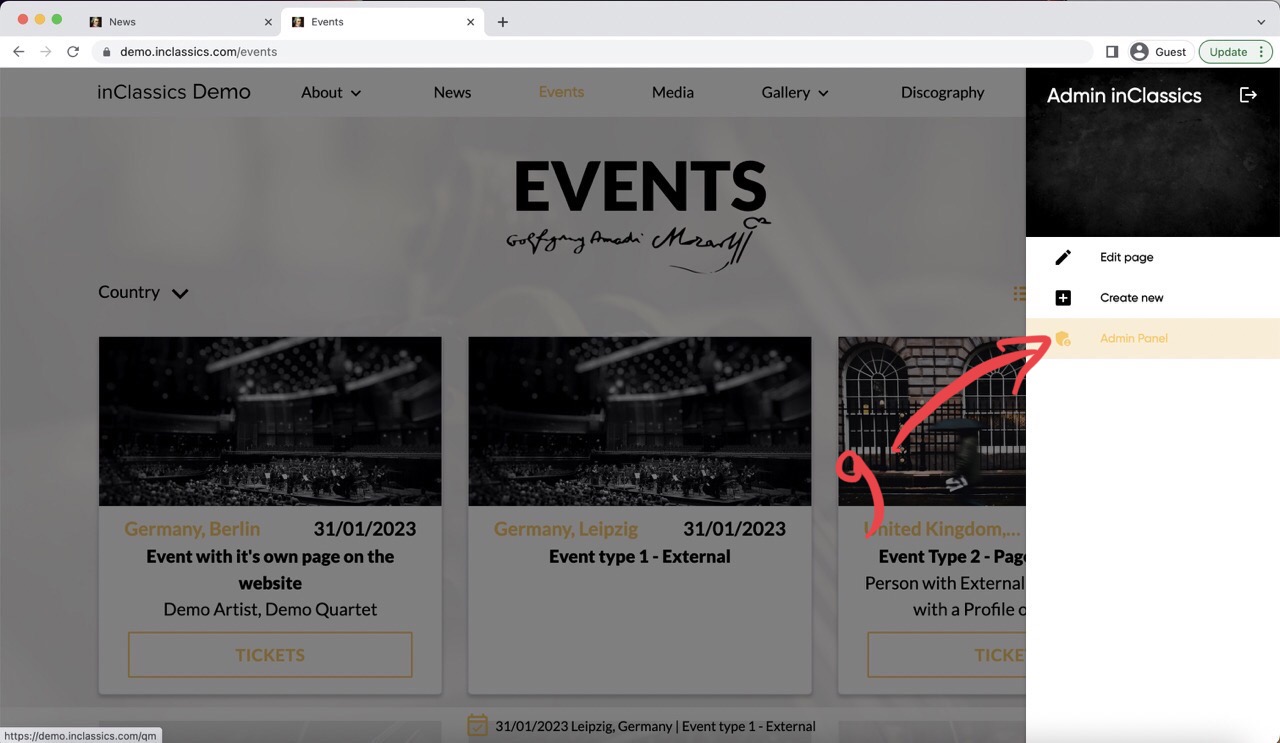
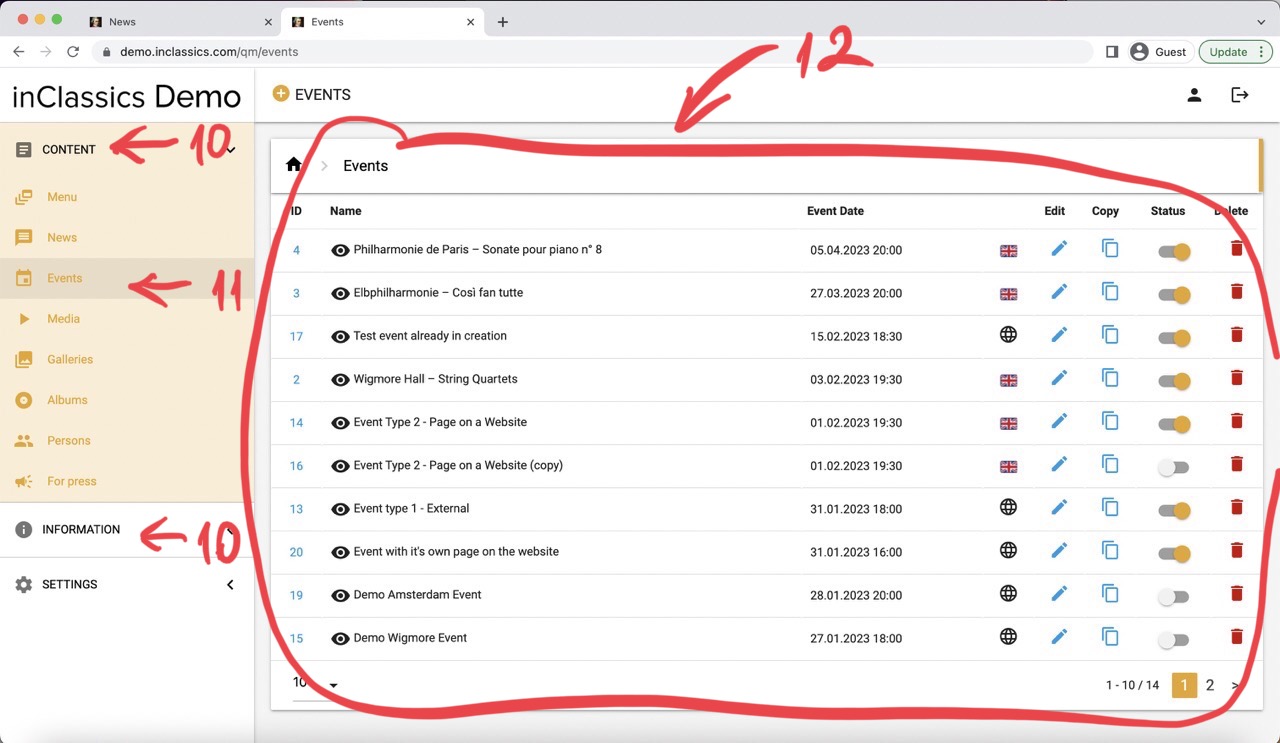
To manage content of the special pages:
- go to the admin panel (9)
- content or information tab (10)
- click on the content you want to manage (11)
- edit, create, publish and delete your content (12)
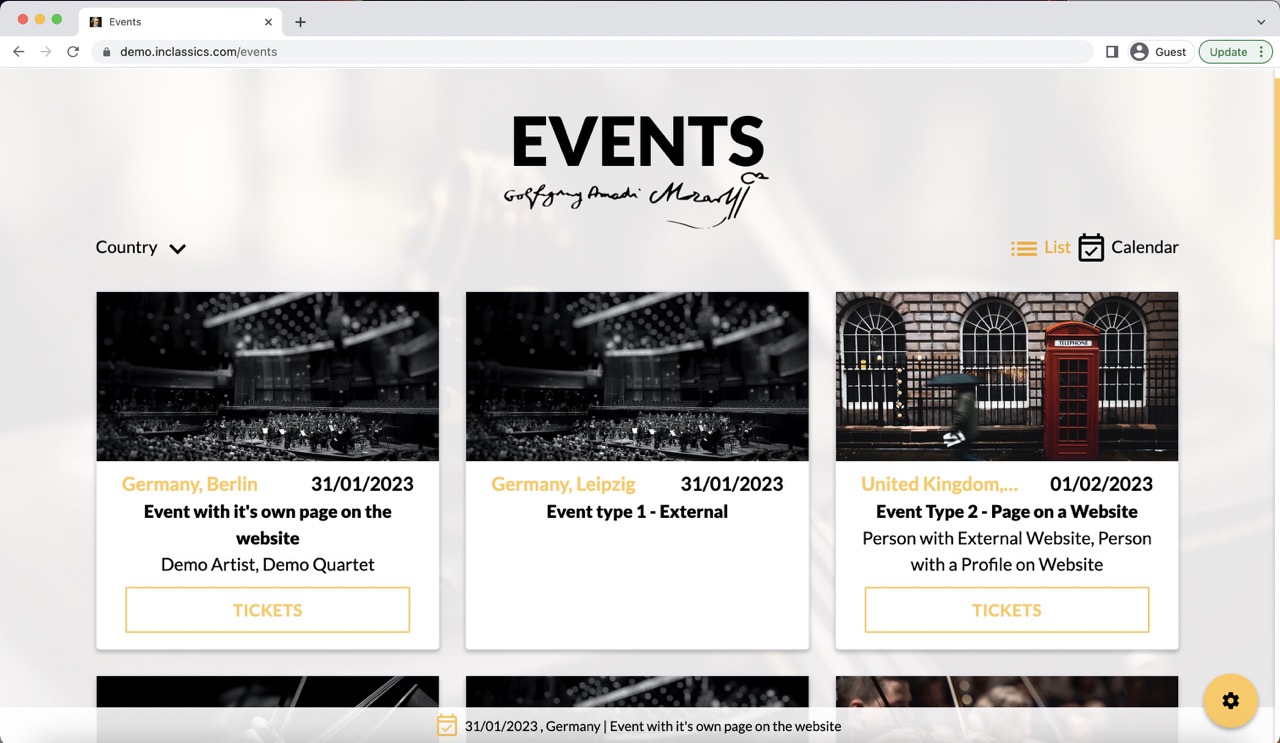
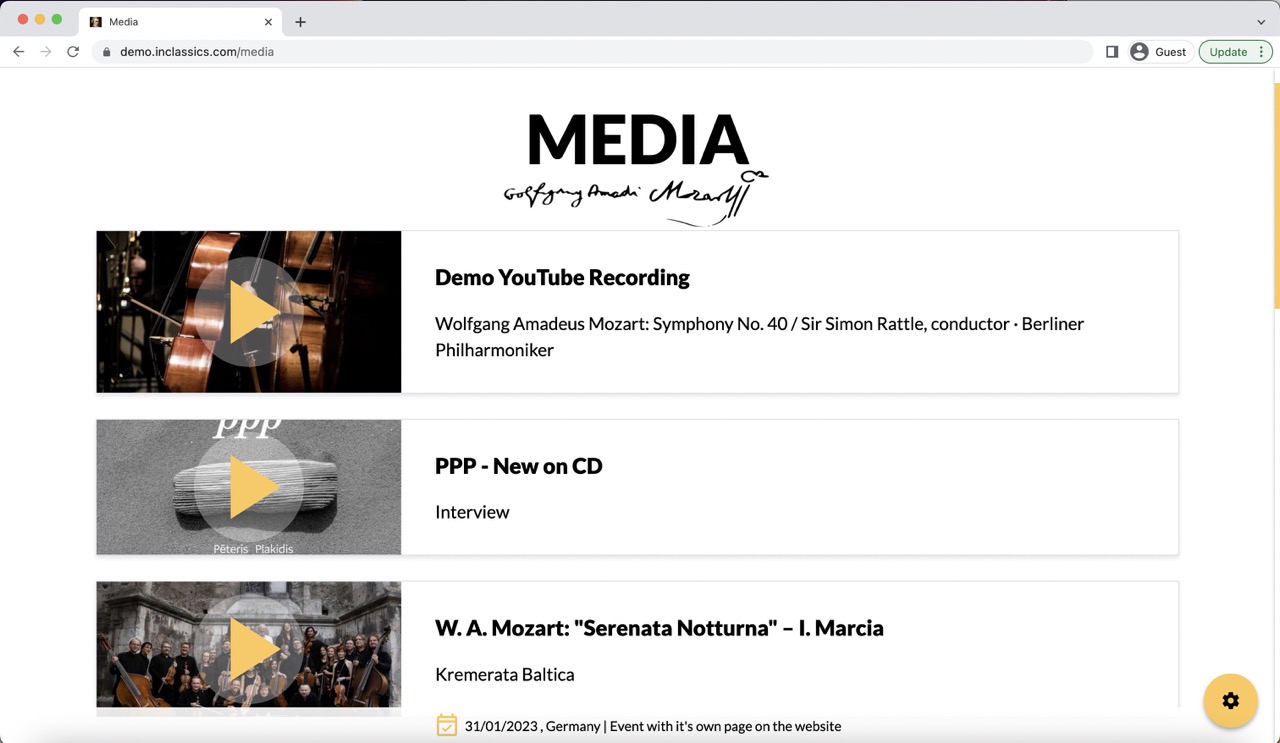
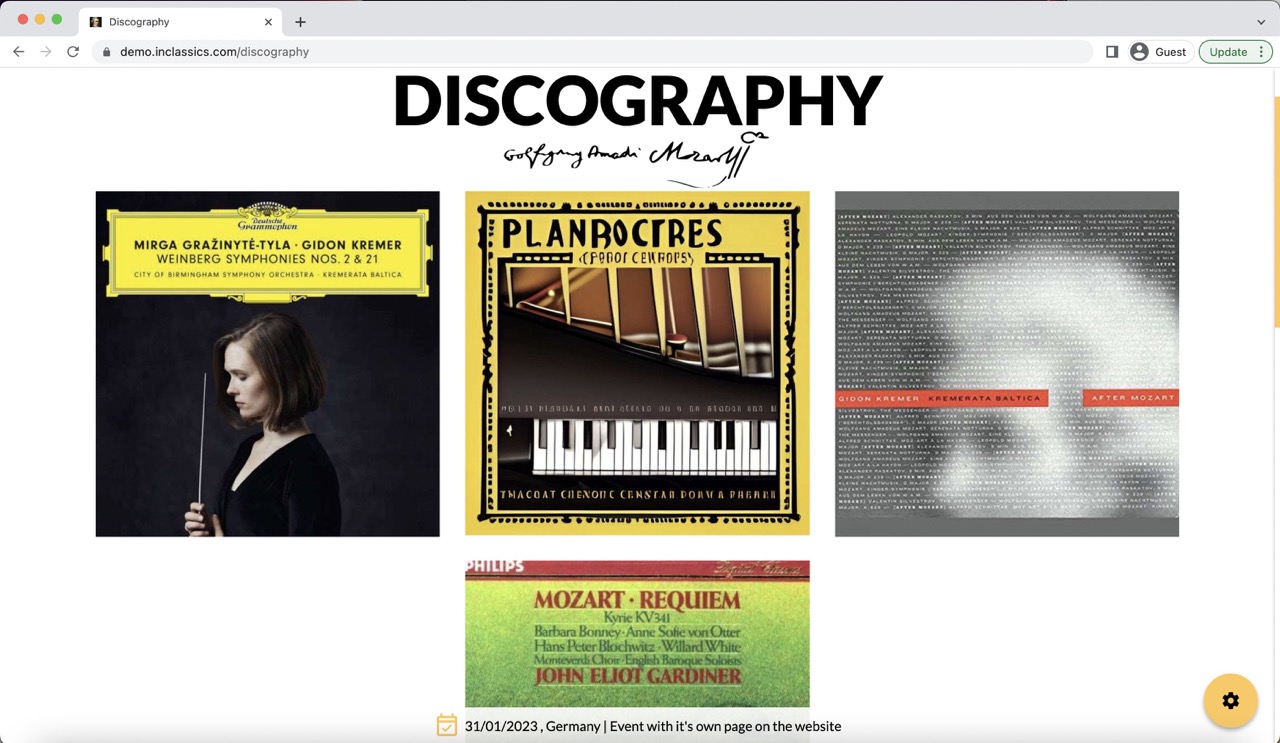
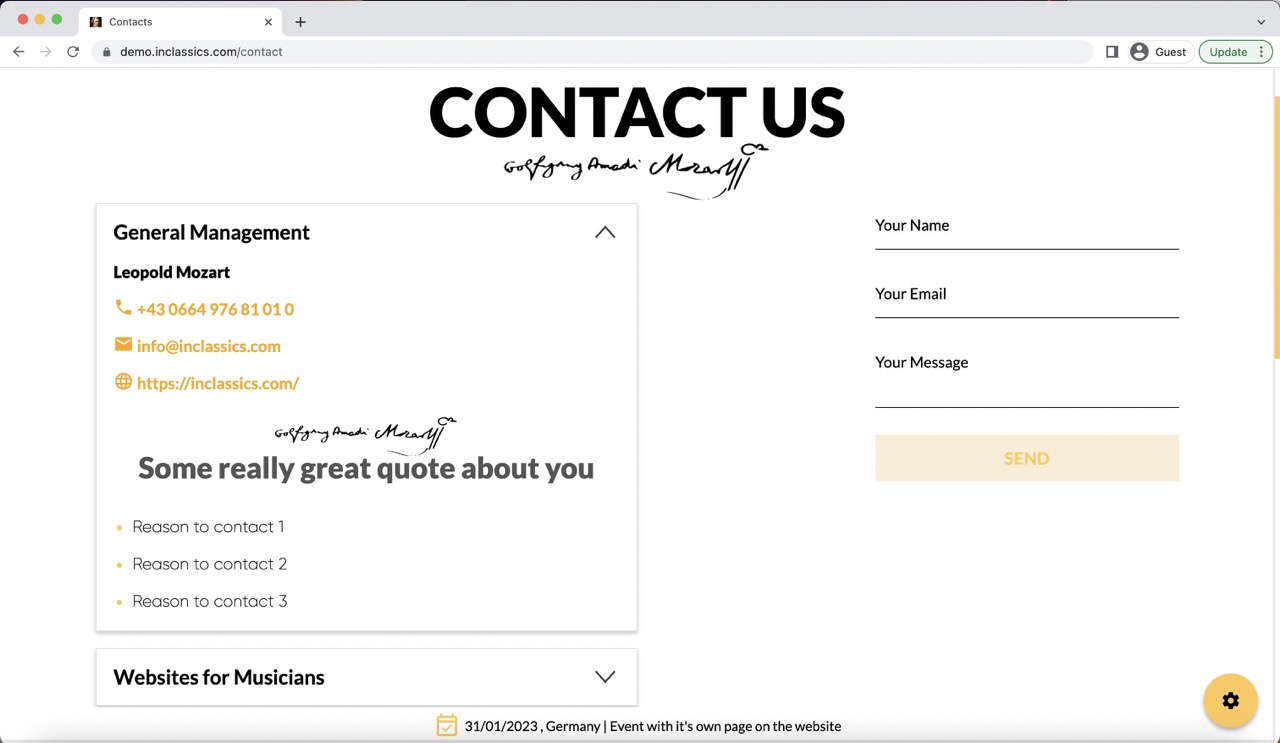
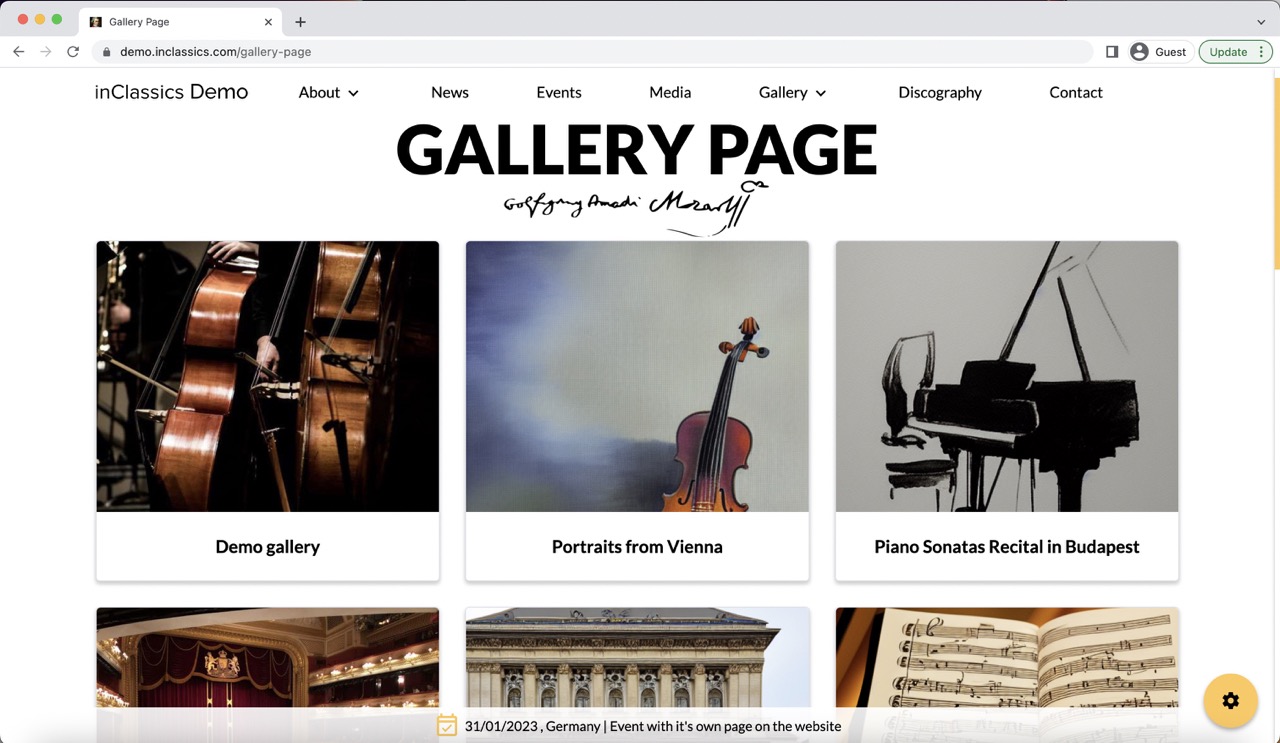
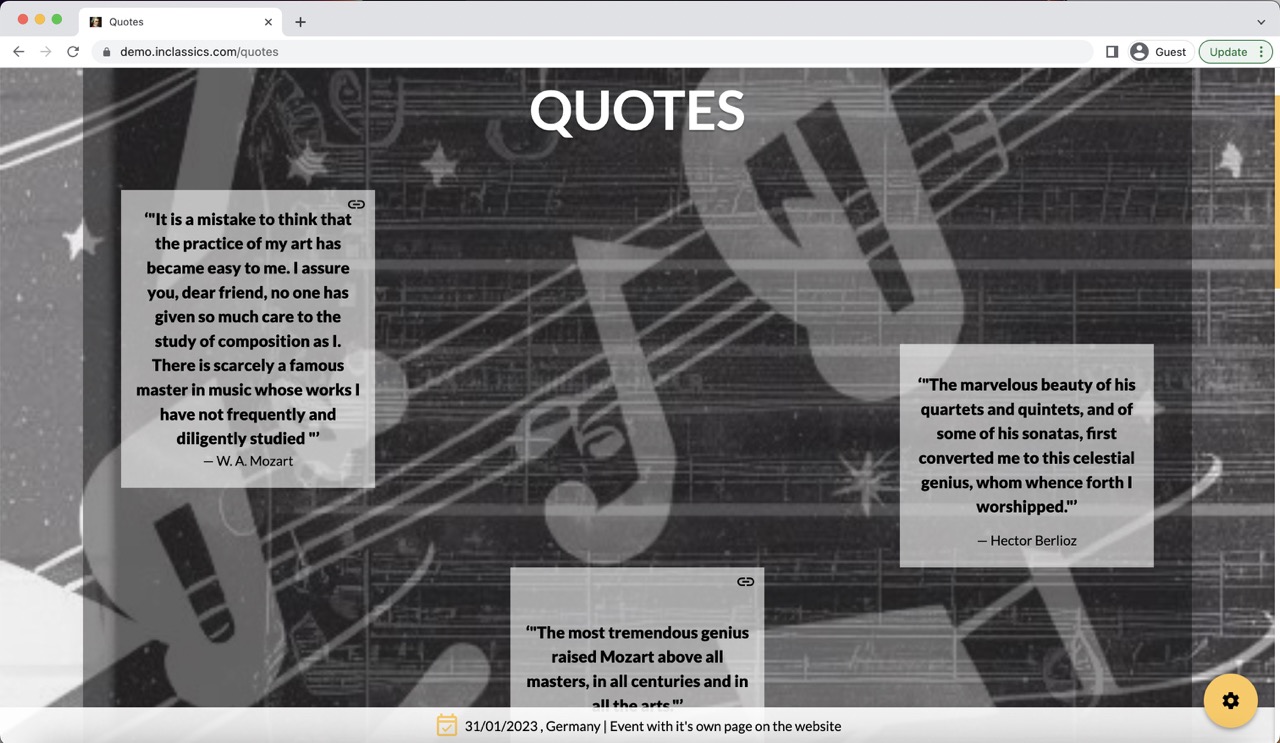
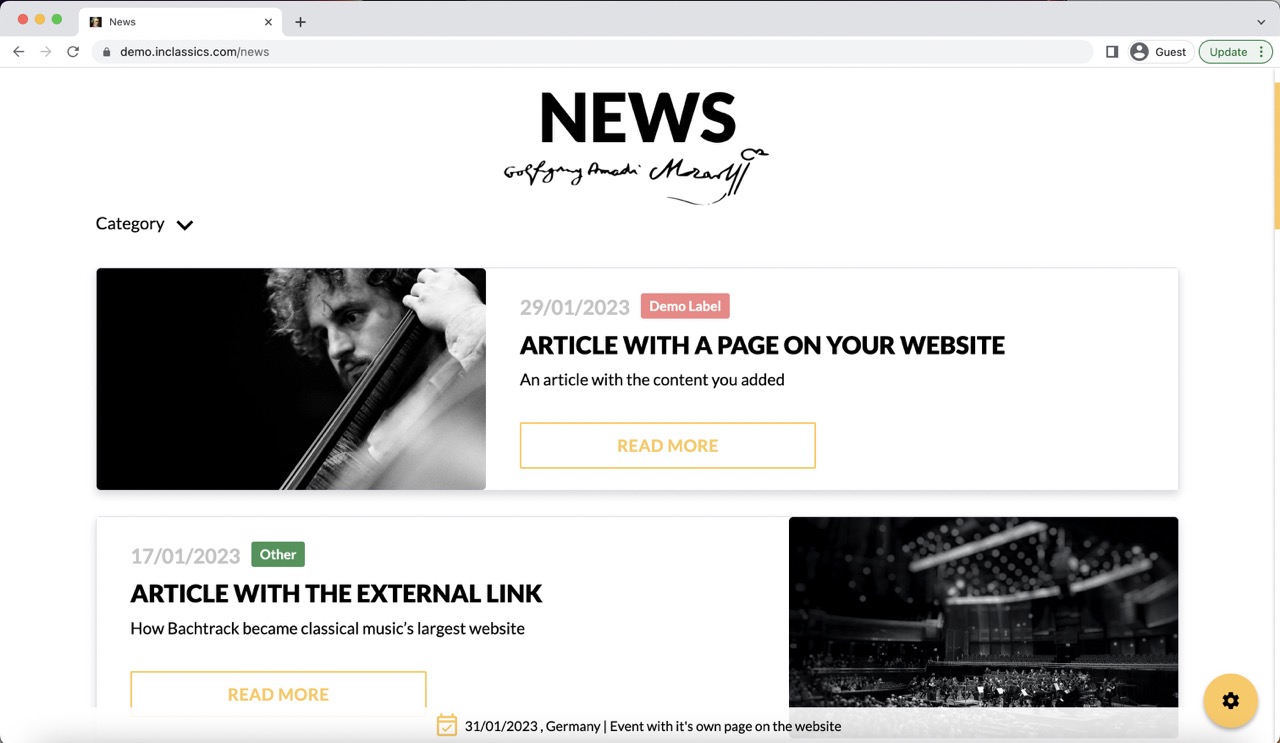
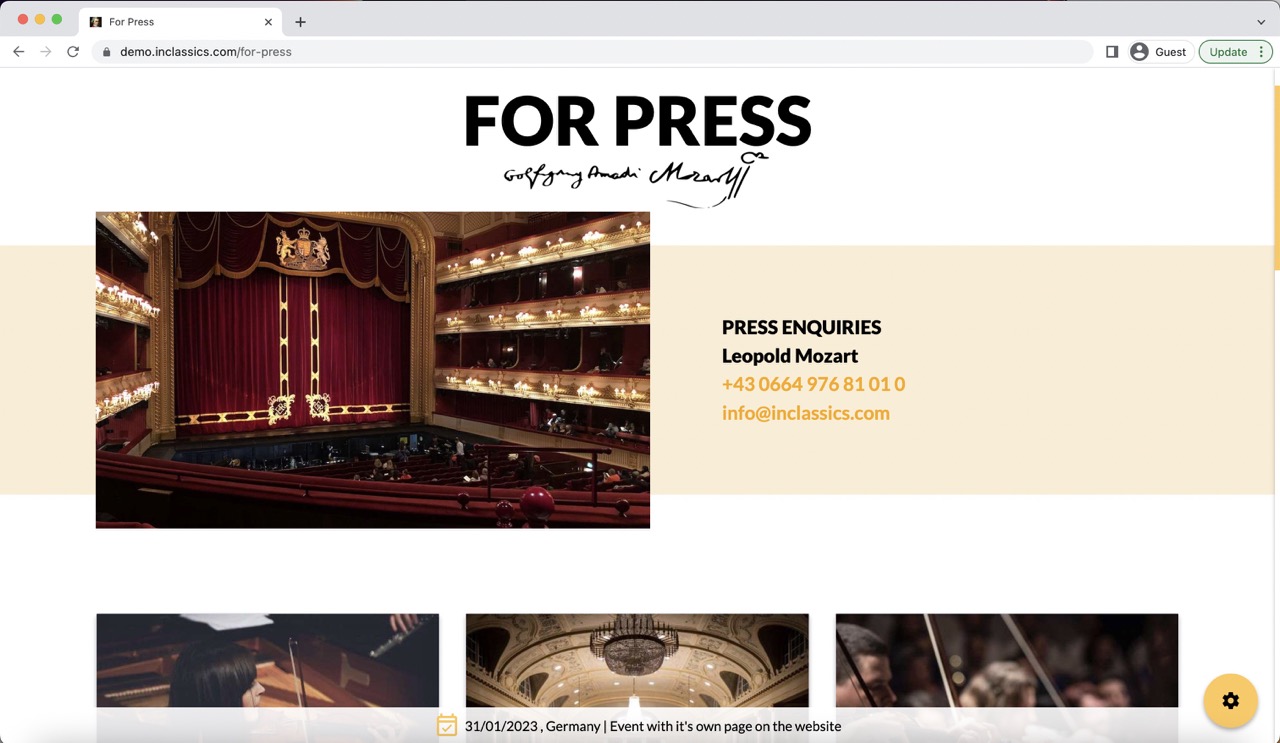
Detailed information about each page can be found in the Website Management Tutorial under "Special Pages".
The full list of special pages:
Simple page management (custom page builder)
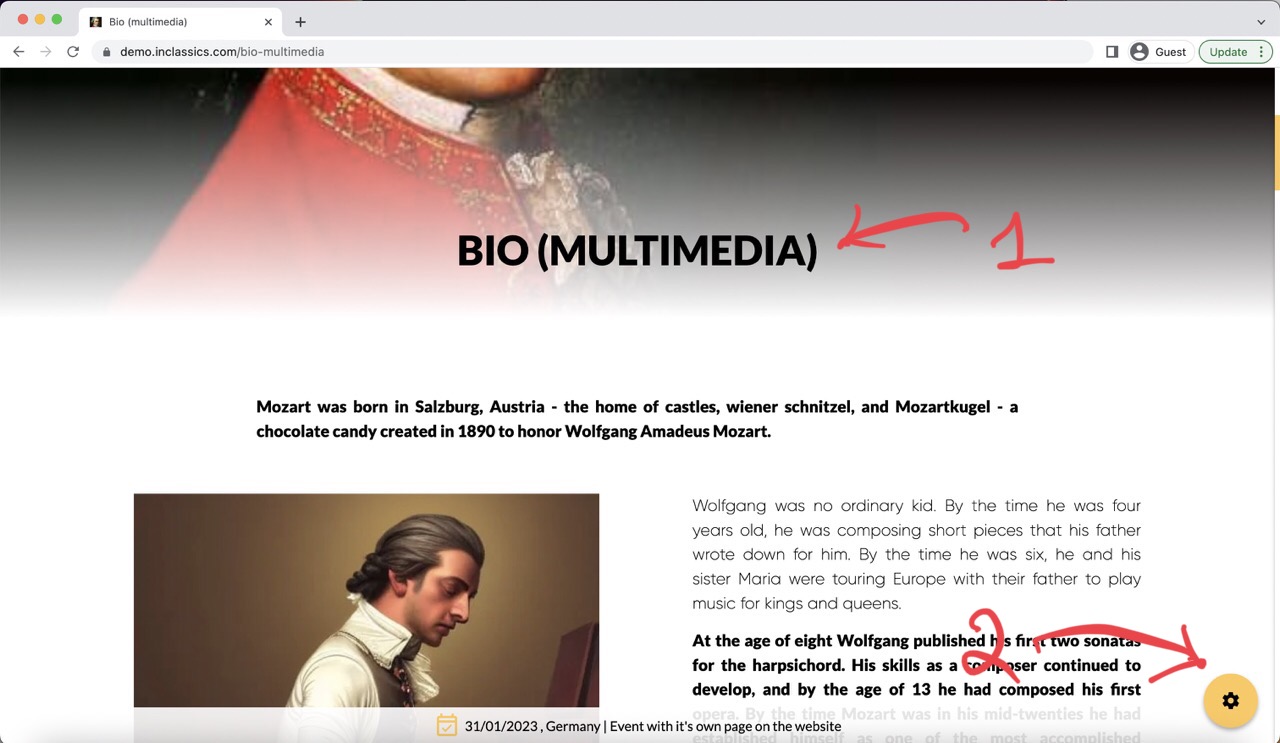
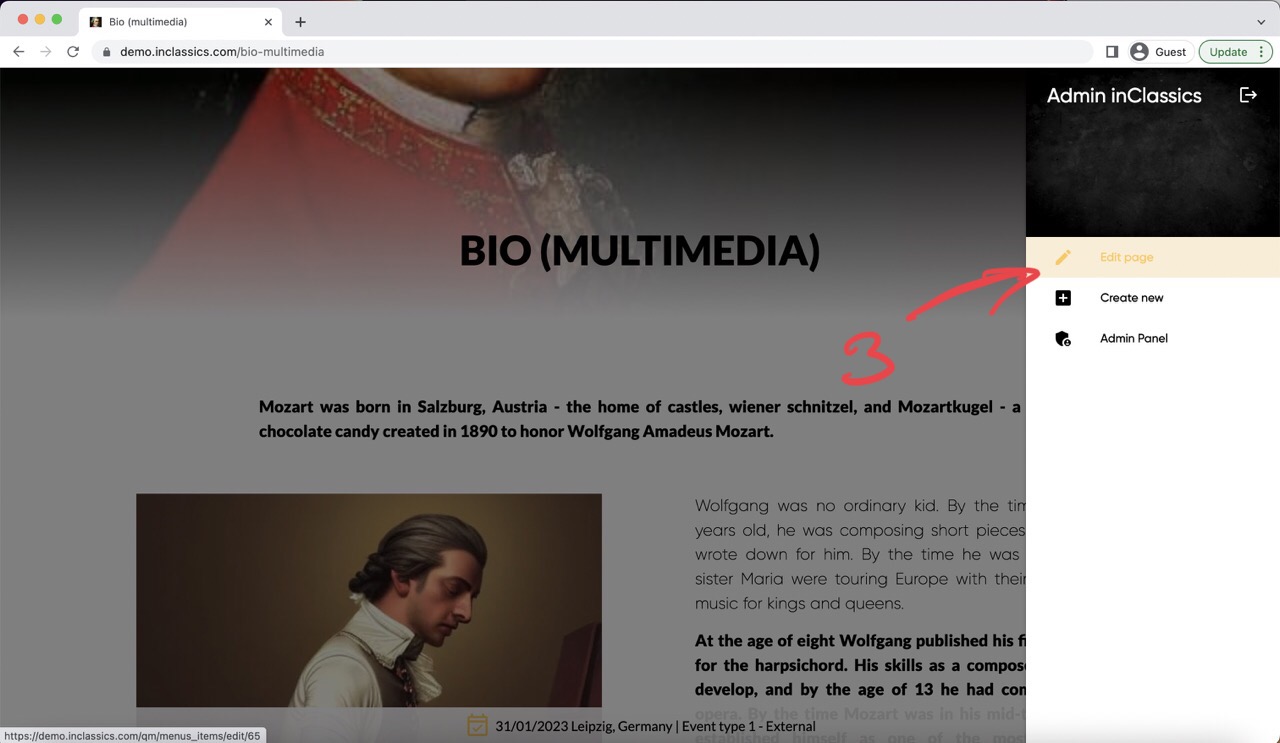
ALL other pages on the website are created using a custom page builder (simple page).
You can edit the content on this page:
- by going to the page you want to manage (1)
- clicking on the settings button (2)
- clicking edit page (3)
Pages created with custom page builder might include:
- bio
- repertoire
- press articles
- portrait gallery
- pricing
Find out what is the type of the page you want to manage
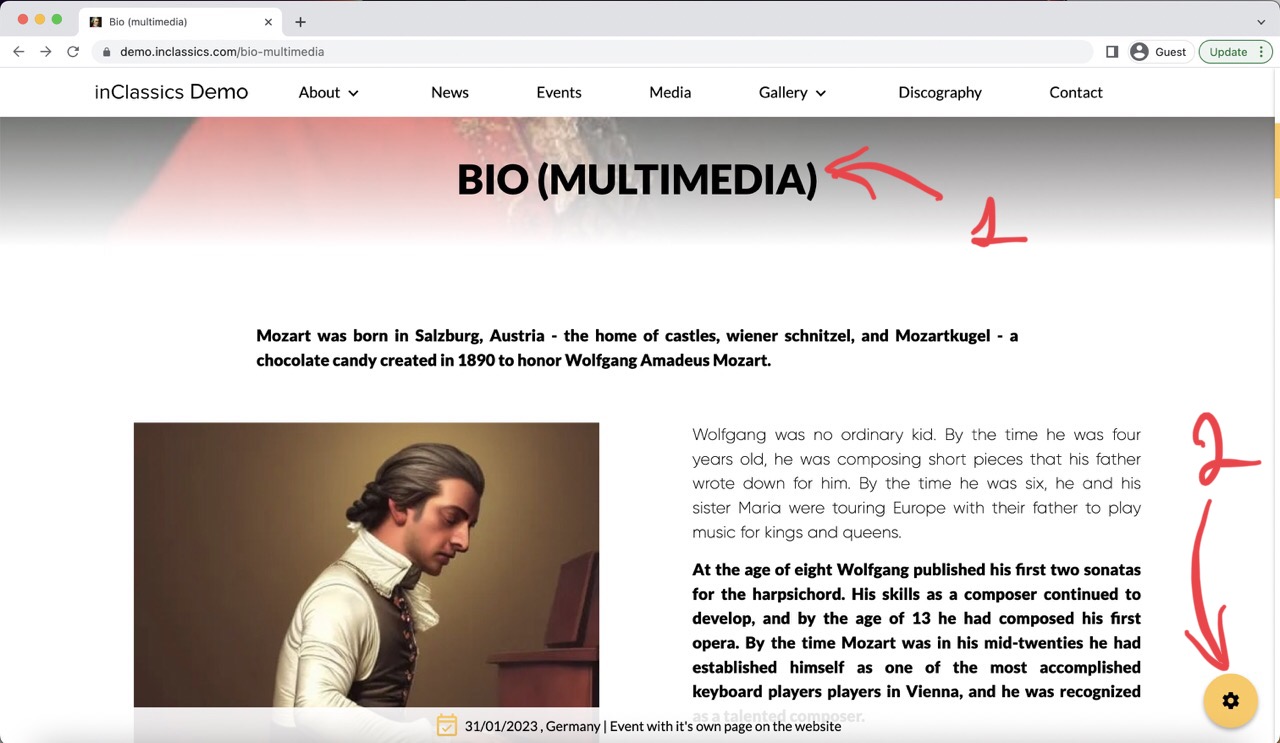
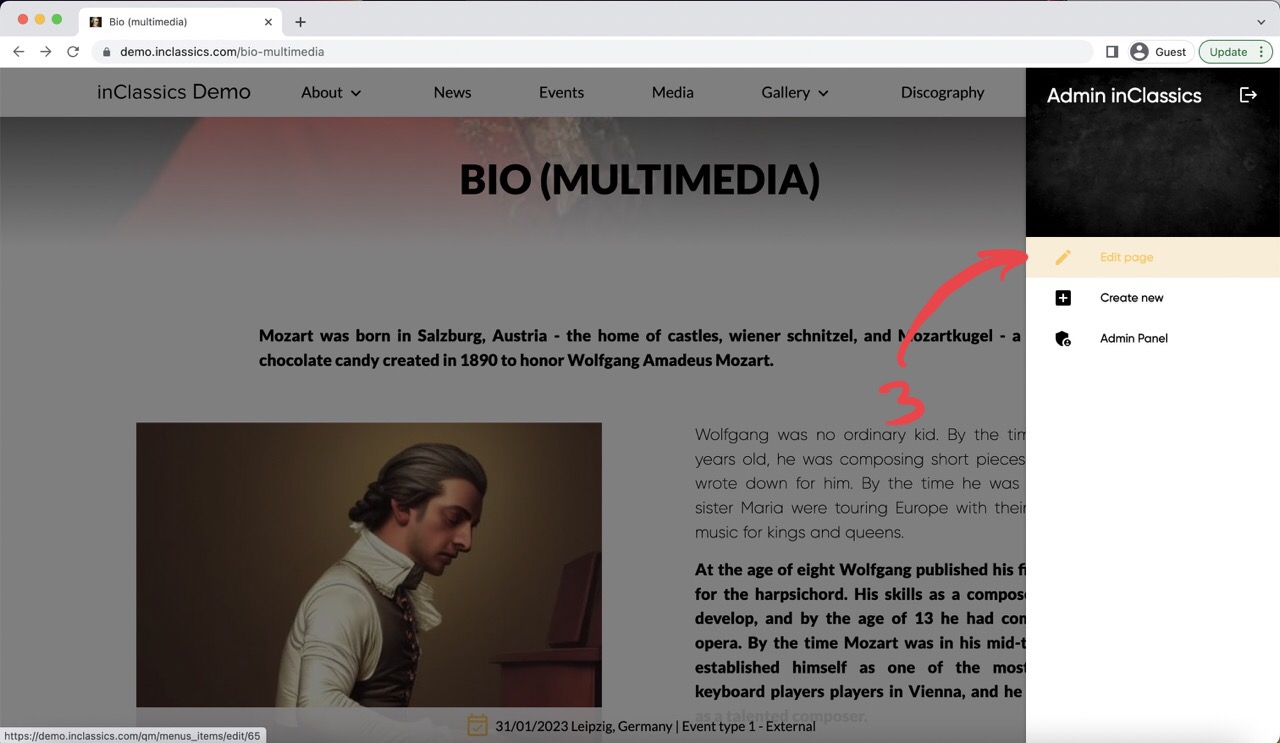
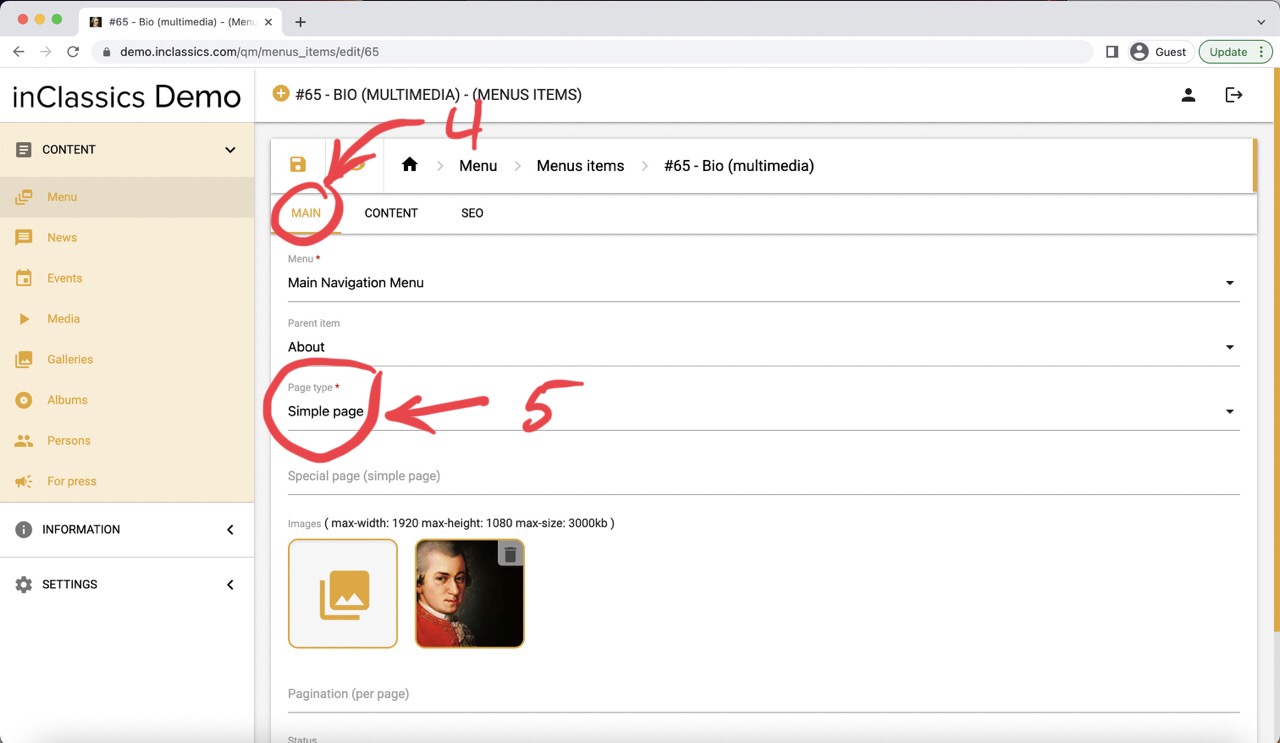
If you want to manage a page but not sure whether it is a special page or a simple page built with custom page builder:
- go to the page you want to manage (1)
- click on the settings button (2)
- edit page (3)
- go to main tab (4)
- check page type (5)
Now that you know the page type, go to the Website Management Guide and find the manual for the type of page you want to manage.