Login & Forgot Password
Video Tutorial
(25 seconds)
Login to the admin panel to manage your website
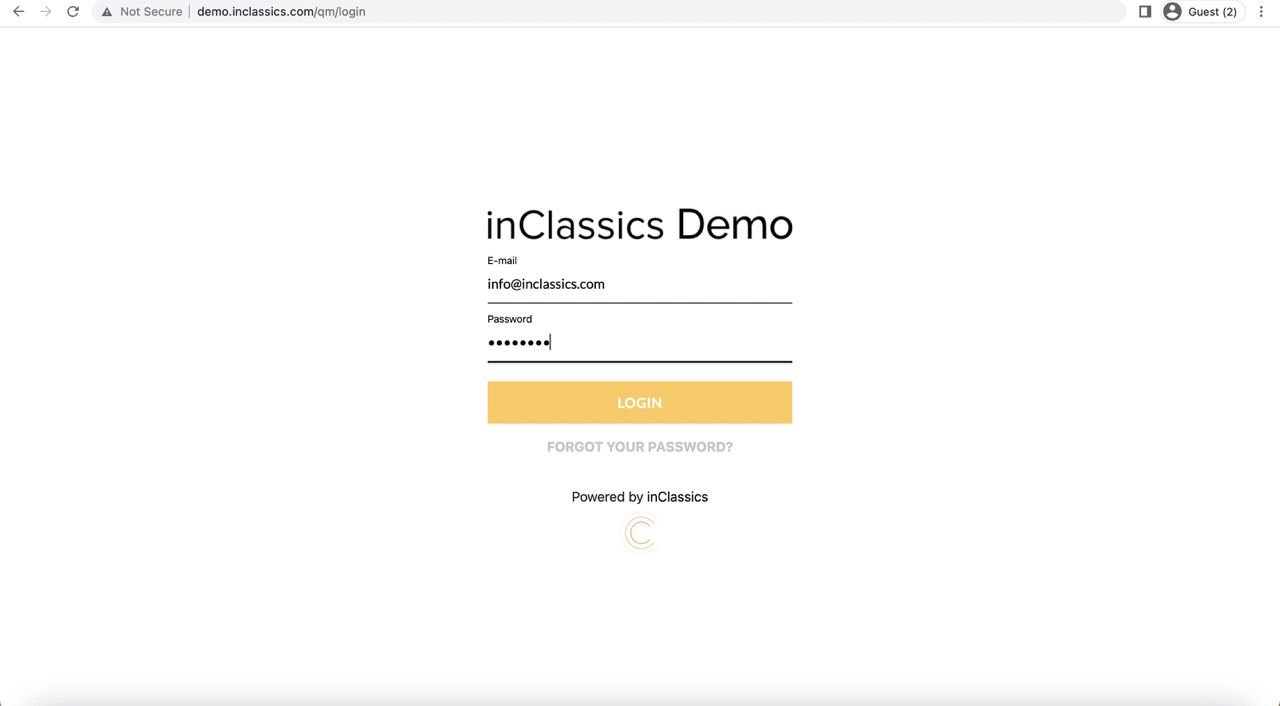
To login to your website admin panel for the first time, you type your domain name slash qm (yourdomain/qm).
Here you enter your email address, password and click login.
Forgot password
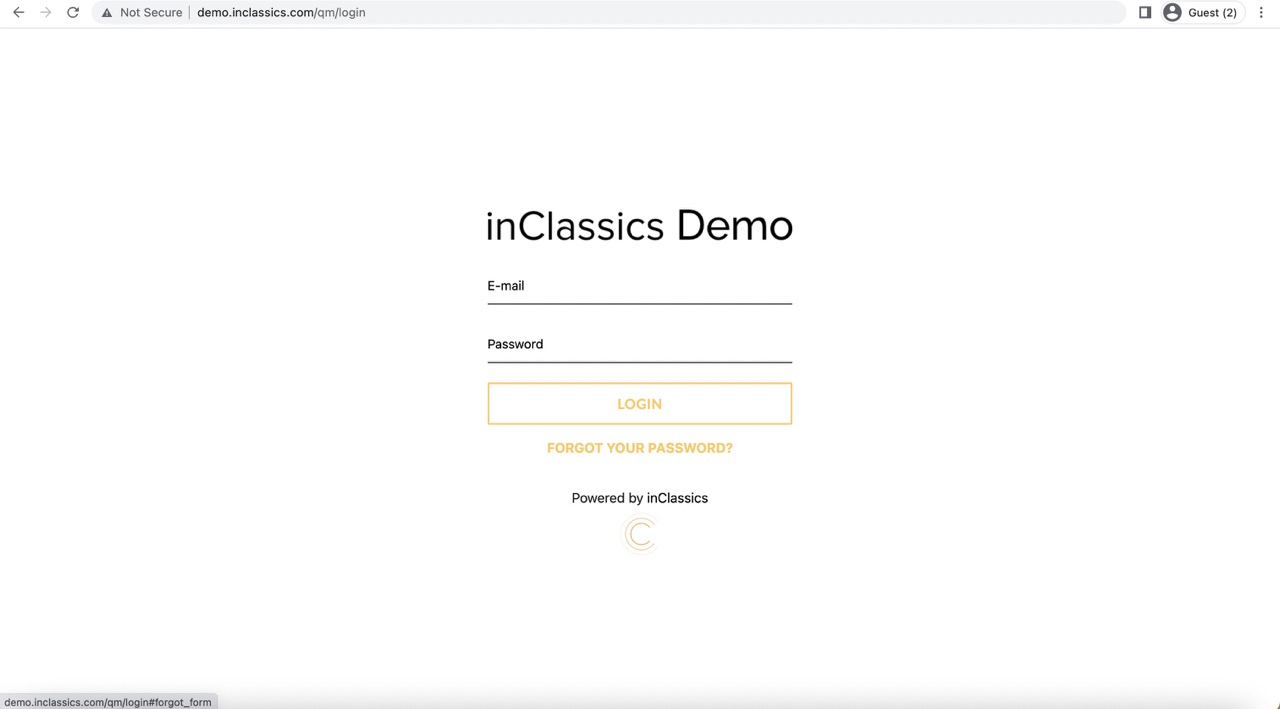
If you forgot your password, you can always generate a new one by clicking on forgot your password link.
Type your email and you will receive a new password.
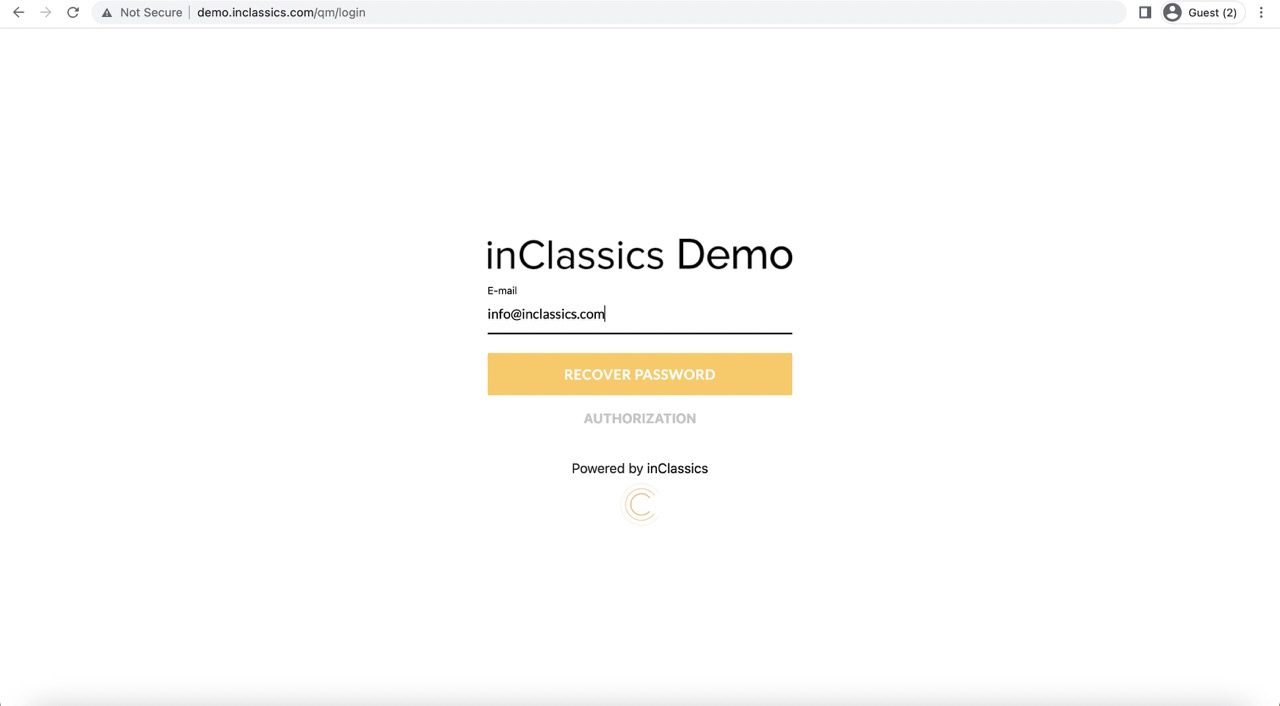
Type your email and you will receive an email with instructions. Follow the instructions sent to your email to generate a new password.
The admin panel
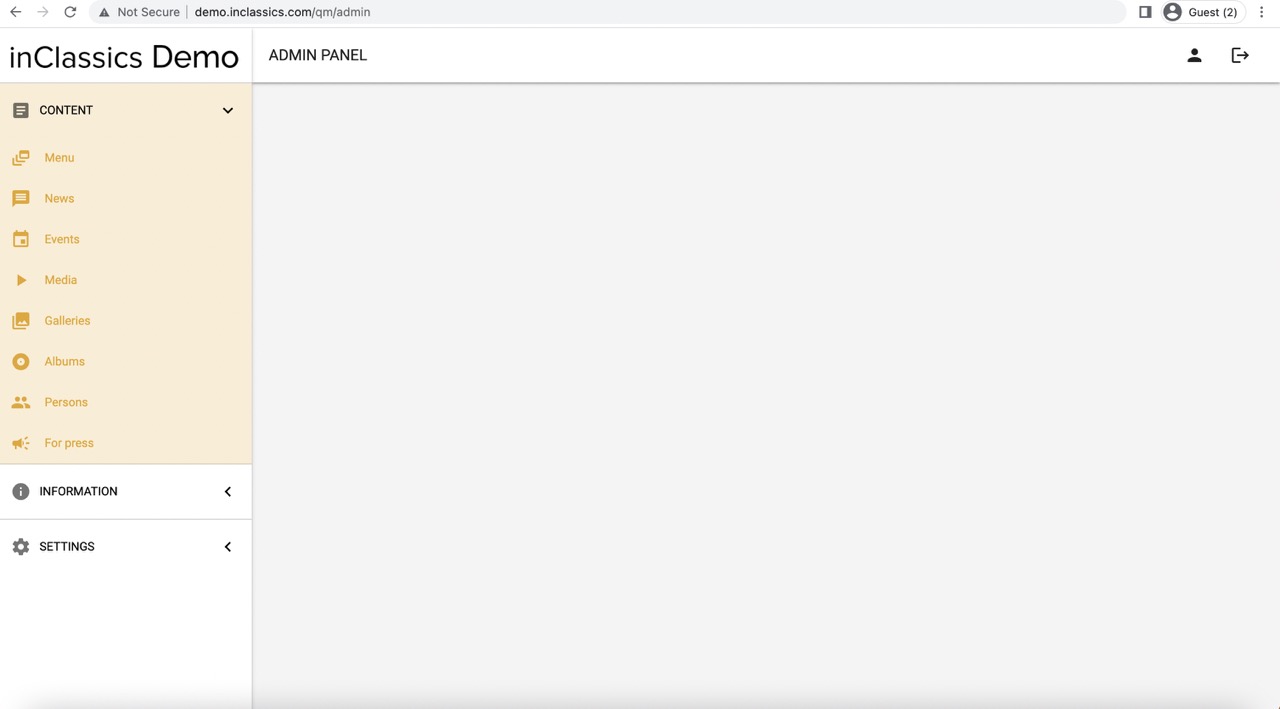
This is how your Admin Panel looks like
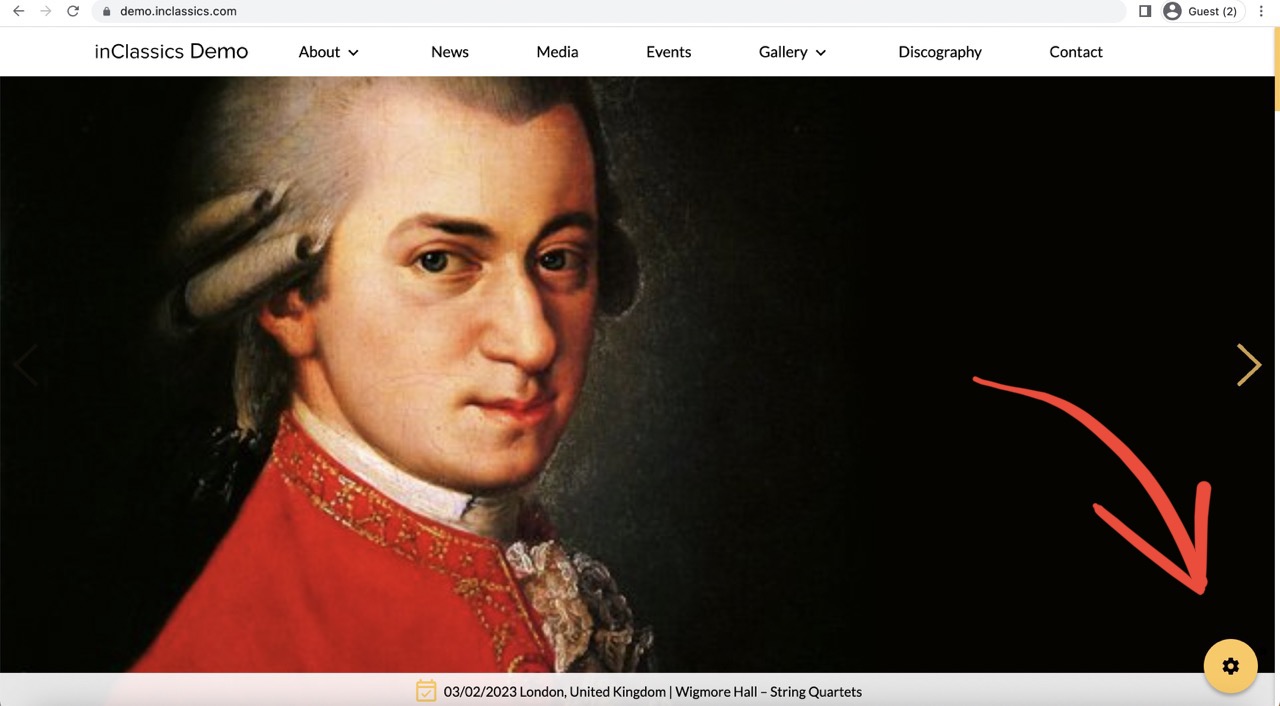
After you have logged in for the first time, the website will remember you.
You can access the admin panel from any page on your website clicking on the settings button.
Go to your website (yourdomain.com) and click on settings button.
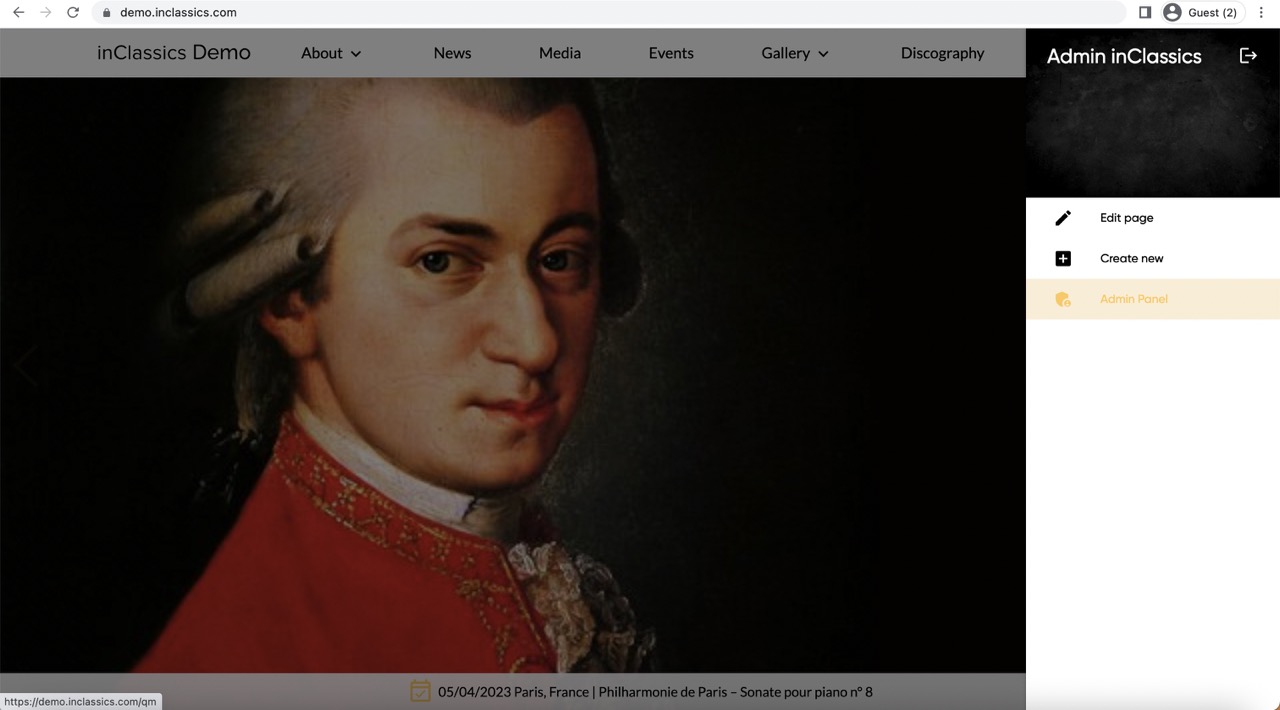
From the side menu you can:
- go to your Admin panel
- create new page
- edit the page you are currently on