Homepage Management
Check out the homepage demo example

The homepage consists of two elements - a hero image and the content of the page.
Manage the homepage
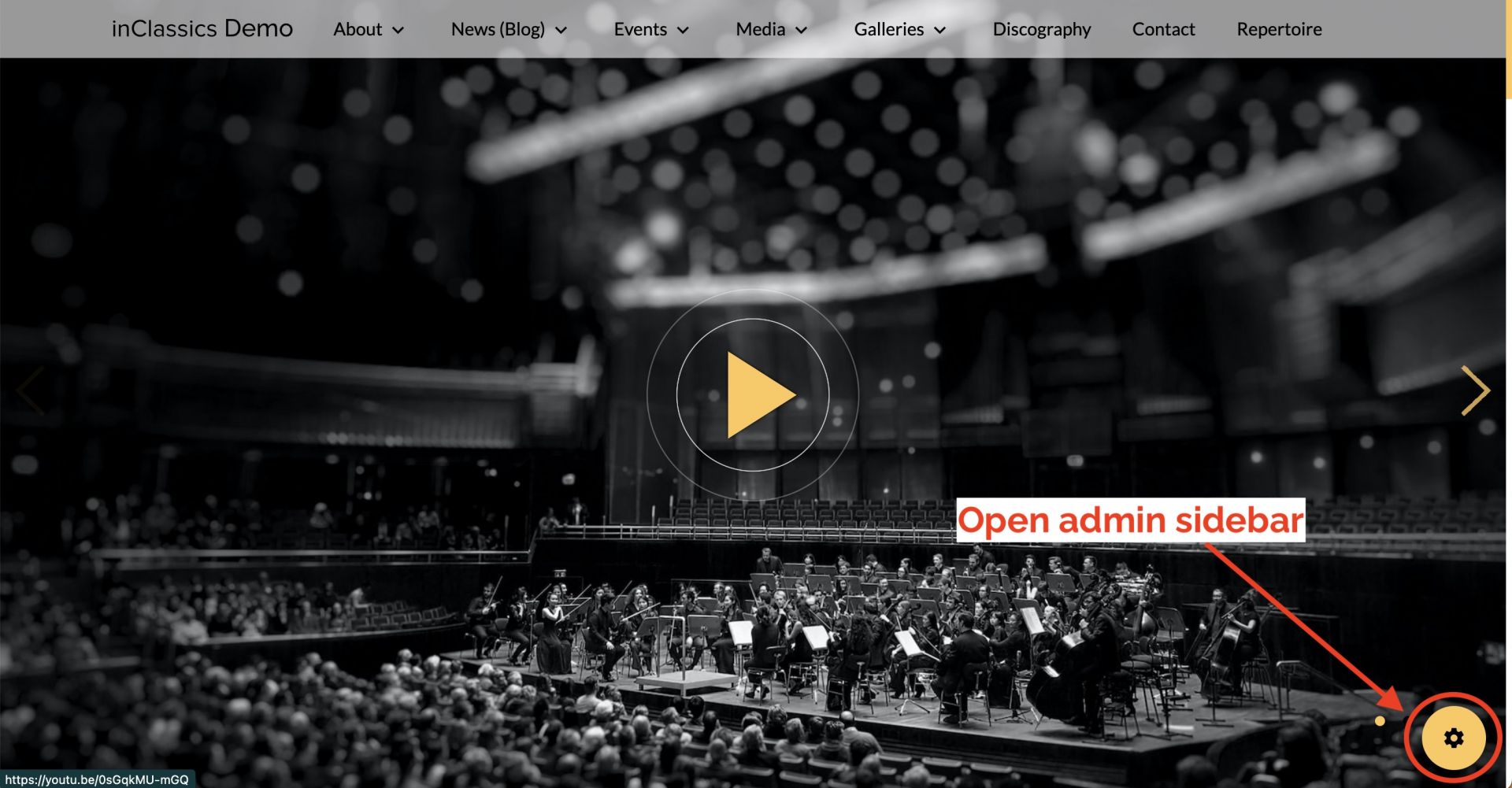
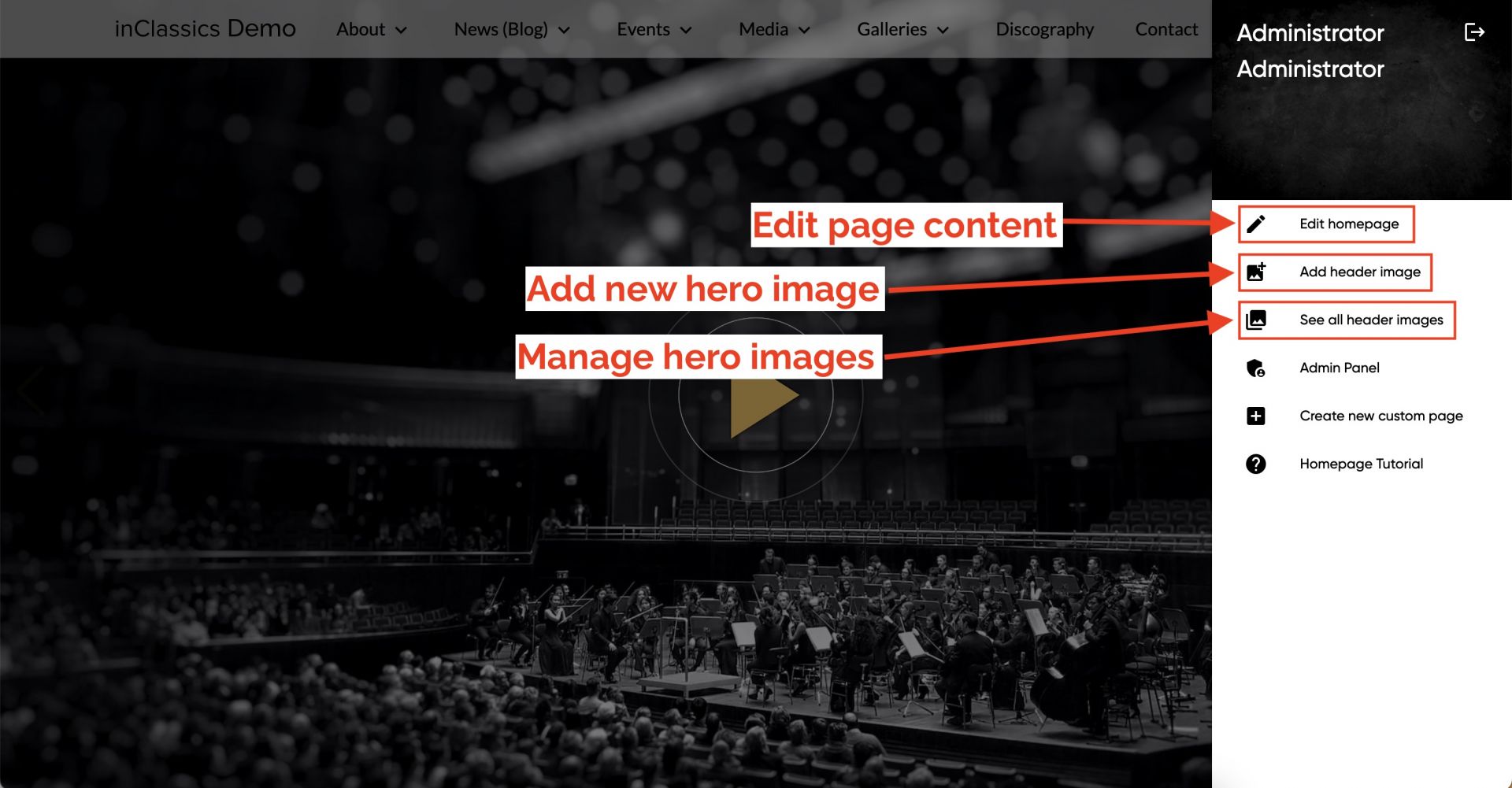
To edit the homepage, click the Settings button to open an admin sidebar.
To edit content on your homepage, click Edit homepage
To add a new hero image, click Add header image
To change the order of existing hero images, edit and delete them, click See all header images

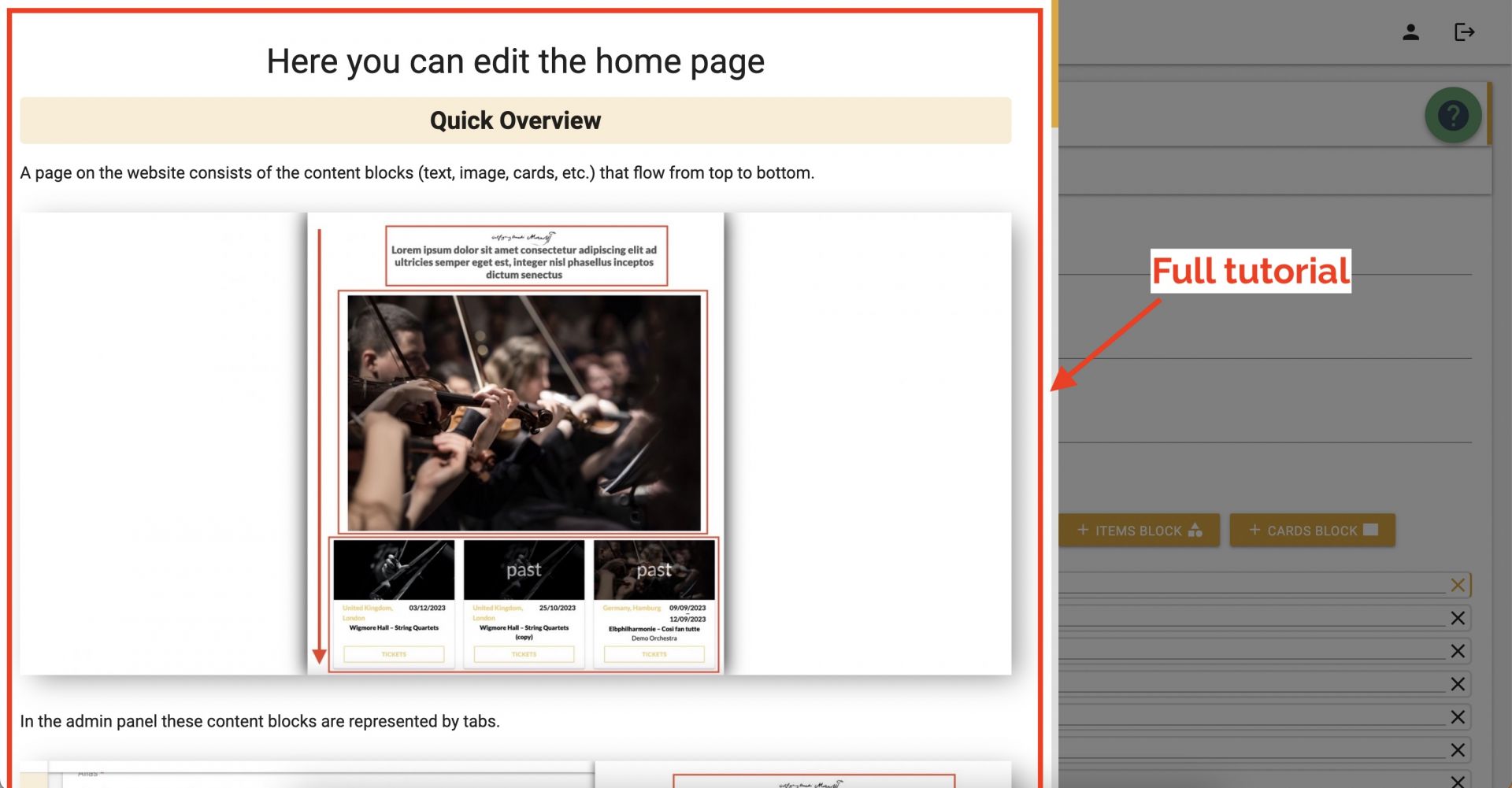
When you click on an option (edit content, add a hero image, etc.), you will be redirected to your administration area.
Click the button with the question mark and follow the detailed instructions to make your changes.